
Fake Nequi and Daviplata receipts: how to verify a payment before delivery
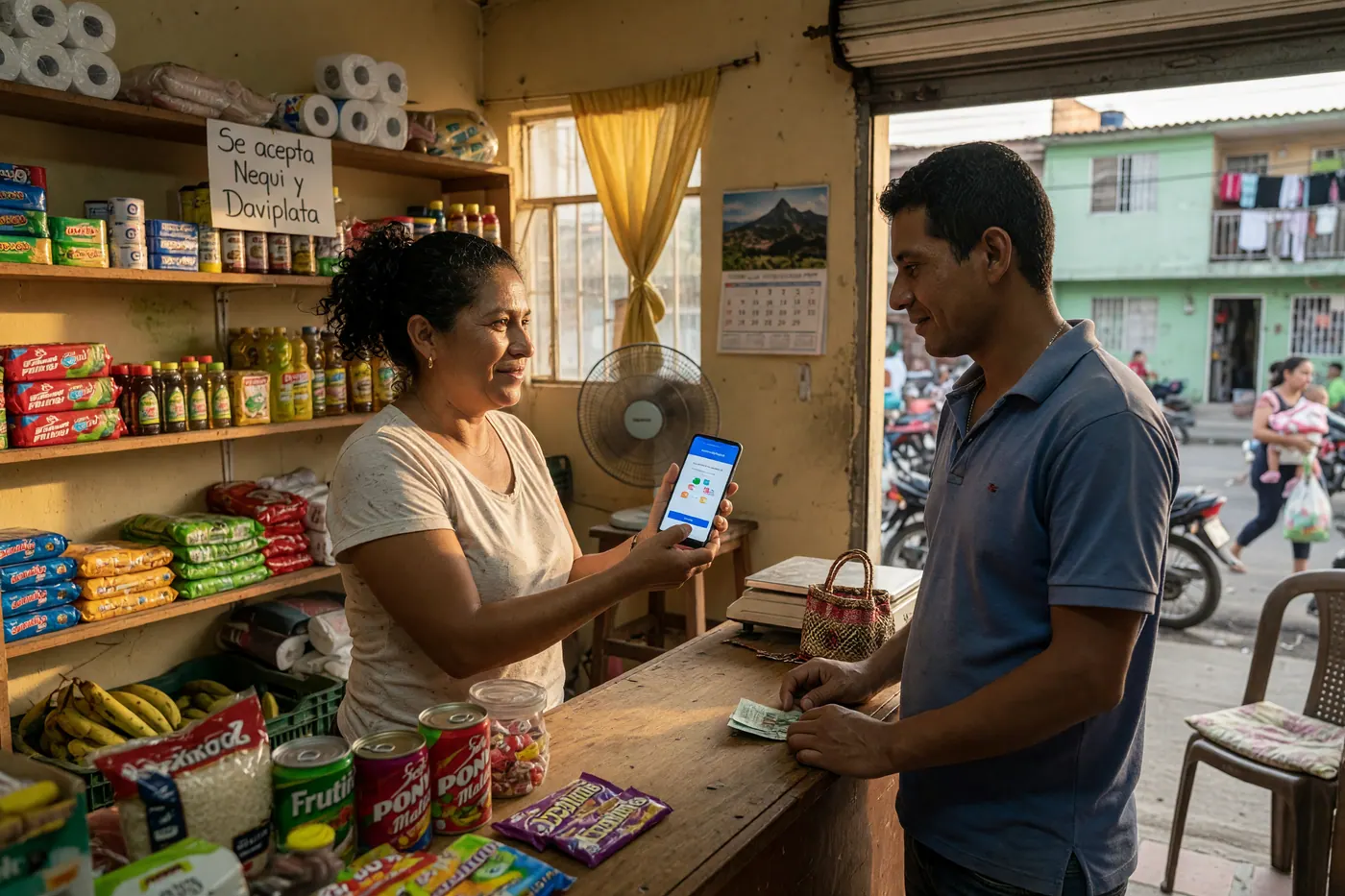
Handing over a product based solely on a screenshot sent via WhatsApp is the most common mistake among sellers in Colombia. Discover how to validate real transfers in Nequi and DaviPlata in less than 30 seconds.
IDIOMA DEL ARTÍCULO
Showing original language
Quick answer: Never hand over a product or service relying solely on a screenshot or a text message. The only 100% secure way to confirm a transfer in Colombia is to validate the money reflected in the available balance of your own application or scan the verification QR code using the app's official tool. It is a completely free process that takes less than 30 seconds.
The anatomy of fake receipt scams in Colombia
If you sell used products, appliances, or provide freelance services in Colombia, it is very likely that you have received impeccable transfer receipts with the Nequi or DaviPlata logo. However, in the local trade ecosystem, fraud through edited screenshots or cloned applications (unofficial APK files like Nequi DZ or DaviTrampa) is becoming increasingly frequent. If you want to see real options right now, you can post your services for free on Colombia Move — posting is completely free.
These fraudulent applications allow scammers to enter your name, cell phone number, and the amount to be paid to generate an image identical to a successful receipt in a matter of seconds, including the date, time, and fake approval number. Additionally, they play on the psychological factor of haste: the buyer sends a platform courier to pick up the package or claims they must leave immediately because a tow truck or taxi is waiting for them.
Golden rule: why you should never trust screenshots or SMS
Many sellers assume that receiving a text message (SMS) or seeing the buyer's cell phone screen is sufficient proof. This is a serious error for two operational reasons:
- Image and message manipulation: Screenshots can be easily altered and SMS messages can be spoofed using messaging simulation tools.
- Voided or rejected payments: If a transaction enters technical review or does not complete the digital wallet network, the application may generate a receipt with the watermark "VOID". If the buyer shows you a quick image without displaying the full transaction history, you could be looking at a failed payment that never entered your account.
According to active ads on Colombia Move (August 2026), the platform had 91 housing ads, 92 service ads, and 47 furniture ads. It is a snapshot of the offering, not a price reference; in any of these operations, the delivery condition must be to see the deposit in your own account.
How to verify a payment in real time according to the platform
You don't need to be a cybersecurity expert to protect your sales. Both Nequi and DaviPlata have direct mechanisms to corroborate the authenticity of each transfer.
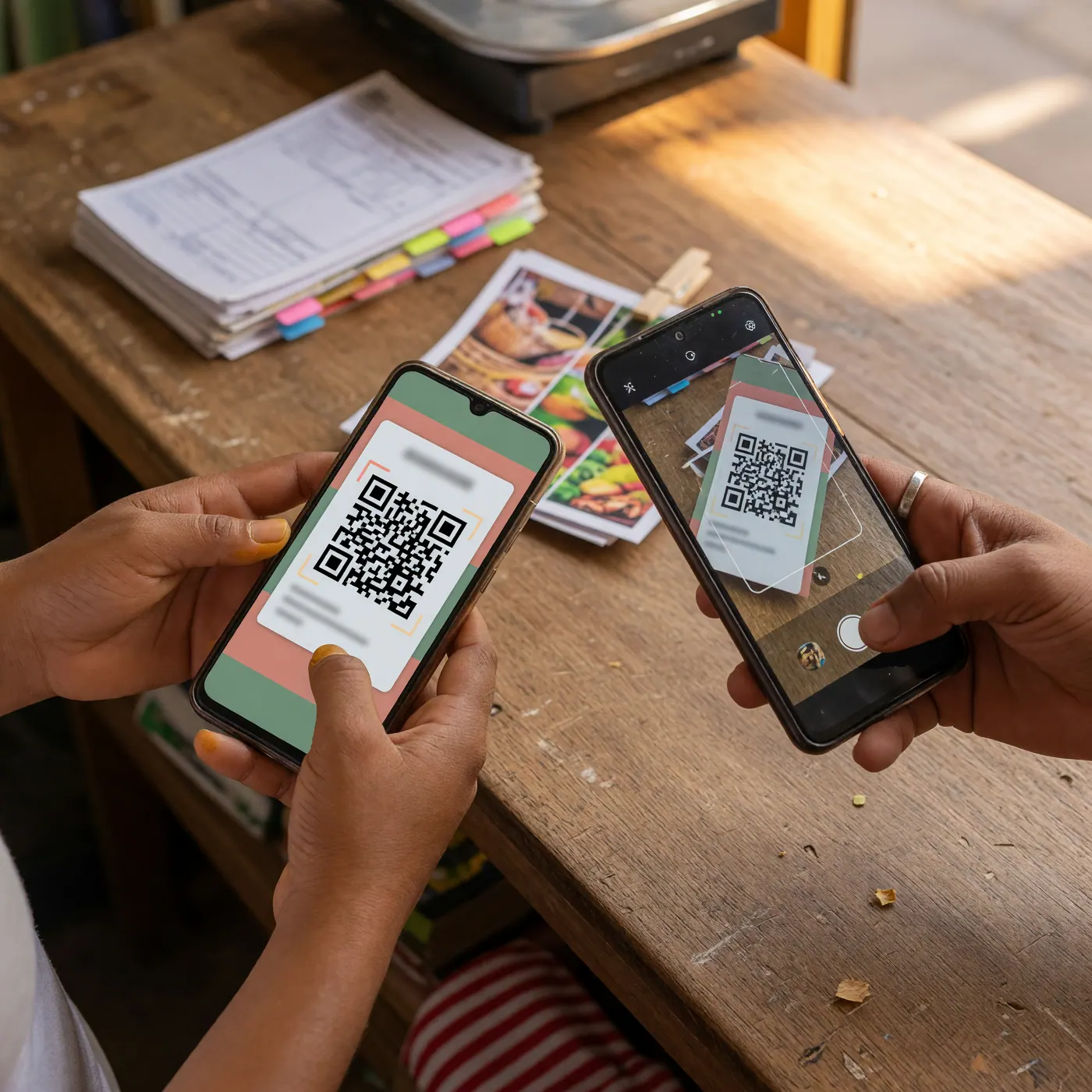
1. Verification protocol in Nequi
Nequi includes a native tool to validate transactions without waiting for the system to process external text messages:
- Open the Nequi application on your cell phone (you can use this function directly from the home screen).
- Tap the dollar sign icon ($) in the bottom corner.
- Select the option "Check a payment". Your phone's camera will be activated.
- Ask the buyer to open the transaction in their own Nequi app and show you the dynamic QR code of the transaction.
- Scan the QR code. The application will immediately confirm if the payment is real, the exact amount, and if the funds have already been transferred.
Key note: The verification QR code in the buyer's app is generated live from the movements section and has a maximum expiration window of 5 minutes. A static screenshot will not generate a valid reading.
2. Verification protocol in DaviPlata
For transfers received through DaviPlata, the secure procedure requires two simple steps:
- Review of available balance: Log into your DaviPlata app and verify that the money is deposited in your free balance. Never rely on the accumulated value in the history if the main balance has not changed.
- Authorized text messages: Legitimate notification messages from DaviPlata come exclusively from the authorized short codes 85888, 87718, and 89899. If you receive an SMS from a common 10-digit cell phone number (e.g., 310… or 320…), it is a fake message.
Delivery checklist for in-person sales and home deliveries
To avoid arguments or uncomfortable moments when delivering the product, apply this step-by-step security routine:
| Scenario | Common risk | Required verification action |
|---|---|---|
| Delivery at a physical location / store | The buyer claims they "already sent the money and are in a hurry". | Ask to scan the QR code in Nequi or check your balance live before handing over the package. |
| Dispatch via courier or app | The buyer sends the courier before the balance appears. | Inform the buyer that the courier will only be authorized to receive the item when the balance appears in your app. |
| Buyer without mobile data | Claims not to have a connection to open the app or show the QR. | Ask them to connect to a nearby Wi-Fi network or wait until your banking app notifies you of the deposit. |
Remember that validating the authenticity of a digital document or payment is just as important as verifying official records. Just as you use public platforms to validate the authenticity of digital documents, you must apply the same rigor to your personal finances.
What to do if you were a victim of an attempted scam
If you identify that you were sent an altered receipt and the buyer tries to pressure you or leave with the product without paying, follow these legal and operational steps:
- Do not hand over the product: Stay calm and communicate firmly that the system has not yet reported the receipt of funds.
- Save digital evidence: Take screenshots of WhatsApp conversations, the scammer's phone number, the account details offered, and the fake receipt sent.
- File a criminal complaint: Go to the official portal of the National Police and the Attorney General's Office at ¡ADenunciar! (Cybercrime section) under Law 1273 of 2009. There you will obtain a Unique Criminal News Number (NUNC).
- Report the account on the platform: Send proof of the case to the digital wallet (Nequi or DaviPlata) so they can review or flag the reported account. Keep in mind that wallets cannot refund money that never entered the system; nor should it be assumed that reporting guarantees a block.
Frequently asked questions
❓ How to know if a Nequi receipt is real from my own phone?
Open the Nequi app, tap the $ icon and select "Check a payment". Scan the QR code shown by the buyer on their transaction history screen. The system will immediately confirm if the money was transferred.
❓ Why shouldn't I trust a screenshot sent via WhatsApp?
Screenshots can be easily edited with fake apps in a few seconds. The only valid proof is to see the money credited to your available balance or validate the official QR code live.
❓ From what numbers do legitimate DaviPlata text messages arrive?
Official DaviPlata SMS come only from authorized short codes 85888, 87718, and 89899. Be wary of messages sent from standard 10-digit mobile numbers.
❓ What does it mean if a Nequi receipt says "ANULADO" (VOID)?
It indicates the transaction failed due to network issues or insufficient funds, and the platform reversed the movement. A voided receipt does not generate a valid verification QR and you should not hand over the product.
❓ What do I do if the buyer says they are in a hurry or ran out of data?
Maintain your delivery policy: do not deliver the item until you verify the money in your app. If they have no data, ask them to connect to Wi-Fi to show you the live verification QR.
❓ How to report a fraud with a fake receipt in Colombia?
Save screenshots of the chat, the fake receipt, and the phone number. Go to adenunciar.policia.gov.co in the "Cybercrimes" section to file the report with the Police and the Prosecutor's Office.

Comments
Loading comments...
Checking sign-in status...