
Check-Mig Colombia: The Official Entry and Exit Form Travelers Should Use
Check-Mig is an optional, free pre-registration from Migración Colombia that airlines often request. Here is the official process and how to avoid paid look-alike sites.
IDIOMA DEL ARTÍCULO
Showing original language
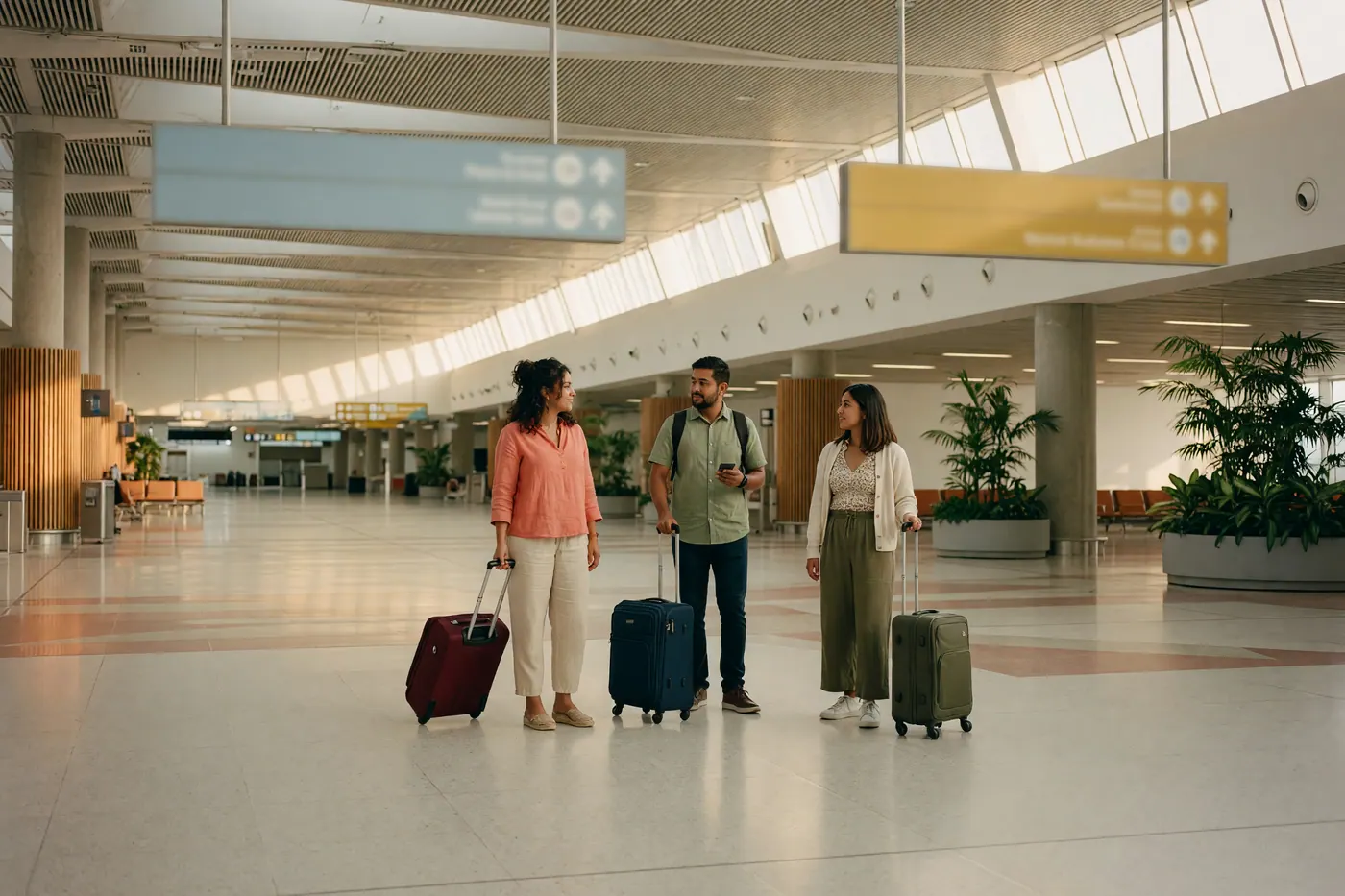
If you are planning a trip to Colombia, the official Check-Mig pre-registration form is worth completing. Migración Colombia formally describes it as optional and suggested, while airlines often ask for the confirmation during check-in for international travel to or from Colombia.
This practical guide explains the official workflow, the 72-hour-to-1-hour submission window, how to spot unofficial fee-charging sites, and how to avoid check-in friction.
What Is Check-Mig Colombia, and Is It Optional?
Check-Mig (Chequeo Migratorio) is an electronic pre-registration system introduced by Migración Colombia to streamline border processing and enhance international flight security. It functions as a digital arrival and departure card, capturing critical details such as your passport info, flight numbers, intended address in Colombia, and basic health declarations before you land.
Migración Colombia says Check-Mig is optional and suggested. It is available to international travelers entering or leaving Colombia, including:
- Foreign tourists visiting Colombia under visa-free entry exemptions.
- Foreign residents holding active Migrante (M), Resident (R), or Visitor (V) visas.
- Colombian citizens returning to or departing from the national territory.
- Infants, children, and adult passengers alike.
It is equally important to understand what Check-Mig is not. Completing the pre-registration form does not grant you a visa, nor does it guarantee entry into the country. Tourist travelers still undergo standard passport control upon arrival. If you intend to stay beyond the standard initial 90-day tourist entry, you will still need to separate your pre-registration step from formal stay extensions, such as learning how to extend your Colombia tourist stay from 90 to 180 days.
Official Portal vs. Paid Scam Sites
The single most common mistake travelers make is searching "Check-Mig Colombia" on Google and clicking the first sponsored result. A thriving ecosystem of commercial third-party websites mirrors the design of official government forms to collect payment for submitting your information.
If a website requests payment of $10, $30, or $90 to submit your form, you are dealing with an unofficial intermediary.
Always verify that the web browser address ends in .gov.co before typing in your passport or itinerary details. Never pay a fee for Colombia's immigration pre-registration.
Step-by-Step Instructions: Filling Out the Official Form
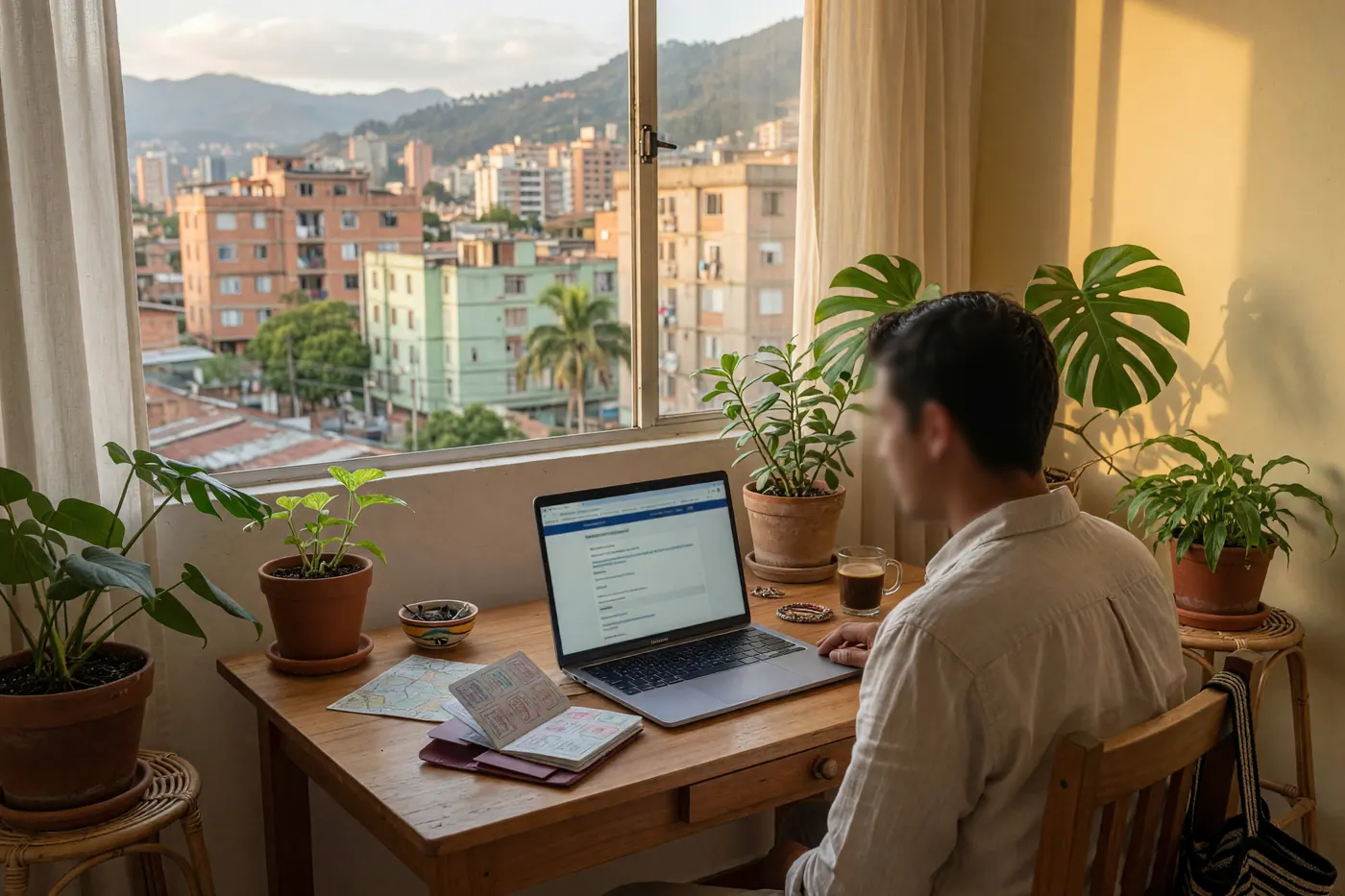
Completing the form takes approximately five to ten minutes. Before starting, gather your physical passport, flight confirmation details, and the full address of your first accommodation in Colombia.
- Navigate to the Official Portal: Access the official English portal at apps.migracioncolombia.gov.co/pre-registro/en.
- Select Your Travel Type: Choose whether you are registering an Ingreso (Entry to Colombia) or a Salida (Departure from Colombia). You must complete a distinct form for each direction of travel.
- Select Means of Transport: Choose Air and select your entry or departure airport (e.g., El Dorado International Airport - BOG in Bogotá, José María Córdova - MDE in Medellín, or Rafael Núñez - CTG in Cartagena).
- Enter Flight Information: Input your operating airline, flight number, travel date, and estimated time of departure or arrival.
- Provide Personal Details: Enter your nationality, full passport number, date of birth, gender, and contact email address. Ensure your passport number matches your physical document exactly, including any prefix letters.
- State Your Lodging & Address: Enter the municipality (city) and specific address of your apartment or hotel. If you are staying at a rental where utility invoices or formal contracts are managed, having clear documentation is essential—similar to how residents establish proof of address in Colombia for local banking or administrative tasks.
- Complete Emergency Contact & Health Declaration: Provide an emergency contact name and phone number, then answer the standard health declaration check-boxes.
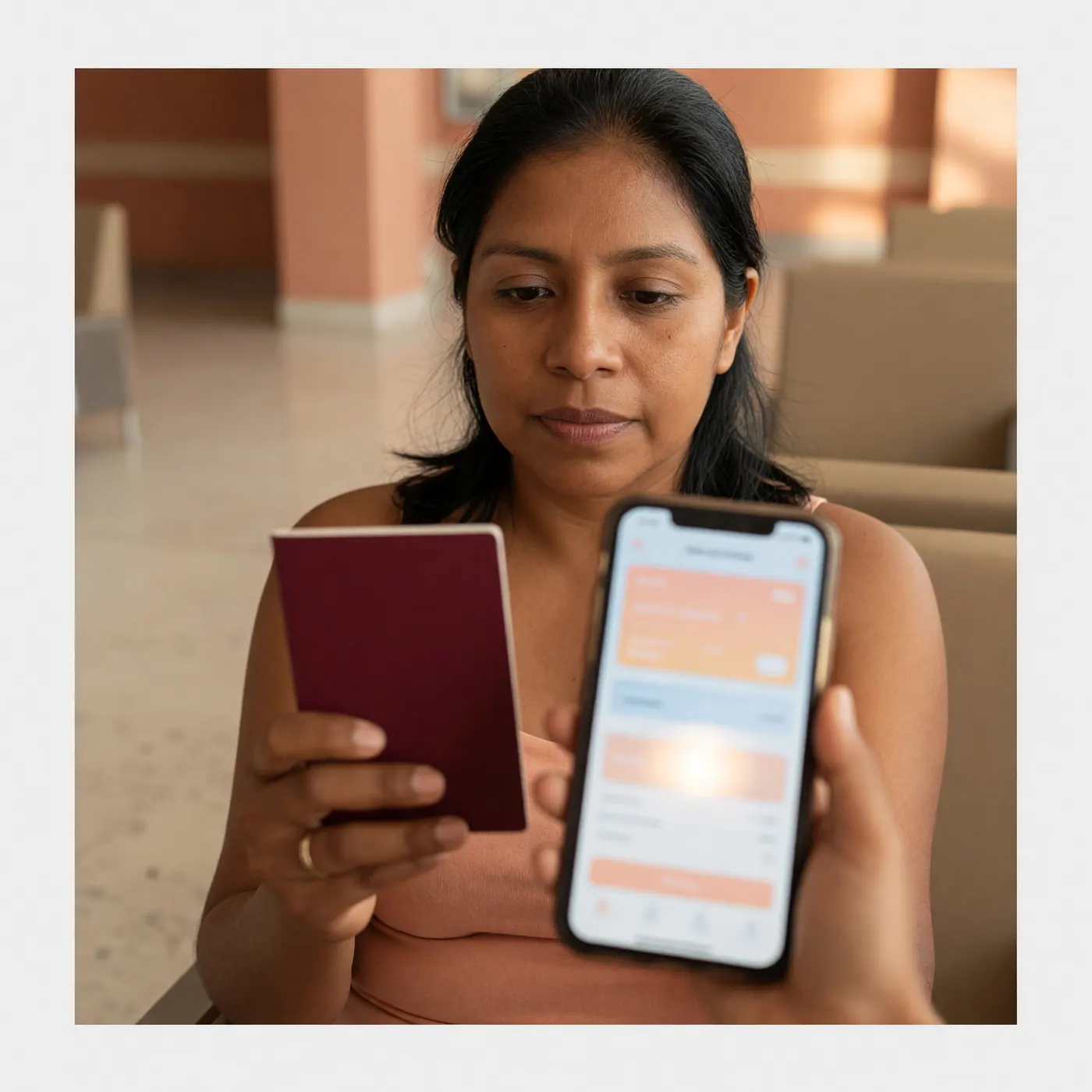
- Submit and Save Confirmation: Once submitted, the system generates an official registration code and sends a confirmation PDF featuring a scannable QR code to your registered email address.
Submission Timing Guidelines: When to Submit
Migración Colombia makes the Check-Mig form available during this submission window:
- Earliest Submission: 72 hours (3 days) prior to your scheduled flight departure.
- Latest Submission: 1 hour prior to your scheduled flight departure.
While the official guidelines state you can complete the form up to 60 minutes before departure, waiting until you reach the departure gate is risky. The Migración Colombia web portal periodically experiences slow loading speeds or maintenance outages during peak travel hours. Trying to submit the form over airport Wi-Fi while standing in line at check-in is a recipe for unnecessary stress.
The ideal sweet spot is submitting your form 12 to 24 hours prior to departure. This leaves ample time to resolve portal loading errors, verify your email confirmation, or re-submit if you notice an error in your flight number.
Troubleshooting Edge Cases and System Downtimes
Although the form is optional, the Check-Mig web interface can occasionally throw error codes or fail to send the confirmation email. Here is how to handle common airport edge cases:
1. Take Instant Screenshots
When you reach the final success screen displaying your reference code and confirmation message on the official portal, take a full-screen screenshot immediately on your phone or computer. If the automated email system fails to deliver your PDF file within a few minutes, airline personnel at check-in can usually verify your pre-registration using the onscreen submission code.
2. Clear Browser Cache or Use Incognito Mode
If the official portal shows a blank screen, refuses to load the drop-down menu for airlines, or displays a server error code, open the site in a private/incognito browser window. Alternatively, clear your browser cookies or try switching from a desktop computer to a mobile browser.
3. Digital Nomad and Expat Visa Holders
If you are traveling under an active visa—such as meeting the Colombia digital nomad visa income requirements—ensure you select your specific visa status correctly if prompted on the immigration portal, rather than defaulting to standard tourist entry options. Keep digital copies of your e-visa stored on your phone alongside your Check-Mig QR code.
4. Airline Check-In Verification
Airlines operating international flights to and from Colombia often request Check-Mig confirmation during check-in or before boarding. Completing it in advance can prevent avoidable processing delays, even though Migración Colombia classifies the form as optional.
Frequently Asked Questions
❓ Is Check-Mig mandatory for entering or leaving Colombia?
No. Migración Colombia describes Check-Mig as optional and suggested, as confirmed on its official pages in August 2026. Airlines may still ask for the confirmation during check-in, so completing it can prevent avoidable delays.
❓ Is Check-Mig free to complete?
Yes. Check-Mig is 100% free on the official Migración Colombia portal, as confirmed in August 2026. A third-party website requesting payment is not the government portal, so check for the .gov.co domain before entering personal details.
❓ How far in advance can I fill out Check-Mig?
You can submit Check-Mig between 72 hours and 1 hour before your scheduled flight departure. That is Migración Colombia's published window as of August 2026; completing it before reaching the airport leaves time to handle a slow portal or a data-entry mistake.
❓ Why do airlines ask for Check-Mig if it is optional?
Airlines often request it to streamline passenger-data checks and reduce immigration-processing friction. The airline's check-in practice does not change Migración Colombia's August 2026 classification of Check-Mig as optional and suggested.
❓ What is the official website for Check-Mig?
The official form is on the Migración Colombia portal at apps.migracioncolombia.gov.co/pre-registro. It is a .gov.co website and charges nothing; avoid sponsored or look-alike pages that ask for card details.
❓ Do I need to print my Check-Mig confirmation?
A saved digital confirmation or screenshot is usually the most practical way to show it at check-in. I would also print a backup if your phone battery or internet access may be unreliable, but Migración Colombia does not describe printing as a condition that makes the optional form legally mandatory.


Comments
Loading comments...
Checking sign-in status...