
Case study: how an Antioquia real estate agency published 139 properties with a single file
A real estate agency in the Aburrá Valley went from publishing property by property to uploading its entire inventory in a CSV. Here is how they did it and what any agency can copy.

IDIOMA DEL ARTÍCULO
Showing original language
Posting a property on a portal takes a few minutes. Posting one hundred and forty takes weeks, and keeping them up to date is a whole other job. That was the starting point for Jacky Luxury Real Estate, a real estate agency that provides advisory services for buying and selling properties in the Aburrá Valley and the rest of Antioquia.
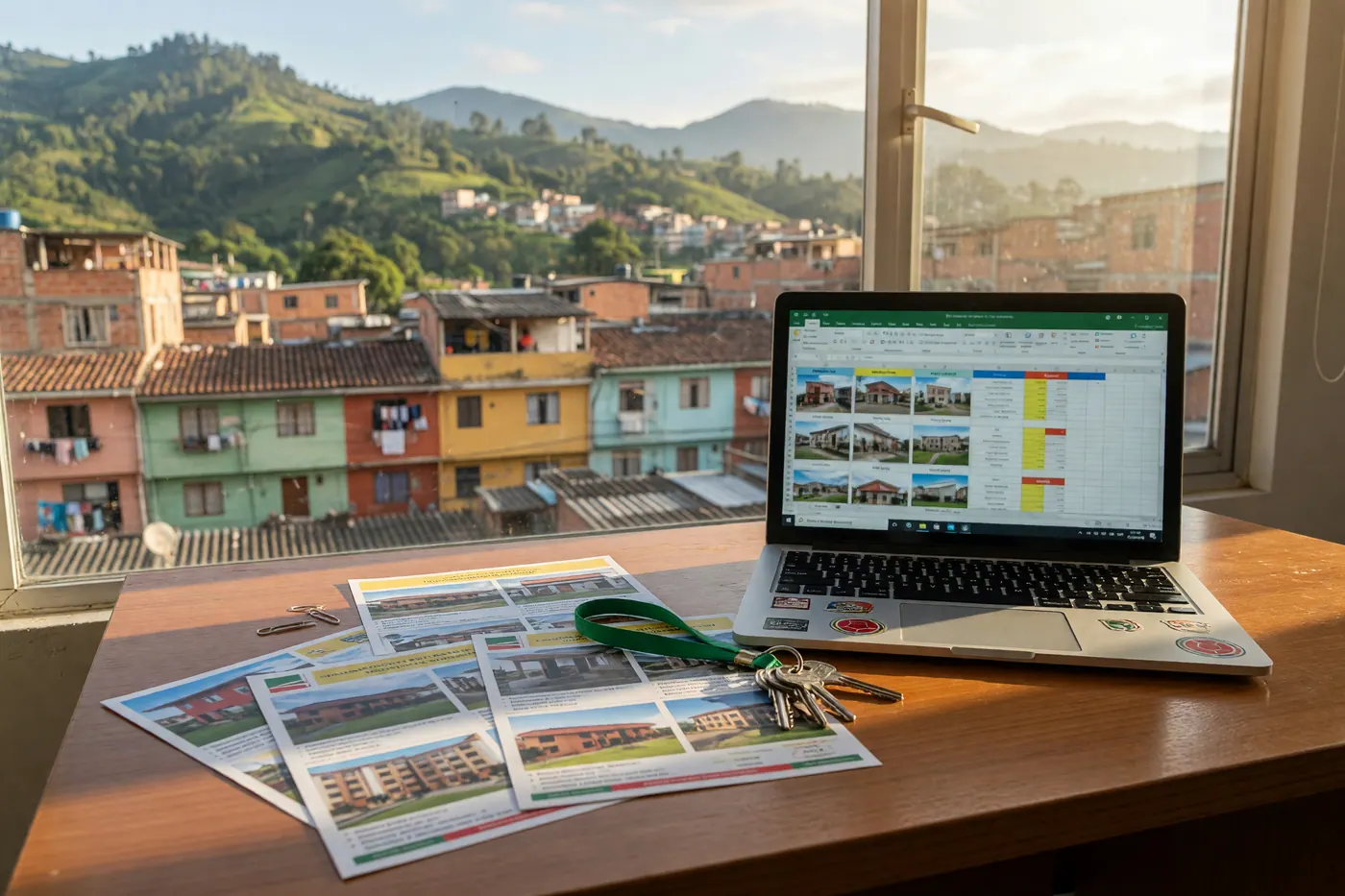
Instead of uploading each property by hand, they used the Colombia Move bulk import: a single file with their entire inventory. This is the complete case, with what they did, what they achieved, and what any real estate agency can copy.
In a nutshell
- Who: Jacky Luxury Real Estate, a real estate agency in the Aburrá Valley and Antioquia.
- What they did: uploaded their inventory in a single CSV file instead of publishing property by property.
- Result: 139 properties online, with photos and a WhatsApp button, grouped in their store.
- Maintenance: when something is sold, they mark it as sold in the same file and re-upload it.
The starting point: a large and living inventory
Like most real estate agencies in Colombia, Jacky Luxury keeps their inventory in real estate software, with an internal code per property, photos hosted in the cloud, and constant changes: prices being adjusted, properties entering the market, and others being sold. Posting that inventory one by one on a new portal was not realistic, and keeping it updated by hand was even less so.
What they needed was simple to state: for their own inventory file to also be their way of publishing and updating.
How they did it
The entire process went through the bulk import:
page. The process they followed, step by step:
- They wrote from the contact page asking to activate the bulk import.
- They created their account (in their case, with Google) and we activated the tool for them that same day.
- They exported their inventory from the real estate software and moved it to the template, using their internal code in the external_id.
- column. They uploaded the file at /importar/masivo, reviewed the validation row by row, and confirmed.
- The system copied the photos to our servers and published each property.
Before publishing anything, the review screen showed them which rows were ready, which ones had warnings, and which ones needed correction. This allowed them to confirm with peace of mind, knowing exactly what was going to go live.
The result: 139 properties and their own store
In the first upload, 139 properties were published, most of them apartments for sale and also lots. Each one with its photos copied to our servers, its description, and the WhatsApp button so buyers can write to them with one tap.
Where their 139 properties ended up
- Medellín: 82 (apartments and lots)
- Envigado: 26 apartments
- Sabaneta: 16 apartments
- Itagüí, Bello, La Estrella and Copacabana: 7 apartments
- Occidente and Oriente Antioqueño (San Jerónimo, Sopetrán, Guatapé, Abejorral and others): leisure lots and apartments
They were all grouped into their store, colombiamove.com/jackyluxuryoficial, which works as an online catalog: a single link with the entire inventory that they can share with clients via WhatsApp or on social media. Additionally, each property appears in searches and on their city and neighborhood pages, where local and foreign buyers find them.
Keeping it up to date with the same file
Publishing is half the job. The other half is ensuring that what is sold is no longer online and that prices are up to date. For that, the file has two key columns:
The external_id column stores the internal code for each property. When re-uploading the file, each row updates its existing listing instead of creating a new one: if the price, description, or photos changed, they are updated, and the 90-day validity is renewed.
The status column resolves what is sold. It is enough to write sold, rented, or withdrawn in the row for that property and re-upload the file: the listing stops being shown and is marked as sold. Thus, monthly inventory maintenance is reduced to a single step.

What you can copy from this case
If you have a real estate agency, a dealership, or any inventory of ten listings or more, these are the details that made their upload go well:
Tips for your own file
- Always use external_id. It is what allows updating without duplicating.
- WhatsApp in any format: 3001234567, +573001234567 or 573001234567. If a row does not have one, we use the one from your profile.
- Property types from your CRM: duplex, penthouse, and studio apartments are entered as apartment; warehouse and commercial space, as commercial; land, as lot.
- Photos: public and stable URLs, up to 50 per property. The first one is the cover image.
- Large files: up to 200 rows per file; if you have more, divide it into parts.
For real estate agencies and dealerships
Upload all your inventory with one file
Ask us for activation, download the template, and publish up to 200 listings per file, with photos and direct contact via WhatsApp. Would you rather we do it for you? Send us your Excel.
Frequently asked questions
How much does it cost to use bulk import?
Nothing. As of October 2026, posting on Colombia Move is free and commission-free, and bulk import follows the same current rule: we do not charge for uploading the file, renewing the listing, or for the leads you receive.
Where do I request activation for my real estate agency?
On the Colombia Move contact page. Tell us who you are and what inventory you handle; we activate it by account, usually on the same day. Then you go to the bulk import page, download the template, and upload your file.
Is it safe to post all my inventory this way?
Yes, with the same information as always. The tool is activated account by account to keep the marketplace free of fake ads, and buyers write to you directly. As a standard practice for your clients, we recommend verifying the certificate of tradition (certificado de tradición) for every transaction, according to the guide updated in 2026.
How do I remove properties that I have already sold?
Write sold, leased, or removed in the status column for that property and upload the file again. You only need the external_id in that row. The ad stops showing and remains in your history as sold.
What if I don't want to prepare the file myself?
Send us your Excel file or the link where your inventory is published, and our team will adapt it to the template and upload it for you. You just review that everything is correct and start receiving inquiries via WhatsApp.
Start with your inventory
If you want the technical details of the tool, it's in the guide for bulk import for real estate agencies and dealerships. If you work as an independent agent, see how to use Colombia Move if you are a real estate agent, and to build trust with your buyers, the guide to verifying the certificate of tradition and freedom.
When you are ready, write to us via contact and we will activate your account. Your inventory can be online, with photos and WhatsApp, within the same week.




Comments
Loading comments...
Checking sign-in status...