
Bulk import for real estate agencies and dealerships: publish your entire inventory for free
Do you have dozens of properties or vehicles? Upload them all at once with a file, or send us your inventory and we will upload it for you. Free, no commission.
IDIOMA DEL ARTÍCULO
Showing original language
If you manage the inventory for a real estate agency or a car dealership, you already know the problem: posting on a new portal means uploading each property or vehicle one by one. With sixty properties, nobody has an entire afternoon to spend on that.
That is why we built bulk import on Colombia Move: you upload a single file with your entire inventory and we publish every ad, with its photos, all at once. It is free, with no commission on sales or rentals, and interested buyers contact you directly via WhatsApp.
What it is and who it is for
Bulk import is a tool for professional sellers with large inventories:
- Real estate agencies with portfolios of apartments, houses, offices, or lots for sale and rent.
- Dealerships and retailers of used cars, trucks, and motorcycles.
- Any seller with ten or more ads who manages their inventory in a spreadsheet.
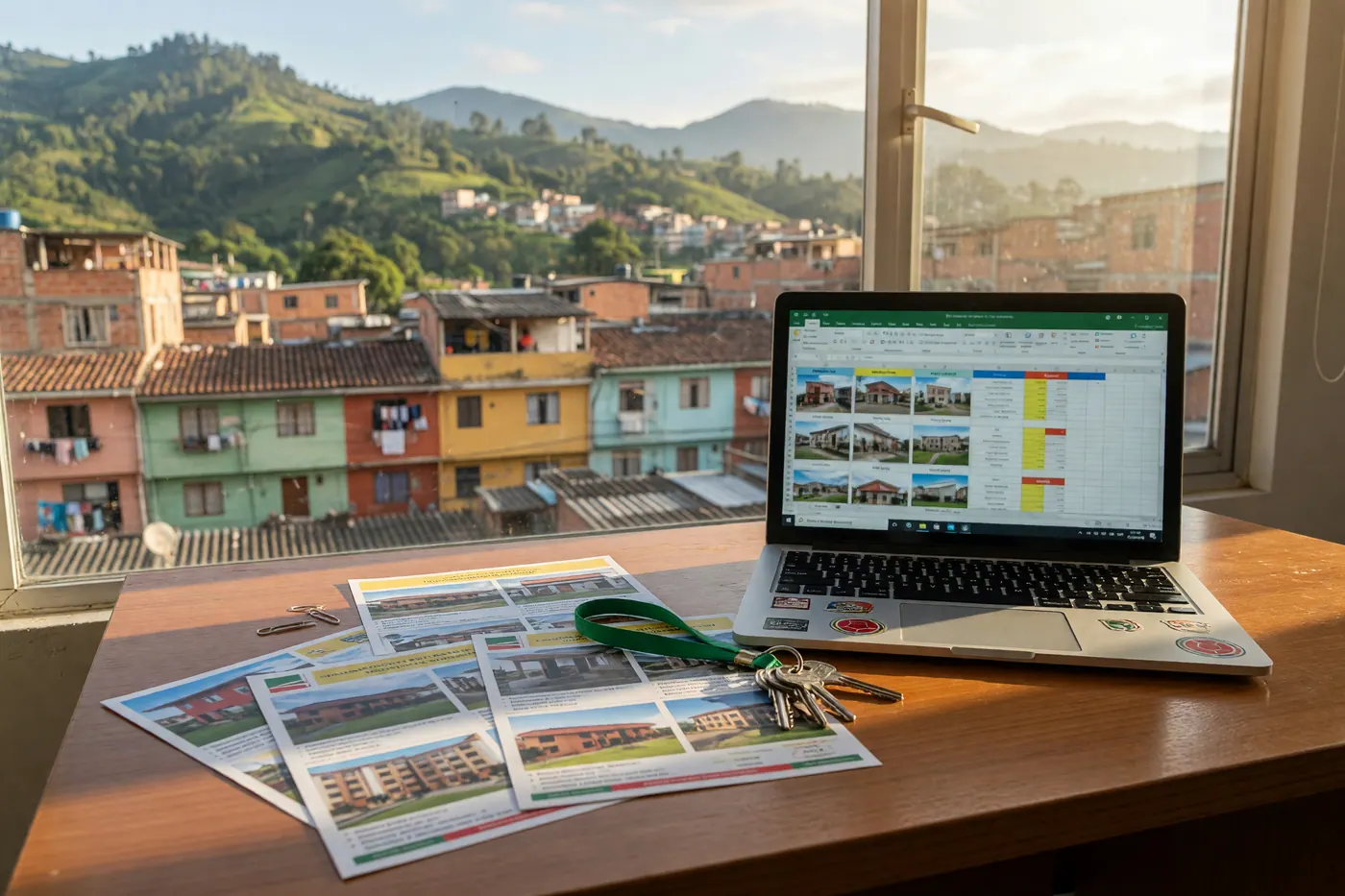
A single CSV file can hold up to 200 ads. Each row is an ad: title, description, price, city, neighborhood, rooms, contact, and photo URLs. We automatically copy the photos to our servers—you do not have to upload them one by one.
The best part: updating is as simple as re-uploading the same file
Each row contains a column external_id with your internal reference (the code you already use in your system or Excel). When you change a price or correct a description, you edit your file and upload it again: existing ads are updated instead of duplicated, and their validity is renewed. Your usual file becomes your control panel.
How it works, step by step
- Ask us for activation. Bulk import is enabled by account (this is how we keep the marketplace spam-free). Write to us from the contact page telling us who you are and what inventory you manage—we will activate it the same day.
- Download the template and fill it out. At colombiamove.com/importar/masivo you will find the CSV template with an example. If your inventory lives in Wasi, Simi, Domus, or any real estate software, export to Excel and adjust the columns; from Excel, you can save it as a CSV in one click.
- Upload, review, and confirm. The system validates each row and shows you what is being published and what needs correction, before anything goes live. You confirm, and in a few minutes, your inventory is online with photos included.
Don't want to deal with files? We can upload it for you
This is the part that real estate agencies love the most: if you send us your Excel, or simply the link to your website or your profile on another portal, our team will build the file and upload your entire inventory for you. At no cost. You just verify that everything looks good and start receiving inquiries.
With your inventory published, your account works like a store: all your ads gathered in one profile with your name, logo, and contact details, which you can share with clients as your online catalog.
Why publish on Colombia Move
- Free and no commission. We do not charge for publishing or closing deals. The deal is yours.
- Direct contact. Interested buyers write to you via WhatsApp, call you, or send you an email—no intermediaries or closed chats.
- Local and foreign buyers. We are read by Colombians and also by foreigners moving to the country, an audience searching for apartments, country houses y vehicles in Medellín, Cali and all over the country.
- Your inventory is always up-to-date. Re-uploading your file renews the validity of your ads—no expired listings.
If your clients are deciding between buying or renting, our guide to renting vs. buying a home in Colombia is a good read to share with them. And if you manage rural properties, also check out our guide to country houses in Colombia — it is one of the things foreign buyers ask us about the most.
For real estate agencies and dealerships
Publish your entire inventory at once
Up to 200 ads per file, with photos, free and no commission. Would you rather we do it? Send us your Excel or the link to your website and we will upload everything for you.
Frequently asked questions
How much does bulk import cost?
Nothing. As of the date of this guide (July 2026), posting on Colombia Move is free and commission-free, and bulk import follows the same policy: we do not charge for posting, for renewing validity, or for the contacts you receive. The deal is closed directly between you and your client, without the marketplace taking a percentage.
How many ads can I upload in one file?
Up to 200 ads per CSV file. If your inventory is larger, you can split it into several files and upload them one after another; each file goes through the same validation and review before being published.
What happens with my ad photos?
We copy them automatically. In the file, you only need to provide the URLs for the photos (those from your website or real estate software work fine), and the system downloads them and hosts them on our servers, so your ads do not depend on your own website being online.
How do I update prices or correct an already published ad?
You edit your file and upload it again. Thanks to the column external_id, each row updates its existing ad instead of creating a duplicate, and the validity is renewed. Your usual Excel remains functional as an inventory control panel.
Do I need technical skills?
No. If you know how to use Excel, you know how to use the template. And if you prefer not to touch files, you can send us your inventory or the link to your website and we will upload it for you at no cost (policy valid as of July 2026)—you just review the result.
Is it safe to post my inventory and data on Colombia Move?
Yes. Your account functions as a store with your name, logo, and public posting history, and you decide which contact details to display on each listing. Interested parties see who you are and contact you directly via WhatsApp, phone, or email, without intermediaries or closed chat systems in between.
Where do I start?
On the bulk import page (colombiamove.com/importar/masivo) you will find the template and step-by-step instructions. Since access is enabled by account, please write to us first from the contact page telling us about your real estate agency or dealership, and we will activate it the same day.





Comments
Loading comments...
Checking sign-in status...