
Buying a Used Laptop in Colombia: The Ultimate Inspection & Legal Checklist
Buying secondhand tech in Colombia helps you avoid high import taxes, but it comes with unique legal and hardware risks. Here is your step-by-step checklist to test a laptop before handing over your money.
IDIOMA DEL ARTÍCULO
Showing original language
Used and refurbished laptops are easy to find in Bogotá and Medellín, and the savings can be tempting. But buying from a stranger carries risks that go far beyond a sticky keyboard: hidden hardware faults, unclear ownership, and little practical recourse after a private sale.
Quick Answer: Buying a used laptop in Colombia is a great way to save money, but you must protect yourself against legal and hardware risks. Always verify the original purchase invoice (factura de compra) to avoid severe criminal penalties for buying stolen goods, test the battery using built-in OS commands, and meet in a secure public space before transferring any money.
The Legal Trap: What is “Receptación”?
The biggest mistake buyers make is treating a broken device as the only worst-case outcome. Ownership matters too: a suspiciously cheap laptop without credible paperwork is a reason to walk away, not a bargain.
As verified on July 17, 2026, Article 447 of the Colombian Penal Code defines receptación, which can cover acquiring stolen property. Do not assume that saying you did not know settles the issue; verify the seller, the serial number on the device, and the ownership documents before paying.
Unlike mobile phones, Colombia has no centralized public database where a buyer can instantly check a laptop serial number. Ask for the original factura de compra. If that is unavailable, use a signed constancia de transferencia de propiedad listing the seller's full name, cédula or passport number, the laptop serial number, the price, and the date. Compare the seller's physical ID with the document.
The Meetup and Safety Protocol
According to live marketplace signals on Colombia Move (July 2026), buyer demand for used computers heavily outpaces local supply—we currently track a supply gap score of 67 in this category. Quality laptops get snatched up fast, which puts pressure on buyers to rush the transaction. Do not let artificial urgency compromise your safety.
Never pay an advance deposit to “hold” the laptop. Scammers frequently use high-pressure tactics to extract a small transfer before disappearing.
When arranging the meetup, choose a highly secure, public space. Major shopping malls (centros comerciales) like El Tesoro in Medellín or Unicentro in Bogotá are ideal because they have heavy foot traffic, private security, and extensive camera coverage. Unlike buying a couch where you might need to coordinate a truck—which we cover in our furniture delivery guide—laptops are portable. You have the power to dictate a safe meetup spot.
Step-by-Step Hardware Checklist
The seller type changes your protection. Under Ley 1480 de 2011, verified July 17, 2026, a registered professional merchant must provide a default three-month warranty on used goods unless the buyer explicitly waives it in writing. A private person-to-person sale has no automatic consumer warranty. Civil Code remedies for hidden defects may technically be available for up to six months, but the cost and delay of a claim often make that route impractical for a low-value laptop. Inspect before paying.
- Chassis and Hinges: Inspect the corners for drop impact damage. Open and close the lid a few times to ensure the hinges are tight and smooth.
- Screen: Pull up a pure white and pure black background image on the browser to spot dead pixels or backlight bleed.
- Keyboard and Trackpad: Open a basic text editor and test every single key. Check the trackpad for dead zones and ensure physical clicks register accurately.
- Ports and Wi-Fi: Bring a USB drive and wired headphones to test the ports. Connect to the mall's public Wi-Fi or your phone's hotspot to confirm the wireless card functions.
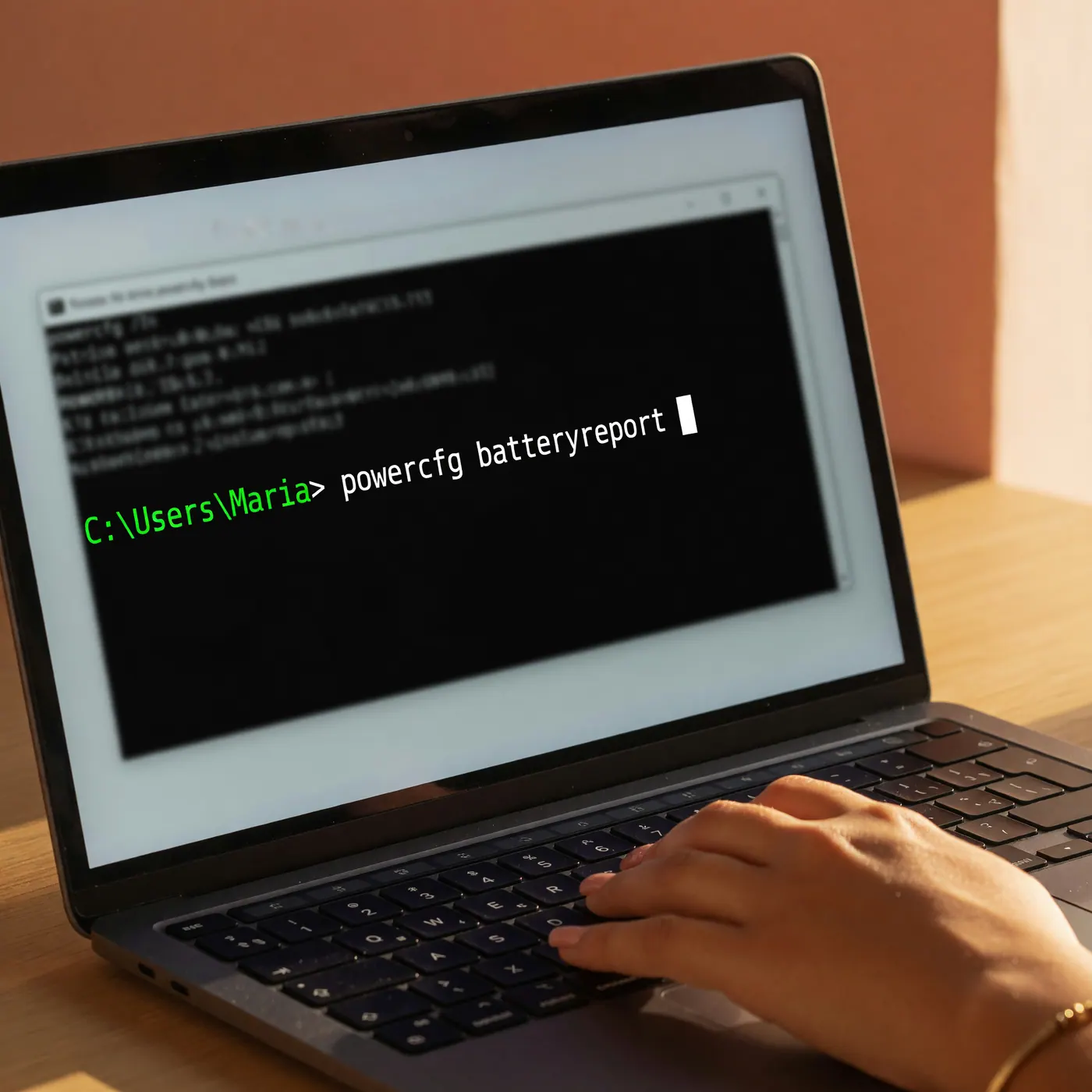
Battery Diagnostics (No Software Required)
Do not rely on third-party diagnostic software. Downloading random programs during a quick meetup is unrealistic and will make legitimate sellers highly suspicious. Instead, use the built-in operating system utilities.
For Windows users: Open the Command Prompt as an administrator. Type powercfg /batteryreport and press Enter. The system will generate an HTML file (usually saved in your user folder). Open this file in a web browser and compare the “Design Capacity” against the “Full Charge Capacity.” If the full charge is drastically lower than the design capacity, the battery is dying.
For macOS users: Hold the Option key, click the Apple logo in the top left corner, and go to System Information. Under the Hardware section, click on Power. Look for the “Cycle Count” under Health Information. Anything approaching 1,000 cycles means the battery will need a replacement soon.
The 2026 IVA Threshold for Laptops
For 2026, DIAN set one UVT at COP 52,374. Under Article 424, numeral 5, of the Estatuto Tributario, laptops valued below 50 UVT—COP 2,618,700 in 2026—are excluded from the 19% IVA. Ask a registered merchant to show the item value clearly on the invoice. If you are switching sides of the transaction, this guide to selling used items in Colombia explains the seller process.
Storage, Specs, and Safe Payment
Verify that the CPU, RAM, and storage size match the seller's listing by checking the Task Manager in Windows or “About This Mac” in macOS. More importantly, ensure the seller completely logs out of their iCloud, Google, or Microsoft accounts.
Just as you would check for carrier locks on a phone, you must ensure the laptop has no BIOS or firmware password locks. Restart the computer during the meetup to confirm it boots smoothly without demanding an administrative password.
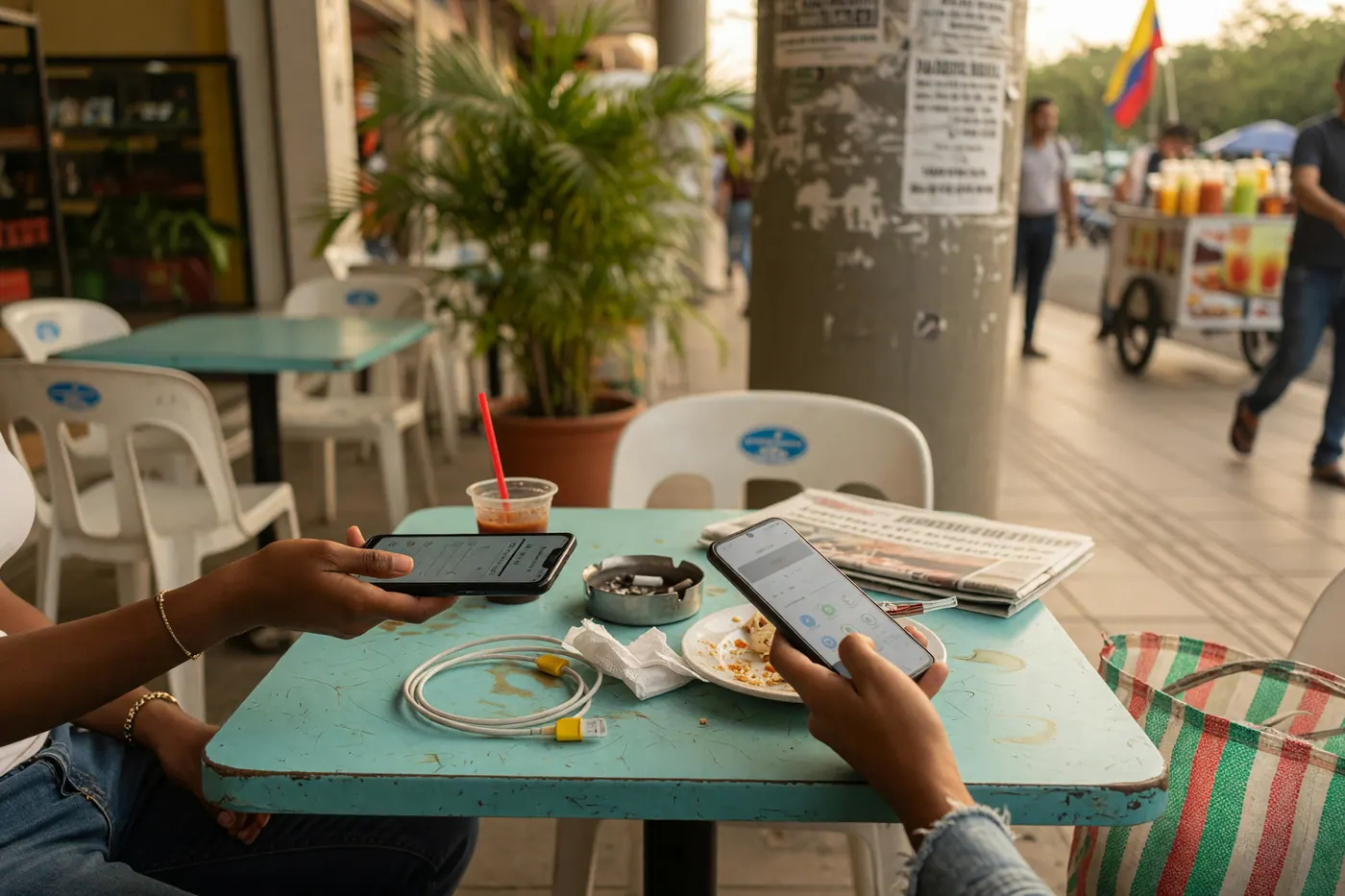
Once you have completed all hardware checks, verified the factura, and confirmed the specs, it is time to pay. Use instant digital transfers like Nequi, Daviplata, or PSE only after the laptop is physically in your hands. If you are paying in cash, do the exchange inside the mall, preferably near a bank branch or ATM with cameras.
Frequently Asked Questions
❓ Is there a default warranty when buying a used laptop in Colombia?
Yes, when the seller is a registered professional merchant. Under Ley 1480 de 2011, as checked July 17, 2026, the default warranty for used goods is three months unless you explicitly waive it in writing; a private seller provides no automatic consumer warranty.
❓ How do I verify if a used laptop is stolen in Colombia?
There is no centralized public laptop-serial database comparable to the mobile-phone IMEI registry. Ask for the original factura de compra, compare the device serial number and seller ID, or have the seller sign a detailed constancia de transferencia de propiedad.
❓ What is the criminal risk of buying a stolen laptop in Colombia?
Article 447 of the Colombian Penal Code defines acquiring stolen property as receptación. Because the facts and a buyer's knowledge matter in any criminal case, do not rely on a blanket penalty claim; walk away when the seller cannot credibly prove ownership.
❓ Do I have to pay IVA on a used laptop in Colombia?
A private person-to-person sale does not charge IVA. For registered merchants, laptops below 50 UVT—COP 2,618,700 using the 2026 UVT of COP 52,374—are excluded from the 19% IVA under Article 424, numeral 5, of the Estatuto Tributario.
❓ What recourse do I have if a laptop from a private seller breaks?
Practical recourse is limited because private sales do not receive the automatic consumer warranty that applies to professional merchants. Civil Code remedies for hidden defects may technically allow a claim within six months, but legal cost and delay can make that unrealistic for a low-value device.
❓ What document should I request from an individual seller?
Request the original factura de compra or a signed constancia de transferencia de propiedad. The latter should record both parties' names and ID numbers, the laptop brand, model and serial number, the price, the date, and signatures so you retain evidence of the transfer.

Comments
Loading comments...
Checking sign-in status...