
How to Sell Your Used Computer or Laptop in Colombia Safely
Learn how to properly erase your data, set a fair price, and avoid scams with fake payment receipts when selling your PC or Mac in Colombia.
IDIOMA DEL ARTÍCULO
Showing original language
Quick answer: To sell your computer in Colombia safely, first erase your data by formatting the hard drive from the system settings. Then, write a detailed listing that includes the processor, the RAM and the battery condition. Finally, at payment time, always verify the money directly in the transaction history of your banking app and never trust screenshots.
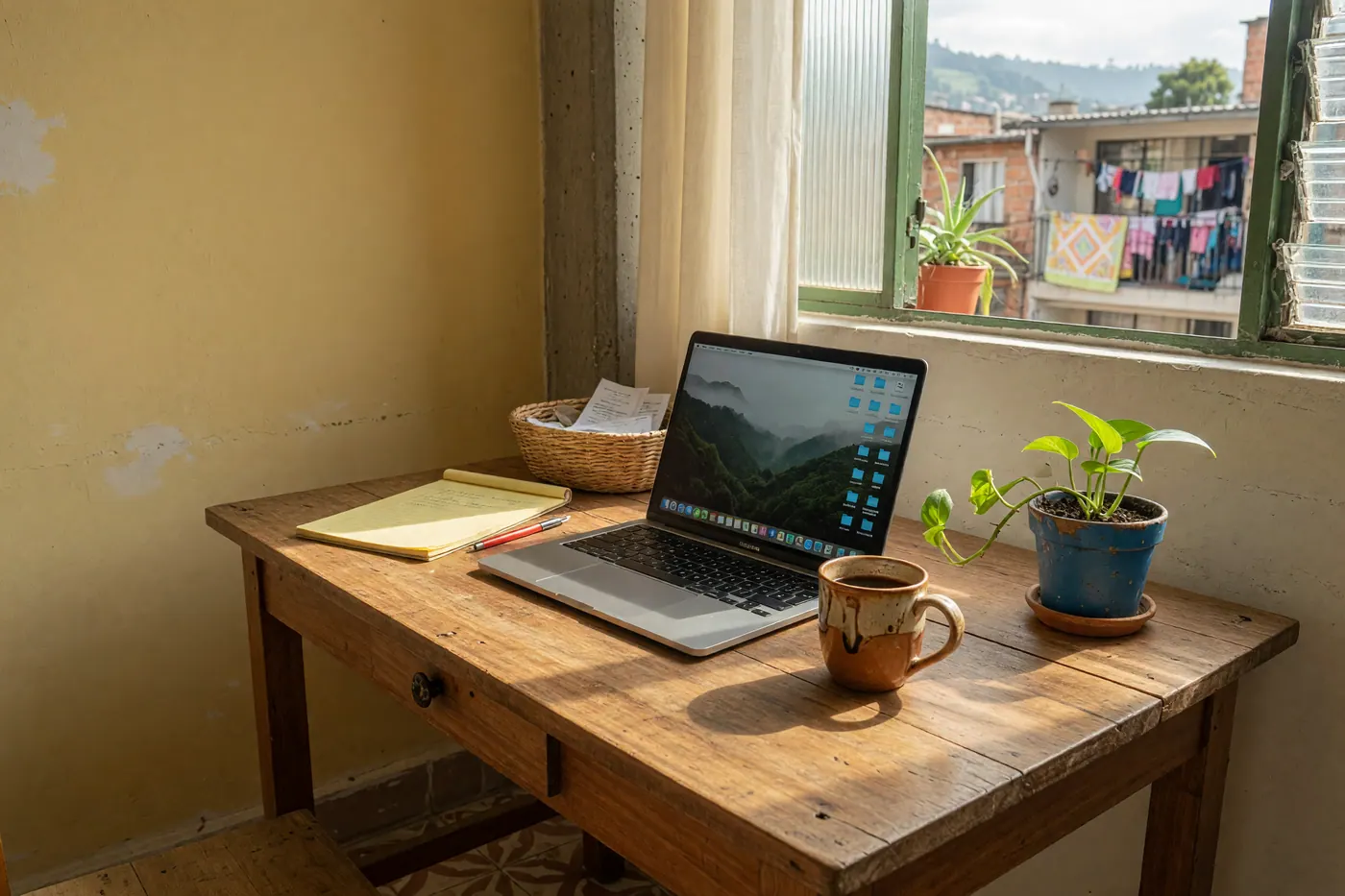
Selling a used laptop or desktop computer in Colombia can feel like a minefield. You want to recover part of your investment to upgrade your equipment, but you worry about leaving personal information exposed or, even worse, falling into one of the many fake payment scams circulating online.
Just like when you prepare to sell your used cell phone in Colombia, the success of a PC sale depends on transparency, the technical preparation of the equipment and a bit of street smarts to close the deal without risks.
1. Technical preparation (Your privacy first)
Before you even clean the screen to take photos of the computer, you need to make sure your passwords, photos and work documents are completely gone. A simple "move to trash" is not enough. You should reset the computer to factory settings, a process that is sufficient to keep an ordinary user from accessing your personal files.
Steps to erase your data securely:
- On Windows 10/11: Go to Settings > System > Recovery > Reset this PC. Choose the option to remove everything and make sure you select the full cleaning of the drive. This takes a bit longer, but it is the right method when selling.
- On Mac (macOS Monterey or later): The official way is to go to System Settings and use the option Erase All Content and Settings. This removes your Apple ID, your Touch ID fingerprints and all the data on the hard drive in one go.
2. How to write the perfect listing (Specifications matter)

A listing that only says "Selling nice and fast laptop" will attract only curious people or buyers asking for extreme discounts. Serious buyers look for exact technical details to know whether the equipment will serve them for work or study.
Be sure to specify the exact processor (for example, Intel Core i5 11th generation or Ryzen 5), the RAM (8GB or 16GB), the type of storage (clarify whether it is a solid state drive SSD, which is much faster than a traditional HDD) and the battery condition (percentage of remaining life or cycle count).
Something to keep in mind: according to active listings on Colombia Move (June 2026), the computers category currently has just 1 listed item. This tells us that demand far exceeds the supply of quality equipment: if you publish a computer with good photos and clear specifications, you have a huge advantage over other sellers in the local market.
3. Pricing strategy for the Colombian market
Pricing used technology requires being realistic. A mid-range used laptop (such as a Core i5 with 8GB or 16GB of RAM and an SSD) usually sells today for between $800.000 and $1.600.000 COP on the secondhand market, depending on its generation and physical condition.
Just as happens when pricing used appliances, you should research what similar equipment is selling for on local platforms and subtract between 30% and 50% of the original price you paid in the store.
In addition, having the original purchase invoice or drafting a signed transfer document is key to building trust as a seller. This shows the equipment's legal origin, clears up doubts about whether it is stolen and justifies a firmer selling price.
4. Transaction security (Avoid the "Nequi Glitch")
Be careful at payment time. One of the most common scams in Colombia when selling tech is the use of fake apps such as the famous "Nequi Glitch" or cloned Daviplata interfaces. Scammers show you a transfer receipt on their screen or send you one via WhatsApp as a PDF or image that looks identical to the real thing.
The golden rule is unbreakable: never hand over the computer until you see the money reflected in the transaction history of your own banking app. Screenshots don't count, text messages (SMS) that can be faked don't count, and neither do excuses like "the money is in transit". If the balance is not in your account, the deal is not closed. Also, try to do the equipment test and the handover in a public, monitored place, such as the food court of a shopping center.
Frequently asked questions
❓ How do I erase my data securely before selling my computer?
Reset the equipment to factory settings, deleting all files and cleaning the storage drive. On Windows, this is done from the Recovery option in Settings, and on Mac with the Erase All Content and Settings tool in System Settings.
❓ Is it safe to accept payments via Nequi or Daviplata when selling my laptop?
Yes, but only if you verify the balance directly in the transaction history of your official app. Never trust screenshots, PDF receipts or text messages sent by the buyer, as they can be faked.
❓ How do I calculate the fair price of my used computer in Colombia?
Research computers with similar specifications on local platforms and subtract between 30% and 50% of their original value. As a reference, compare the active listings during 2026, since the final price will depend on physical wear, the age of the components and the remaining battery life.
❓ What technical specifications must I include in the listing?
You must specify the processor (e.g., Intel Core i5), the RAM (e.g., 8GB or 16GB), the type and capacity of storage (e.g., 256GB SSD) and the current battery condition to filter out curious people and attract serious buyers.
❓ Should I hand over the computer with the original purchase invoice?
It is not legally required for sales between private individuals, but handing over the original invoice or a signed transfer document earns a huge vote of confidence. This recommendation remains valid in 2026 and demonstrates the equipment's legal origin to the buyer.



Comments
Loading comments...
Checking sign-in status...