
Move Money From the US to Colombia With Cash App and ARQ: A Low-Cost Stablecoin Route
A stablecoin rail from a US bank to a Colombian bank - Cash App to ARQ, step by step: fees, speed, the wrong-network warning, and how it ties into life in Colombia.
IDIOMA DEL ARTÍCULO
Showing original language
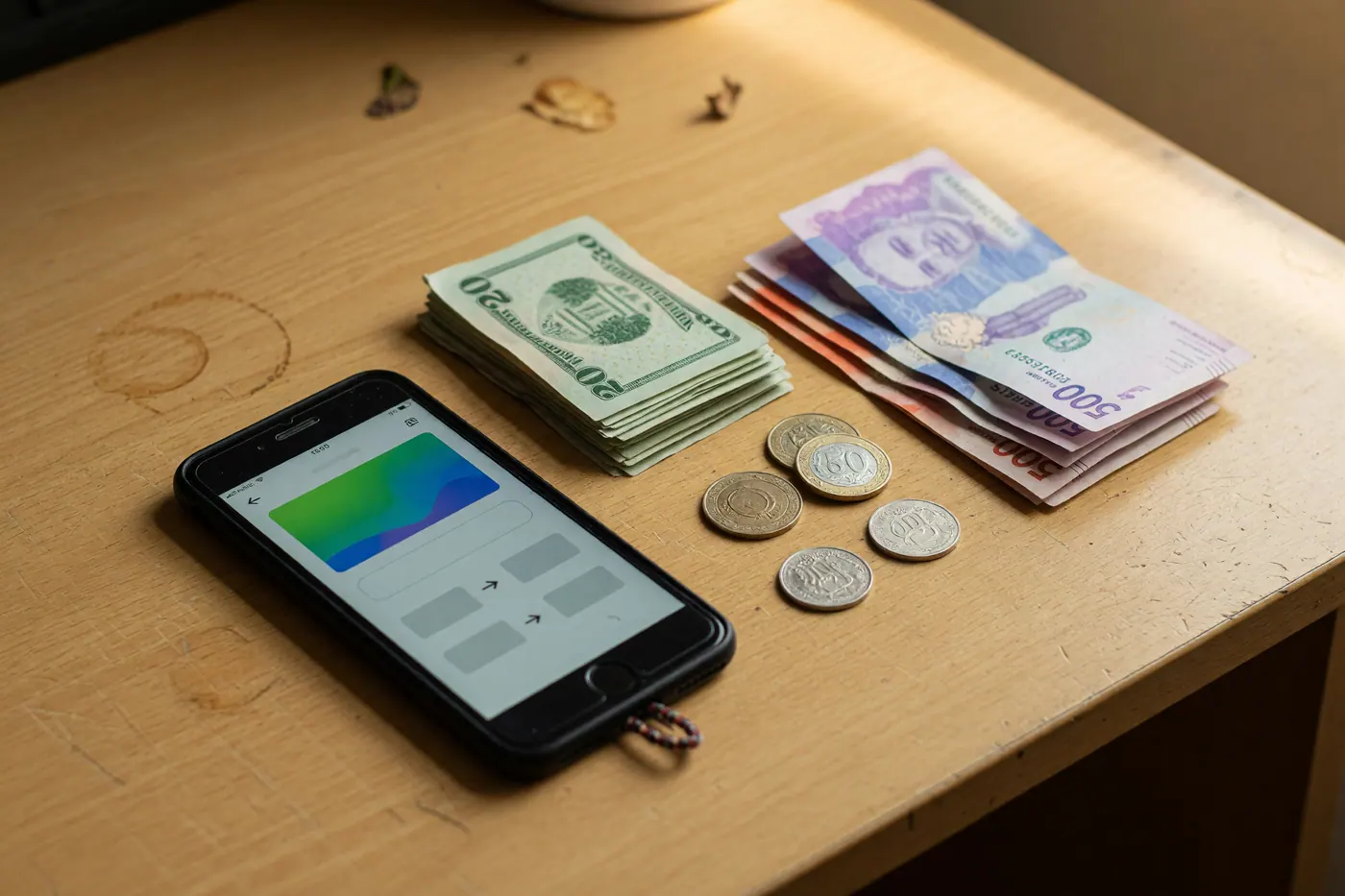
Moving abroad comes with a quiet tax: getting your own money across the border. A SWIFT wire runs $25–50 plus a poor exchange rate and a few days of waiting; Western Union can skim 3–7%; and “instant” apps often aren’t. For US expats in Colombia there’s a newer route worth knowing — a stablecoin rail from a US bank to a Colombian bank that, right now, is genuinely cheap and fast. We mapped it hop by hop: it connects, the math is good while a promo lasts, and there’s one mistake that can cost you everything. Here’s exactly how it works.
The idea: a stablecoin as a rail, not a crypto bet
USDC is a regulated, fully-reserved digital dollar — 1 USDC is about US$1. You’re not “investing in crypto”; you’re using USDC as a transfer rail for a few minutes. Even better, Cash App converts to and from US dollars automatically, so you never manage a crypto wallet or watch a price. The route has four steps: fund Cash App from your US bank, send USDC out on the Polygon network, receive it in ARQ, and cash out to your Colombian bank in pesos.
Step 1 — Cash App: dollars in, USDC out
Fund your Cash App balance from your US bank (standard ACH is free and lands in about 1–3 business days; an existing balance or linked debit card is instant). Cash App now supports sending USDC on several networks, including Polygon — the one we want. As of mid-2026 Cash App advertises USDC sending as “fee-free to start,” a limited-time promotion, so treat “no fee” as temporary, not permanent. Note: Cash App stablecoins aren’t available to New York residents.
New to Cash App? Sign up with code JQMDZNK (or tap cash.app/app/JQMDZNK), link a debit card, and send $5+ to claim Cash App’s new-user referral — you and we both get a bonus. (Amount and terms are set by Cash App; the qualifying action is sending $5+, not buying USDC.)
Tap to show the QR code
Tap to show the QR code

Step 2 — Send on Polygon (read this twice)
In Cash App, open the money tab, choose to send USDC, paste ARQ’s deposit address and select the Polygon network, then pay in US dollars — Cash App converts USD to USDC at send. On-chain it costs pennies in gas and arrives in seconds. This is the one step you cannot get wrong. In Cash App’s own words, sending stablecoins “to an address on an incompatible network… will result in a permanent and irreversible loss of funds.” So: pick Polygon on both ends, copy ARQ’s exact address, and send a small test amount first before any real transfer. Crypto transactions can’t be reversed.
Step 3 — ARQ receives your USDC (free on Polygon)
ARQ (formerly DolarApp, a venture-backed Latin American finance app with millions of users) gives you a USDC wallet plus a peso cash-out. Topping up with USDC on Polygon is free — ARQ covers the network fee (Ethereum top-ups cost 3 USDC, another reason Polygon wins). To open ARQ you’ll need a valid Colombian ID or tax ID: a residency-visa expat with a cédula de extranjería qualifies; on a tourist passport, confirm you can open an account first. You’ll also need a Colombian bank account to receive the pesos.
Open ARQ with our invite: ARQ’s current offer gives you and us $25 USDC of Google (GOOG) stock when you invest $100 USDC. Be clear-eyed: that’s a $100 investment in a single stock whose value can rise or fall, and the $25 reward is itself stock — not a guaranteed cash bonus. Terms are ARQ’s; confirm them in the app.
Tap to show the QR code
Tap to show the QR code

Step 4 — Pesos to your Colombian bank, then spend them
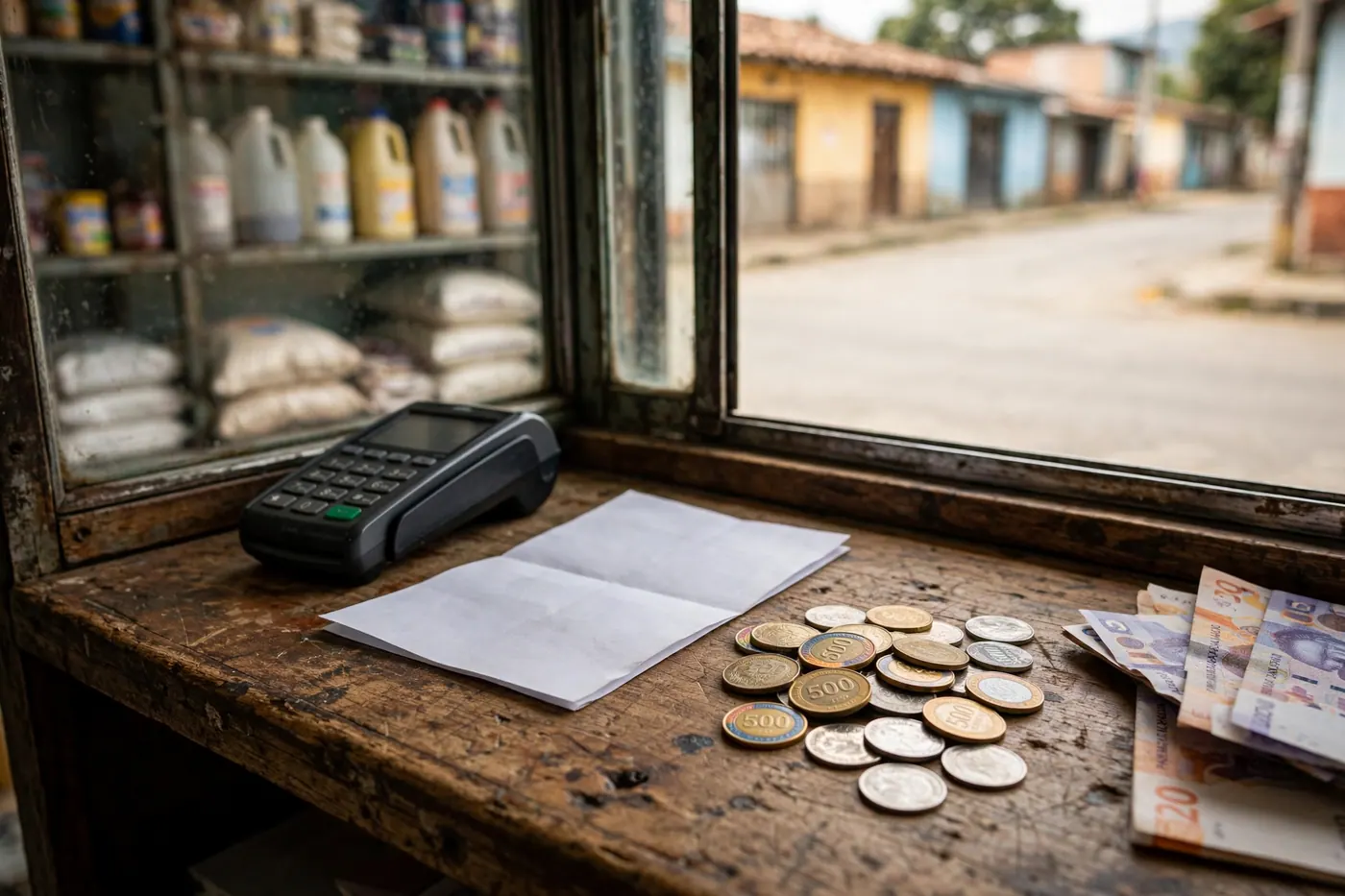
Inside ARQ, sell your USDC for pesos and send COP to your Colombian bank account: ARQ charges no transfer fee, has no maximum, and pays out in about one business day (transfers started on a Friday, weekend or holiday begin the next business day). The real cost is the conversion spread — ARQ doesn’t publish an exact number, so before you convert, check the live rate with our free dólar hoy (TRM) tool and compare it to ARQ’s in-app sell rate. Land the pesos in a free local account — here’s how to open a no-fee Colombian account — and put them to work on Colombia Move: housing, services, vehicles and more. Your pesos go furthest paying locals directly.
How it compares to Wise, Remitly and Western Union
Where this route wins right now: small-to-mid living-expense transfers, minutes instead of days, and recipients at any Colombian bank — especially while Cash App’s no-fee window lasts. Where it doesn’t: big lump sums (Cash App caps sends at roughly $2,000/day and $5,000/week), the crypto-averse, or anyone who wants a single guaranteed quote up front — Wise is transparent and can win on large transfers. We keep a fuller comparison in our guide to sending money from the US to Colombia; this post is specifically the Cash App + ARQ path, start to finish.
Risks and the fine print
Keep these in mind: the no-fee window is promotional and temporary; wrong network = lost funds (test first); Cash App stablecoins exclude New York; first-day identity checks can take time; ARQ is a funded startup, not a bank, and balances aren’t FDIC-insured (Colombia treats virtual assets as not legal tender); USDC’s peg is stable but not guaranteed, so move money through rather than parking it; and US persons may have tax-reporting duties (FBAR / FinCEN 114 if foreign accounts top US$10,000 at any point in the year, possibly FATCA). Consult a cross-border tax professional.
FAQ
Do I “own crypto” doing this?
Only for minutes. Cash App holds and shows US dollars and converts to USDC at send; you’re using a digital dollar as a transfer rail, not speculating.
What is the single biggest mistake?
Sending on the wrong network. Choose Polygon on both Cash App and ARQ, paste ARQ’s exact address, and send a small test first — on-chain transfers are irreversible.
Can a tourist do this?
ARQ requires a valid local ID or tax ID. Residency-visa expats with a cédula de extranjería generally qualify; tourists should confirm eligibility before relying on it. You also need a Colombian bank account to receive pesos.
How much can I move at once?
Cash App limits sends to roughly $2,000/day and $5,000/week, so this suits regular living expenses more than one large lump sum.
Disclosure: the Cash App and ARQ links above are personal referrals — if you sign up through them we may receive a benefit (Cash App: a referral bonus; ARQ: $25 USDC of stock when you invest $100). We use both ourselves and only recommend tools we actually use. Colombia Move is independent of, and not affiliated with, Cash App (Block, Inc.) or ARQ (DolarApp). This is general information, not financial, investment or tax advice; verify all current fees, limits and terms with each provider before moving money.

Comments
Loading comments...
Checking sign-in status...