
Buying Used Electronics in Colombia: IMEI Checks, Safety, and Fair Prices
Buying secondhand tech in Colombia can save money, but it requires caution. Here is how to verify IMEIs, inspect laptops, and arrange safer local transactions.
IDIOMA DEL ARTÍCULO
Showing original language
Quick Answer: To safely buy used tech in Colombia, always check mobile phone IMEIs on imeicolombia.com.co after dialing *#06#, verify that the model is CRC homologated, inspect laptops for active MDM or iCloud locks, and complete payments via verified instant bank transfers inside secure, camera-monitored shopping malls.
Why Buying Secondhand Tech in Colombia Makes Sense (and the Main Risks)
Importing brand-new smartphones and laptops into Colombia often incurs significant import tariffs and local value-added taxes (IVA), making retail tech prices noticeably higher than in North America or Europe. Purchasing pre-owned devices from departing expats or local residents is one of the most practical ways to equip your remote work setup or replace a damaged mobile device without overpaying.
According to active supply signals on Colombia Move (August 2026), there were 8 active computer listings, 14 smartphone listings, and 4 tech-accessory listings, while a saved buyer alert was waiting for computers. However, navigating the secondhand tech market carries specific legal and security risks unique to Colombia. Purchasing a phone without inspecting its national database status can result in sudden cellular network blockages, while buying a laptop without thorough software verification can leave you with an unusable, remotely managed corporate device.
The Colombian IMEI and CRC Homologation System Explained
Colombia maintains strict telecom regulations to combat mobile device theft and black-market imports. The central system relies on two distinct databases administered under the supervision of the Comisión de Regulación de Comunicaciones (CRC) and mobile network operators:
- Base de Datos Negativa (IMEI Blacklist): A nationwide registry listing devices reported lost, stolen, or illegally obtained under Ley 1453 de 2011.
- CRC Homologation Database: A technical index verifying that specific mobile device hardware revisions are certified to operate on Colombian cellular spectrum frequencies.
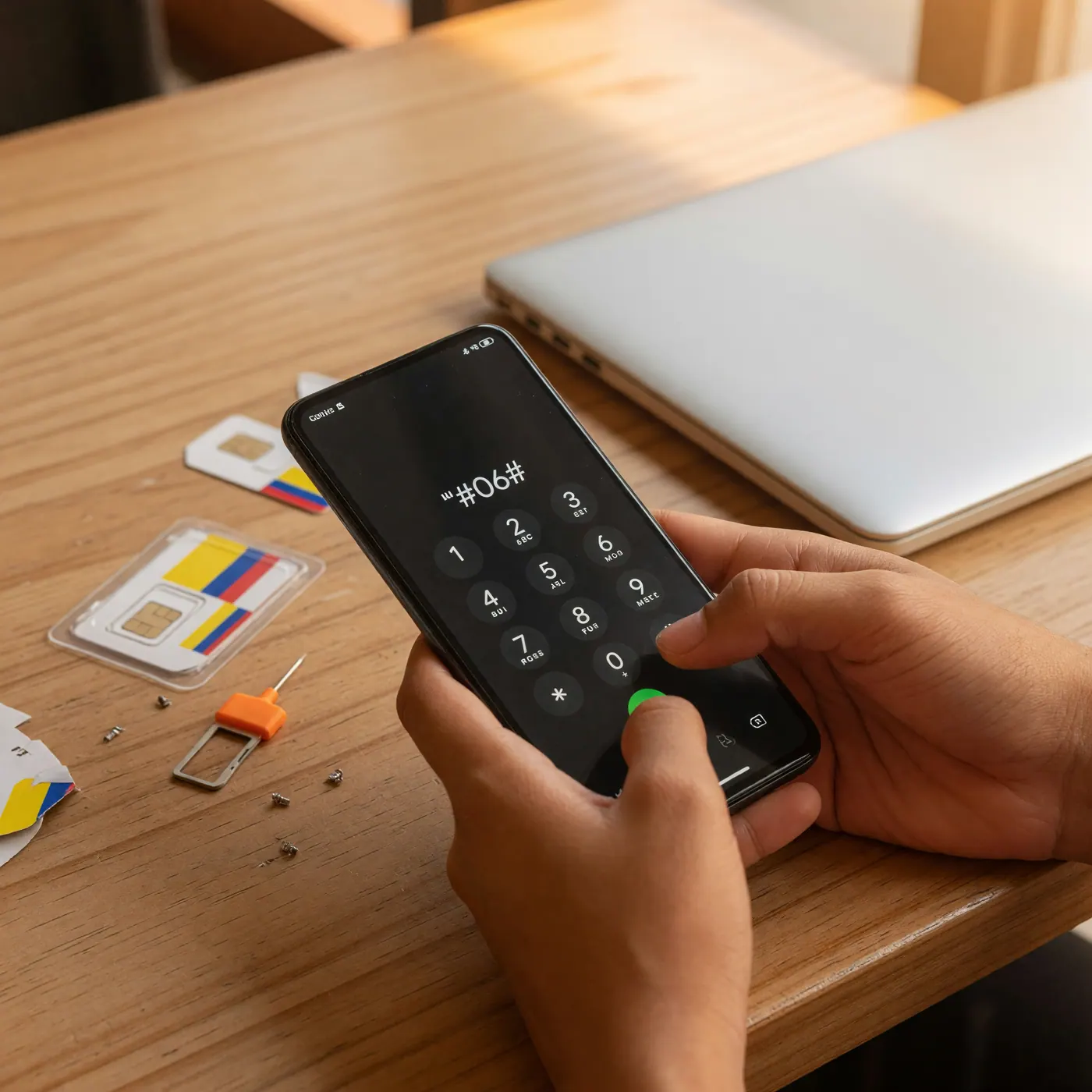
Before handing over money for any mobile phone or cellular tablet, dial *#06# on the device keypad to retrieve its official 15-digit IMEI number. Dual-SIM devices and handsets supporting active eSIMs display two separate identifiers (IMEI 1 and IMEI 2). You must test both numbers independently on imeicolombia.com.co. A device might function temporarily on one slot while blocked on the other.
Furthermore, confirm that the exact model designation appears on the CRC Equipment Homologation database (homologación de terminales móviles). Un-homologated foreign models connected to Colombian carriers such as Claro, Tigo, Movistar, or WOM can trigger operator warnings and face network suspension. If you buy a phone from someone who recently imported it, review our guide on registering your phone's IMEI in Colombia to understand registration obligations.
Smartphone Inspection Protocol: Testing Before You Pay
Never buy a secondhand smartphone based solely on cosmetic appearance or lock-screen photos. When meeting the seller in person, execute this practical testing sequence:
- Physical and Display Audit: Inspect the glass edges for signs of improper screen replacement or battery swelling. Test screen touch sensitivity across every corner of the digitizer using a draggable app icon.
- Live Cellular Call Test: Bring your own active Colombian SIM card. Insert it into both physical SIM slots, dial a local number, test the earpiece speaker, microphone clarity, and verify that mobile data connects.
- Biometric and Sensor Checks: Set up a temporary fingerprint or Face ID profile to ensure security hardware is intact. Test front and rear cameras across all zoom lengths and flash modes.
- Battery Diagnostics: Check built-in battery health meters such as iOS Maximum Capacity. Be suspicious of older devices showing 100% capacity alongside non-genuine component warnings in settings.
Setting up a full remote workspace in Colombia? Check out our practical advice on buying used office monitors and ergonomic gear in Colombia.
Laptop and Tablet Verification Checklist (Mac and Windows)
Secondhand computers present different risks than smartphones, primarily centered around hardware degradation and enterprise management software locks.
For Apple MacBooks, open System Settings > Apple ID and verify the seller has completely signed out of Find My Mac and iCloud. Request a full system restart while holding startup key combinations to ensure no firmware or EFI lock exists. Go to System Information > Power to check the original battery cycle count and health condition. Crucially, audit the system for Mobile Device Management (MDM) profiles under System Settings > Privacy & Security > Profiles. An active MDM profile indicates the laptop remains controlled by an external administrator and can be remotely locked or wiped.
For Windows laptops, open the Command Prompt and run powercfg /batteryreport to generate an HTML summary showing original design capacity versus full charge capacity. Verify that BitLocker drive encryption is turned off or reset, and enter the System BIOS upon startup to ensure no administrative password restricts drive access or reinstallation.
Safe Meeting Locations and Fraud-Free Payment Rules
Physical safety and payment hygiene are critical when dealing with secondhand high-value electronics. Never agree to meet a private seller in secluded residential side streets, dark parking lots, or private Airbnb apartments.
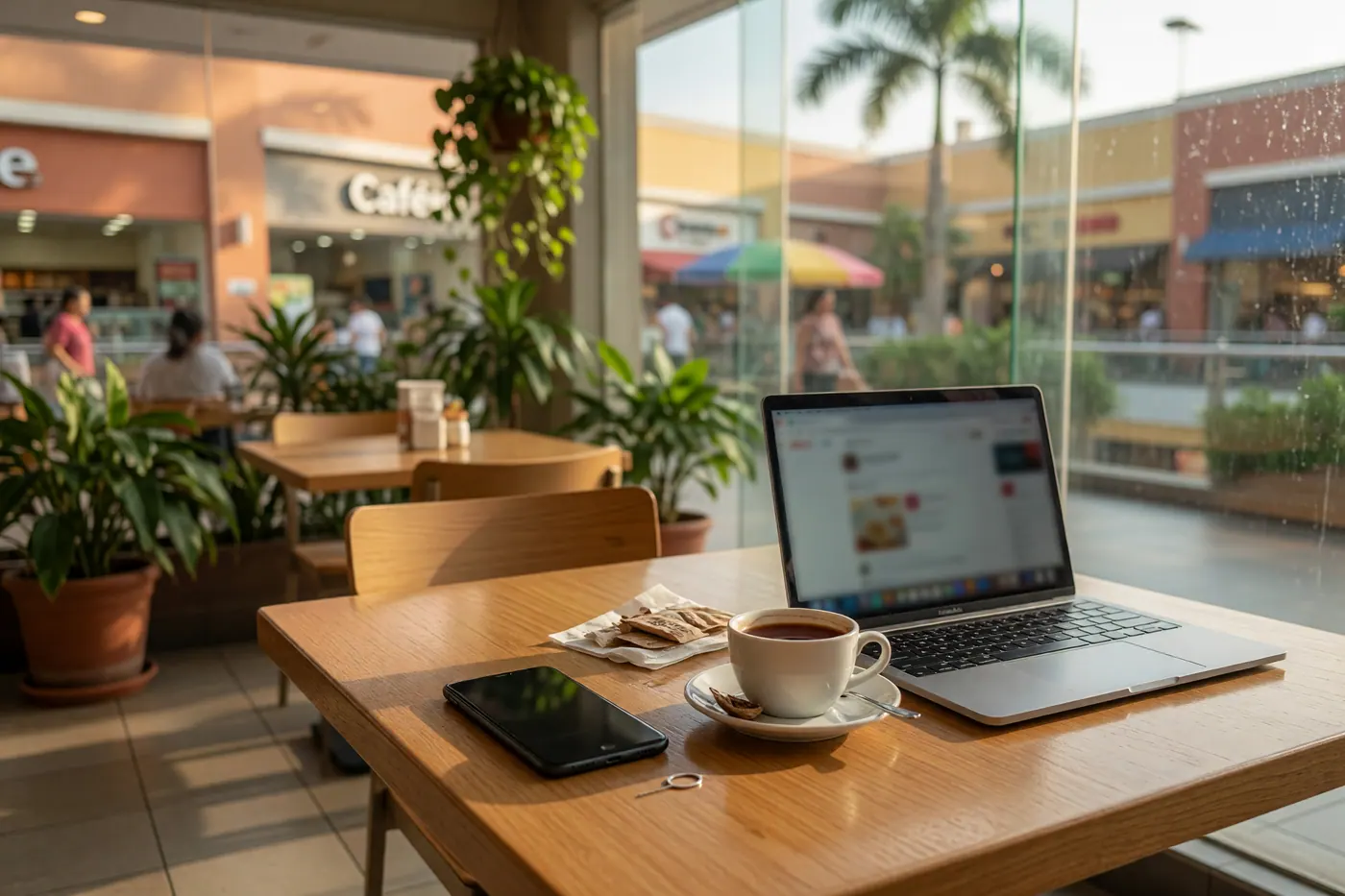
Insist on meeting during daylight hours inside heavily monitored commercial venues equipped with visible security personnel and surveillance cameras. Excellent options include food courts inside major shopping centers (centros comerciales) or modern business building lobbies. For another practical perspective on public work venues, see our guide to working remotely from cafe spaces in Medellín.
When settling the payment electronically through local applications such as Bancolombia, Nequi, or Daviplata, execute the transaction only after hardware testing is complete. Beware of the common fake transfer screenshot scam (comprobante falso). Do not release payment until testing is complete, and do not rely on a screenshot as proof of transfer; the seller should confirm receipt in their own banking app. Foreigners establishing local accounts can learn more in our detailed overview of opening bank accounts and managing funds in Colombia.
Finally, ask the seller to provide a written purchase receipt or fill out the operator-approved sworn ownership declaration (declaración de único usuario responsable). To register a used phone with a Colombian carrier, bring your Cédula de Extranjería or passport plus the invoice or ownership declaration.
Fair Price Benchmarks for Used Tech in Colombia
There is no trustworthy fixed price list for used electronics. As a broad negotiating reference, one- to two-year-old devices may trade roughly 20%–40% below current Colombian retail, but condition, battery health, storage, original charger, warranty status, and seller urgency can move the fair price substantially. Compare the exact model and configuration locally, then treat hidden locks or missing ownership documentation as reasons to walk away—not merely reasons to demand a discount.
Frequently Asked Questions
❓ How do I check if a used phone is blacklisted or reported stolen in Colombia?
Dial *#06# and enter the 15-digit IMEI at imeicolombia.com.co. The official lookup checks Colombia's national negative database for devices reported lost, stolen, or otherwise blocked. Run the check while you are physically holding the phone, before paying.
❓ What happens if I buy a phone in Colombia with dual SIMs or an eSIM?
You must verify both IMEI 1 and IMEI 2 independently. A dual-SIM or eSIM phone has separate identifiers, and one slot can be blocked while the other temporarily works. Ask the seller to display both numbers and check each one in the national database.
❓ What is mobile homologation and why does it matter?
Homologation confirms that the exact phone model is authorized by the CRC for Colombian mobile networks. A clean IMEI does not replace this check: imported or non-homologated models can still receive operator warnings and face network suspension.
❓ How do I register a used phone under my name with a Colombian mobile operator?
Contact your carrier with your Cédula de Extranjería or passport and proof of ownership. The operator may accept a purchase invoice or its approved sworn ownership declaration format. Confirm the current channel and document format directly with Claro, Tigo, Movistar, or WOM.
❓ How do I ensure a secondhand laptop does not have a corporate MDM or iCloud lock?
Reset and complete initial setup with the seller before paying. Confirm that Find My, prior Apple or Microsoft accounts, firmware passwords, BIOS restrictions, and remote-management profiles are gone. If setup requests an unknown organization or former owner's credentials, walk away.
❓ What is the safest way to pay for used electronics in Colombia?
Pay only after hands-on testing in a monitored public venue. For a transfer through Bancolombia, Nequi, or Daviplata, verify the completed transaction inside the recipient's own app rather than trusting a screenshot. Cash is safer to count inside a bank environment.


Comments
Loading comments...
Checking sign-in status...