
Buying Used External Monitors and Ergonomic Office Setup Gear in Colombia
Setting up a remote home office in Colombia doesn't mean paying massive import retail taxes. Here is how digital nomads and expats source pre-owned displays, ergonomic chairs, and desktop accessories safely in COP.
IDIOMA DEL ARTÍCULO
Showing original language
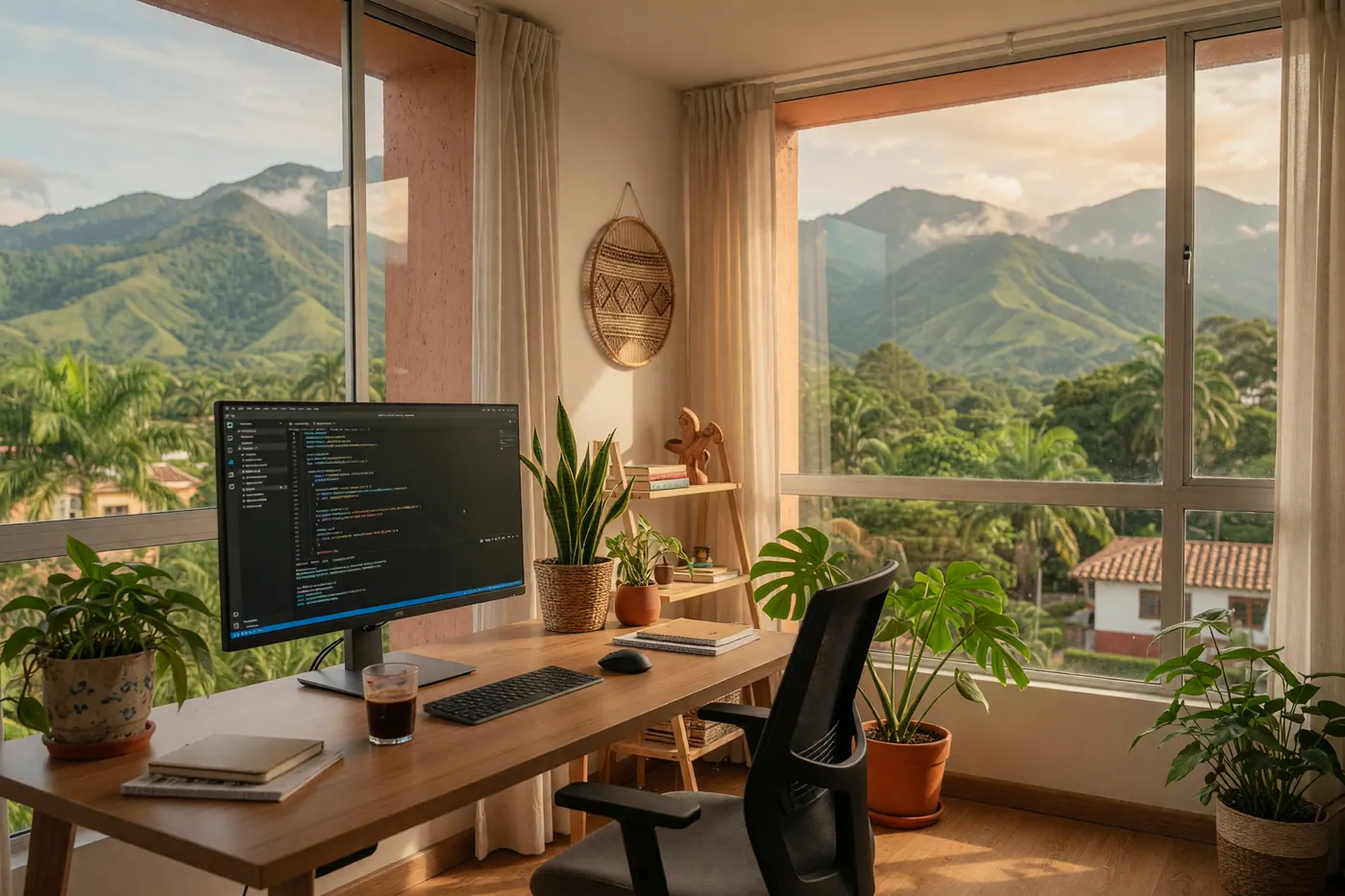
When setting up a home office in Medellín, Bogotá, or Cali, foreign remote workers often find that sourcing bulky equipment locally is the practical path. Sourcing quality pre-owned desktop equipment locally from departing expats, remote workers, and liquidating businesses is by far the most practical path.
| Office Equipment Item | Typical Used Price (COP) | Approximate Value (USD) | Key Inspection Check |
|---|---|---|---|
| 22–24″ 1080p External Monitor | COP 250,000 – COP 450,000 | ~$80 – $144 | Dead pixels, backlight bleed, HDMI/USB-C input signal |
| Adjustable Ergonomic Mesh Chair | COP 150,000 – COP 400,000 | ~$48 – $128 | Gas-lift cylinder drift, lumbar support lock, wheel casters |
Setting Up a Remote Office in Colombia Without Import Markup
When you relocate to Colombia as a digital nomad setting up in Colombia or a remote worker arranging long-term housing, trying to work productively from a laptop screen on a dining room table gets uncomfortable within days. However, purchasing new tech gear locally can feel like an unnecessary expense. According to active listings on Colombia Move (August 2026), there are currently 6 active office gear listings across major cities, a thin pool for a nationwide category.
Desktop monitors, mechanical keyboards, ergonomic mesh chairs, and laptop stands do enter the second-hand market. Knowing local COP price benchmarks and testing gear properly before transferring funds makes it easier to judge each listing on its merits.
Colombia Electrical Standards: Voltage, Hz, and Cable Compatibility
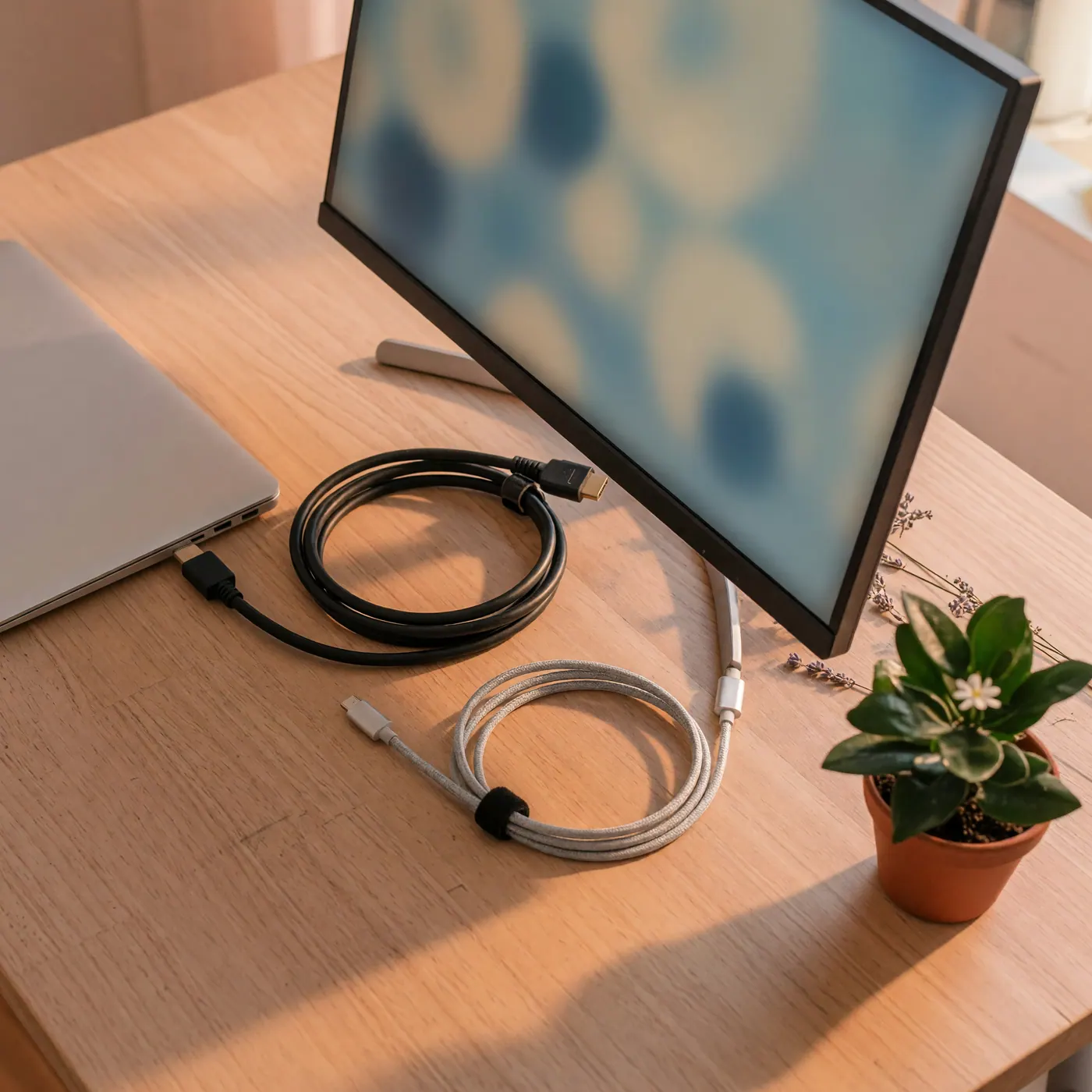
Before buying any powered desktop equipment in Colombia, it helps to confirm electrical compatibility. Under Colombia's national electrical code (Código Eléctrico Colombiano / RETIE standards), residential grid power runs at 110V AC at 60Hz using standard NEMA Type A (two-prong) and Type B (three-prong grounded) outlets.
- North American Gear: Any monitor, dock, or power strip manufactured for the US or Canadian market plugs in directly without voltage converters or physical plug adapters.
- European & UK Gear: European power supplies work perfectly as long as the label confirms dual-voltage compatibility (100–240V, 50/60Hz). You will only need a basic mechanical plug adapter to adapt European round prongs to flat Colombian wall outlets. Do not plug 220V-only equipment into Colombian 110V sockets.
- Cable Inspection: When inspecting a display, verify that the seller includes the original power brick or standard C13 kettle cord along with an HDMI or DisplayPort cable. Replacement video cables are inexpensive at local hardware centers, but an missing proprietary power adapter will delay your setup.
Price Benchmarks in COP: Used Monitors, Chairs, and Accessories
Second-hand pricing in Colombia fluctuates based on city and neighborhood, but pre-owned office gear generally adheres to predictable COP price bands. Converting these figures using a baseline TRM exchange rate (~COP 3,121 per USD) helps evaluate whether a seller's asking price is realistic.
Entry-level 22-inch to 24-inch Full HD (1080p) monitors from reliable brands (Dell, HP, LG, Samsung) typically sell between COP 250,000 and COP 450,000.
For seating, standard adjustable mesh chairs with lumbar support run between COP 150,000 and COP 400,000. Premium ergonomic brands are less common outside Bogotá, Medellín, and Cali, so I would not plan a setup around finding one quickly.
Pre-Purchase Inspection Checklist for Displays and Ergonomic Gear
Buying second-hand electronics from individual sellers requires careful physical inspection before handing over cash or sending a digital transfer. Under Colombia's Consumer Protection Statute (Ley 1480 de 2011, Art. 7 & 15), commercial retail businesses must provide a default 3-month legal warranty on used items unless explicitly disclaimed in writing. However, private peer-to-peer sales between individuals operate as-is under civil law, making thorough on-site testing essential.
1. Display Panel Verification
Bring your laptop and connecting cables to the meetup. Plug the monitor into power, connect your laptop, and check for:
- Dead Pixels & Uniformity: Open a full-screen white background and a full-screen black background to check for dead pixels, bright spots, or severe backlight bleeding around the screen edges.
- Port Functionality: Test all available inputs (HDMI, DisplayPort, USB-C). Wiggle the connector gently to ensure the port housing isn't loose or failing internally.
- Flicker & Power Stability: Keep the monitor running for 5 to 10 minutes while checking settings menus to confirm the screen does not flicker or turn off unexpectedly as the panel warms up.
2. Ergonomic Chair Inspection
Do not buy an office chair without sitting in it for at least two minutes while testing every mechanical adjustment:
- Gas-Lift Cylinder: Raise the chair to its maximum height, sit down heavily, and remain seated. If the chair gradually sinks lower on its own, the pneumatic gas cylinder is failing and requires replacement.
- Tilt Lock & Tension: Recline fully and lock the backrest in place. Test the tension knob to ensure the chair offers sufficient back support for long work sessions.
- Armrest & Lumbar Locks: Adjust armrest height and lumbar pads to ensure all locking tabs engage firmly without slipping under pressure.
Safe Handoffs, Apartment Porterías, and Digital Payments
Safety and logistics are straightforward in Colombian cities when you follow standard local safety protocols. Never carry large sums of cash across the city to meet an unknown seller on a street corner.
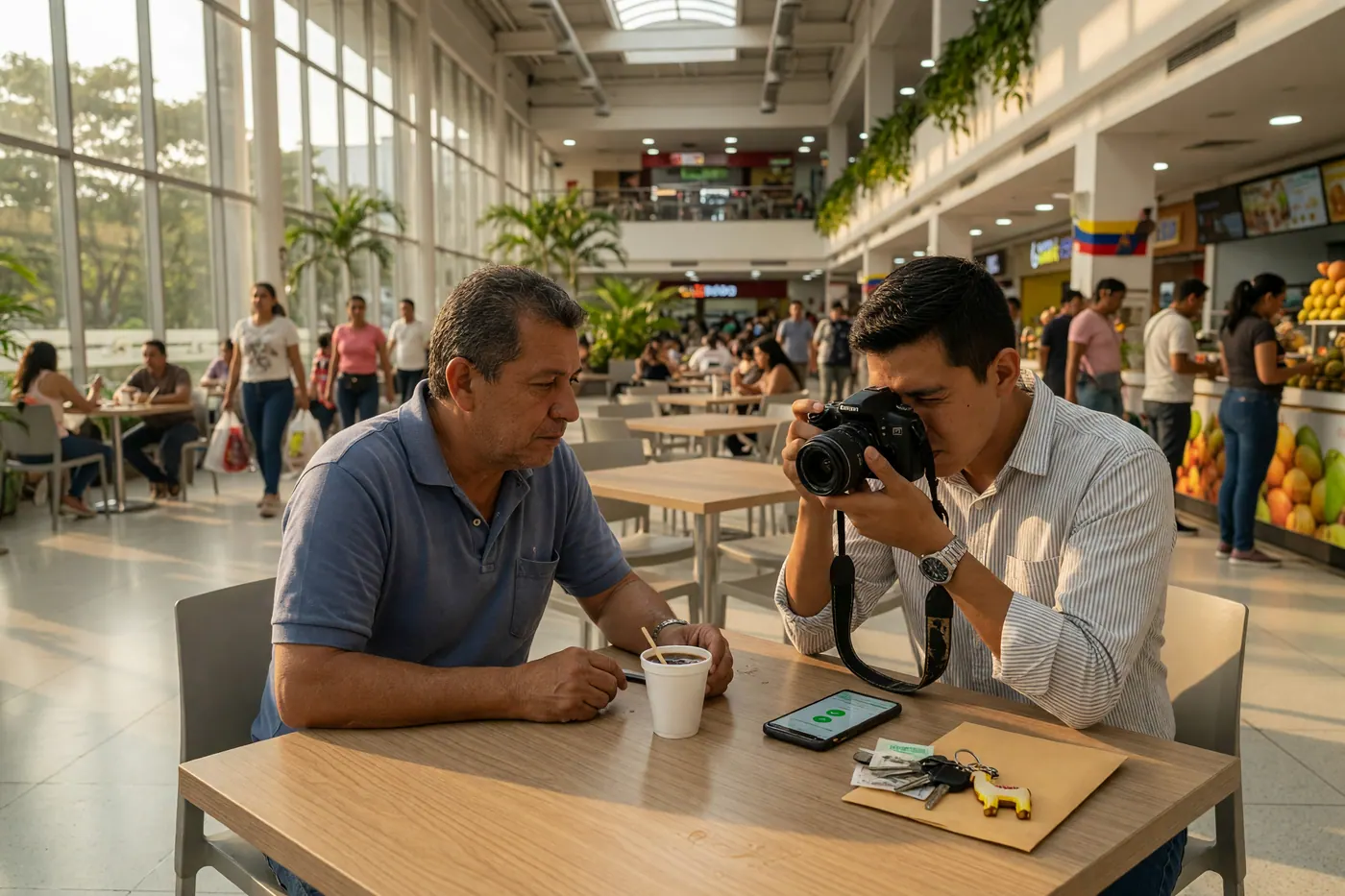
A useful place to test used home office gear is the lobby or reception area (portería) of the seller's apartment building, when the building permits it. Confirm that an outlet and a suitable testing area are available before traveling, then inspect the item before paying.
When you are satisfied with the gear, complete the transaction using instant local digital payment rails. Private sellers commonly settle through Nequi, Daviplata, Bre-B, or cash after in-person testing. Confirm the recipient details and the completed transfer together before taking the item.
For heavy desks or chairs, assume transport is not included. Agree on dimensions and pickup access first, then arrange a local courier (flete local) at your own cost.
Where to Find Second-Hand Office Gear in Colombia
Start with local listings where you can compare the seller's city, photos, connections, and pickup terms before arranging a visit. Search broadly for monitor usado, silla ergonómica, and escritorio; sellers do not always classify remote-work gear consistently.
I would shortlist two or three options rather than rushing to the first cheap listing. Ask for the exact model number, a photo of the power label, available input ports, and the chair's adjustment list before crossing the city.
Frequently Asked Questions
❓ Do North American or European monitors work in Colombia without a voltage converter?
North American monitors usually plug in directly because Colombia uses 110V/60Hz Type A and B outlets. European or UK equipment needs a plug adapter and a power label showing dual-voltage input, normally 100–240V; do not connect 220V-only equipment directly.
❓ How much does a used 24-inch external monitor cost in Colombia?
A used 22–24-inch 1080p monitor typically costs COP 250,000–450,000. This benchmark was observed on MercadoLibre Colombia on August 12, 2026; condition, inputs, panel age, and city can move the asking price.
❓ Do second-hand monitors bought from private sellers come with a warranty in Colombia?
Private peer-to-peer sales generally do not carry the commercial three-month warranty. Under Ley 1480, commercial sellers provide a default three-month warranty on used goods unless the no-warranty condition is disclosed in writing and accepted before purchase.
❓ What should I check when inspecting a used monitor in person?
Test dead pixels, backlight bleed, flicker, every needed video input, and stable power. Bring your own laptop and cables, leave the display running for 5–10 minutes, and check that the model and power label match the listing.
❓ How do I safely transport a heavy desk or ergonomic chair in Colombian cities?
Confirm dimensions, building access, and who pays for transport before pickup. Private sellers rarely include delivery, so arrange a suitable local courier or flete at your own cost and avoid paying the full amount before inspection.
❓ What digital payment methods do Colombian sellers expect for used office gear?
Nequi, Daviplata, Bre-B transfers, and cash are common in private sales. Inspect first, verify the recipient's name and amount, complete the payment together, and retain the electronic receipt or a simple written record of the handoff.


Comments
Loading comments...
Checking sign-in status...