
How to Optimize Your Home Security and Automation in Colombia: Cameras, Sensors, and Alarms Without Overspending
An setup with an indoor camera, a door sensor, and a Wi-Fi kit usually covers your own threshold without a monthly fee, as long as the camera's field of view does not extend beyond your home.
IDIOMA DEL ARTÍCULO
Showing original language
To protect your home without a monthly fee, a first setup of home security cameras and home motion sensors usually comes to less than about $350,000 COP. That budget covers one indoor camera and a couple of loose sensors, not a building-wide circuit.
A home alarm kit in Colombia —Wi-Fi hub, siren and sensors— usually costs between $160,000 and $450,000 COP, with no monitoring contract. Home automation in Colombia, in practice, means two or three scenes: a light, a phone alert and that's it.
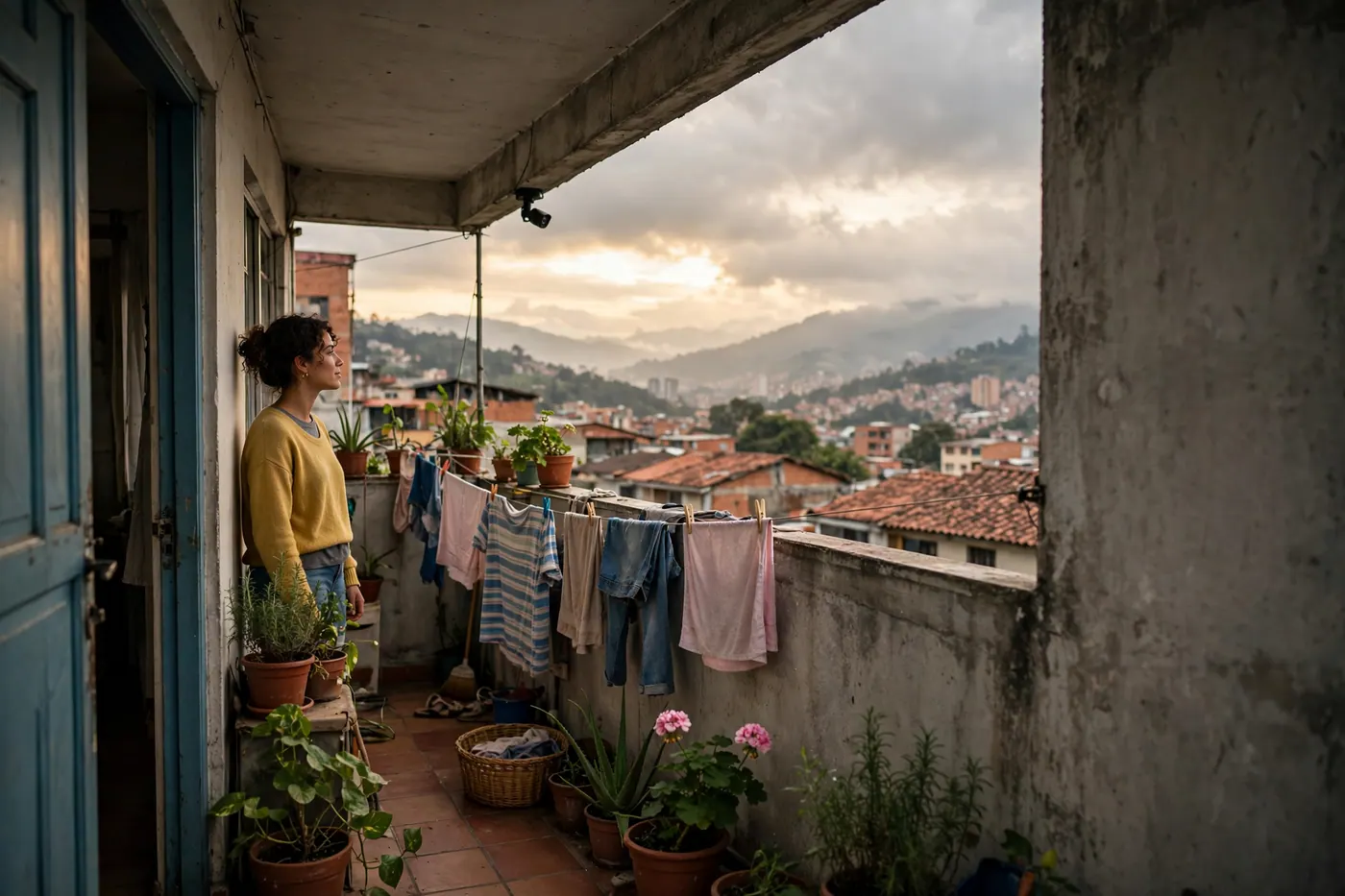
Protecting your home without spending much starts with your own threshold. On the balcony, with the laundry hanging and the small camera under the eave pointing only at the door, the framing works. Pointing it at the neighbor does not. It also doesn't replace the Police or promise zero break-ins: it gives you a record and a faster alert, nothing more.
Bogotá and Medellín: same limit.
The building's hallway is not your private area. And one real frustration: alerts go off for a motorcycle, a cat or a shadow, so the first few days you'll need to lower the sensitivity.
Budget cameras and sensors: how to protect your home without overspending
In Colombian retail, as of October 2026, these ranges are typical at Alkosto, Homecenter and Mercado Libre. They are not official prices and vary from listing to listing.
| Item | Typical range |
|---|---|
| Indoor Wi-Fi camera | $70,000 to $130,000 COP |
| 2K outdoor camera with night vision | $160,000 to $260,000 COP |
| Wi-Fi magnetic or PIR sensor, sold separately | $25,000 to $75,000 COP |
| Wireless kit with no monthly fee | $160,000 to $450,000 COP |
With the TRM of October 10, 2026 (about $3,194 per dollar), that starting figure of around $350,000 COP is roughly USD 110. I would skip armed monitoring if you only want a phone alert: it usually runs between $120,000 and $250,000 COP per month, it is not an official rate, and a Tuya Smart, Smart Life or Tapo kit sends the alert without that fee.
Watch out for filling your phone with apps. If the camera, the sensor and the plug fit in the same account, you'll use them. If each brand opens its own, you'll end up silencing everything.
This is the checklist I would review on the listing before paying:
- Wi-Fi band. Many consumer cameras only connect to 2.4 GHz. Don't assume they'll join a network that is 5 GHz only.
- Where it records. Ask whether it uses a local card or the cloud, and whether the cloud is charged separately.
- Voltage. Residential power runs at about 110–120 V, 60 Hz, with type A or B plugs. For the user at voltage level 1, CREG Concept 6068 of August 5, 2025 sets the steady-state voltage between 108 V and 132 V, that is ±10% around a nominal 120 V. Reject an adapter marked only for 220–240 V. Most cameras and USB chargers ask for 5 V at 1 A or 5 V at 2 A. If you buy used or imported, the guide to used appliances, voltage and gas shows you how to read the label.
- App password. Change it on the first day. The factory one doesn't count as security.
- Invoice. Unless another period is stated, the legal warranty on a new product is one year from delivery (Law 1480 of 2011). A used product sold without warranty is only sold that way if the buyer accepts it in writing; otherwise a three-month warranty applies.
On October 5, 2026, Homecenter announced the Tapo C410 kit (outdoor camera with battery and solar panel, one-year warranty on that listing). It is an example from that day, not a ranking.
Best option: indoor camera, magnetic sensor on the door and PIR sensor in the living room, all in one app.
Avoid: a dome in the hallway, a paid cloud you won't check, and a monitoring contract you didn't ask for.
Rules that do apply: Law 1581 of 2012 and horizontal property
Images of people are personal data under Law 1581 of 2012. The SIC video surveillance guide calls for visible notices at entrances ("Zona videovigilada") and does not authorize invading a neighbor's privacy or recording public roads without a legitimate purpose.
The law does not cover footage kept within the personal or household sphere, meaning private or family life (Decree 1377 of 2013). Once the clip leaves that sphere —to the building's WhatsApp group, or to a tenant with no rules— you must inform the data subject and ask for authorization. If the camera belongs to the condominium, a SIC concept from August 2023 describes notices at the front desk with the controller, purpose and rights; the SIC itself clarifies that this concept is not binding, so treat it as guidance and keep the notice on your door.
Under Law 675 of 2001, hallways, landings and façades are common property. Article 3 treats façades and roofs as essential common property, and access areas are not assigned for exclusive use. Your camera should look at your entrance or the inside of your unit. Without the condominium's approval you may not record the hallway, a neighbor's façade or a neighbor's window, nor drill into a common element. Owning the apartment is not enough. If the building already has a circuit, don't duplicate the hallway coverage.
- Yes: the door from inside, your private patio or balcony, framing that covers only your space, with a visible notice.
- With permission: façade, roof, hallway or common parking area.
- No: the neighbor's window or interior, or the hallway treated as if it were yours.
A penalty from the assembly only applies if the horizontal property regulations classify it and that procedure is followed. If you contract monitoring with a company, Decree Law 356 of 1994 requires state permission: ask for the credential. No private security fee is mandatory for a private home.
Automations that do increase security
Two or three automations are enough. A smart plug or smart bulb works only if its label accepts roughly 120 V, 60 Hz. A useful scene: a light turns on when the camera detects movement in your area, and turns off by itself after midnight.
If you travel, a random on-and-off schedule for that lamp keeps the house from sitting dark all week. You don't need a different routine for every room. The push alert, when the door opens or movement is detected, is the other half: if it doesn't reach your phone, the device is just decoration.
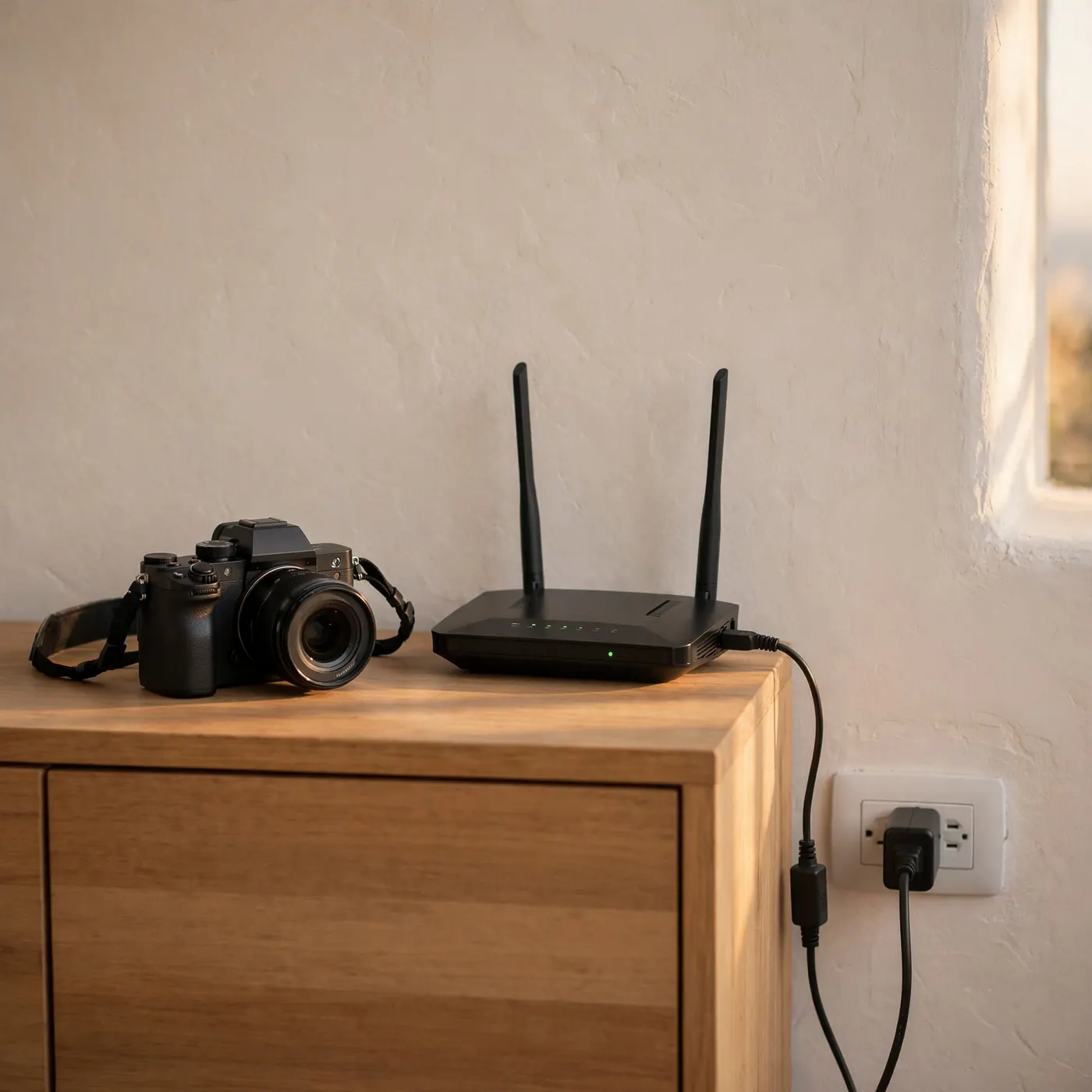
The weak point is power. If the electricity goes out, the plugged-in camera shuts off, and the router with it. A mini UPS on the modem and a camera with a rechargeable battery will get through a cut; a MicroSD card keeps the clip even if the internet doesn't come back. Without power to the router, no alert goes out. How to set up that backup is in the water and power backup guide; I won't repeat tanks or inverters here.
Short-term rental, deposit and handover of the property
If you rent by the day, cameras in bedrooms, bathrooms or the living room are prohibited. Only exterior access cameras or a doorbell are allowed, and you must state this in the listing: which area it records and who has the app. Hiding a camera or spying on a guest is the opposite of this guide.
In a rented apartment, high-bond mounting tape (3M VHB) or a magnetic bracket avoids drilling into concrete, drywall or aluminum frames. That protects the deposit when you move out. Confirm it in writing with the owner before leaving any device that looks fixed.
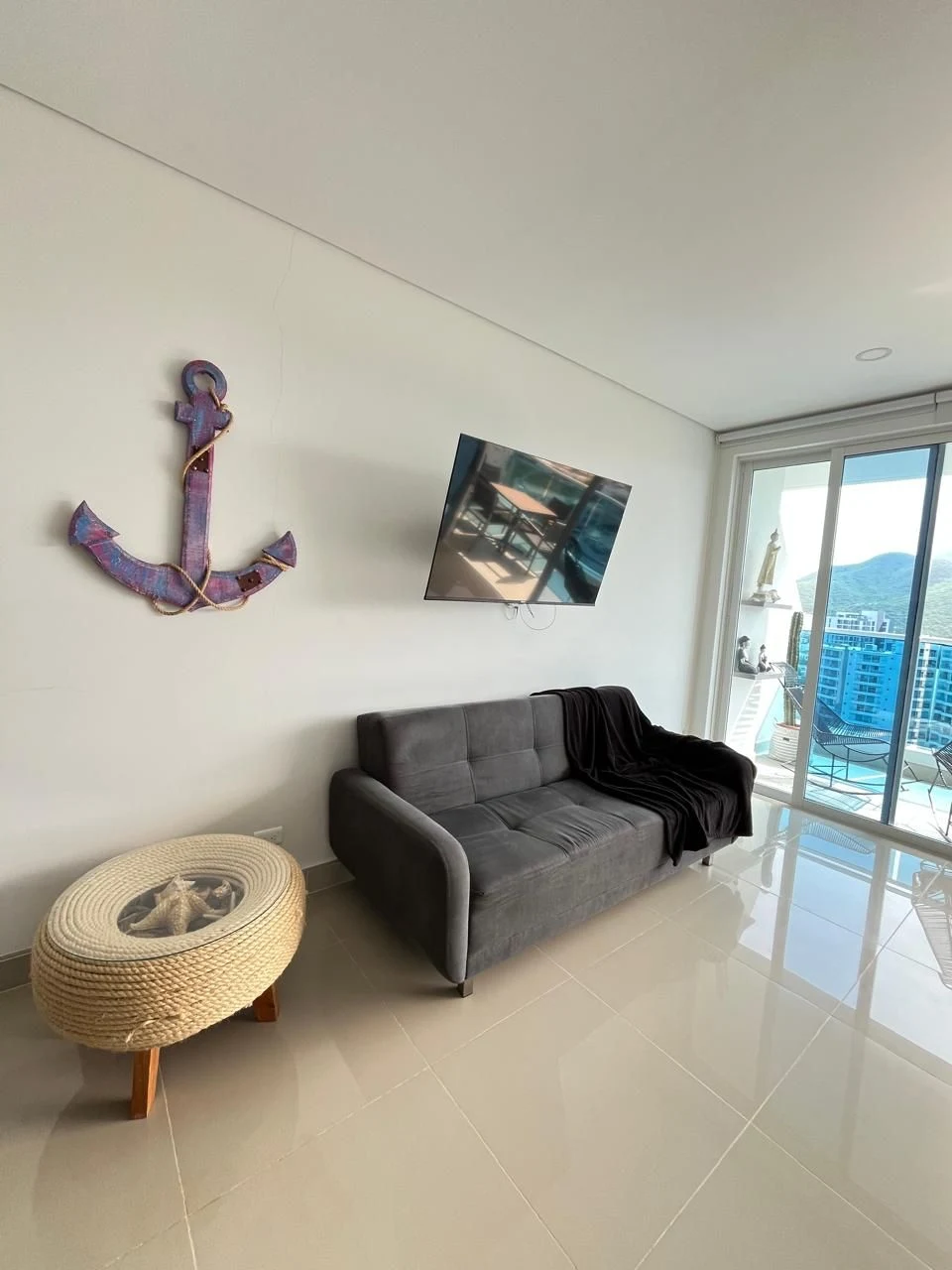
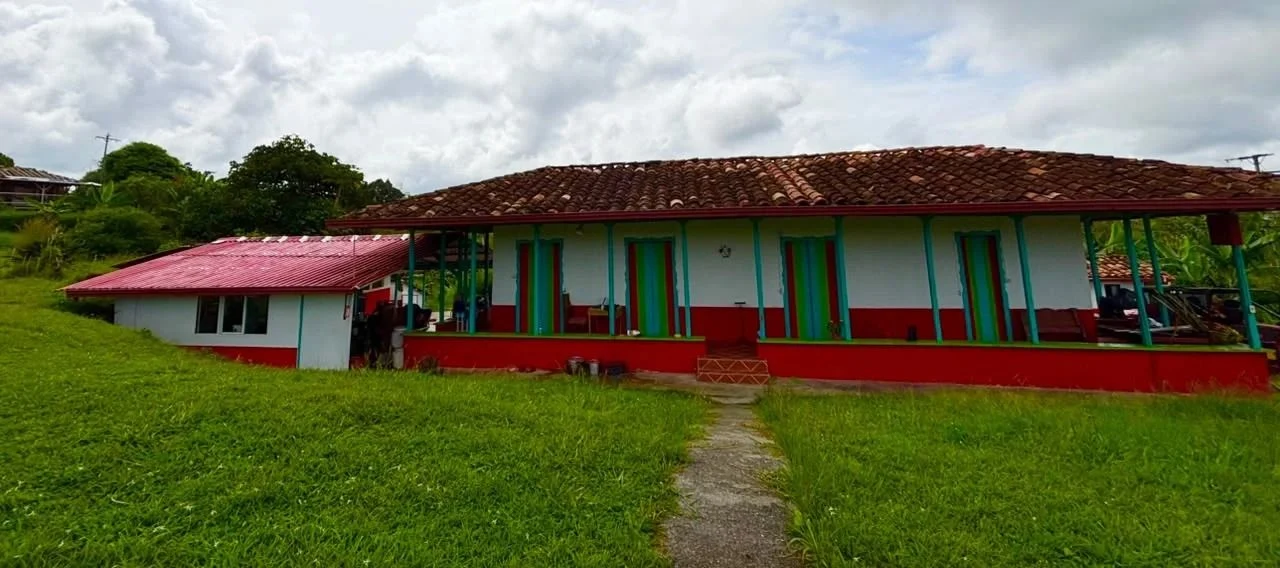
According to active listings on Colombia Move (October 2026), the housing section has 348 active listings and 36,114 views. With that volume, a listing that already says how the door is protected —without drilling walls— is understood faster and makes handover easier. You can browse properties in the housing section.
If you are closing a purchase and will fit out the place when you move in, the contract clauses matter more than the sensor. The guide to purchase promises, earnest money and notary covers what is worth putting in writing before installing anything.
If you replace the old kit, say so in writing when you sell it used. The guide to where to sell used items in Colombia helps you list it with no commission.
If the camera shows an incident happening right now, the channel is line 123, free and open 24 hours. Don't use the building's WhatsApp group for that. The video does not replace a report: keep it for the authorities. The rest of the numbers are in the emergency numbers guide.
Frequently asked questions
❓ Is it legal to install security cameras on the balcony or door of my apartment in Colombia?
Yes, it is legal if the framing covers only your door or your balcony and not the hallway or a neighbor's window. Law 1581 of 2012 treats those images as personal data, and the SIC video surveillance guide calls for a visible video-surveillance zone notice. Under horizontal property, Law 675 of 2001 makes façades and hallways common property: without the condominium's approval, don't drill there.
❓ How much does it cost to install a home alarm kit with no monthly fees in Colombia?
A kit with no monthly fee usually costs between $160,000 and $450,000 COP in Colombian stores. That range comes from Alkosto, Homecenter and Mercado Libre as seen in October 2026, not a fixed rate. Before paying, check whether the cloud is charged separately, because that fee changes the total more than the siren does.
❓ What is the difference between a magnetic door sensor and a PIR motion sensor?
A magnetic sensor detects when the two pieces of the door or window frame separate. A PIR reacts to the heat and movement of a body inside the room. In an apartment, the magnetic sensor goes on the main door and the PIR in the living room, with the camera framing stays fixed inside your unit.
❓ How do I install cameras and sensors in a rented apartment without damaging the walls?
Use high-bond mounting tape, such as 3M VHB, or a removable magnetic bracket. That way you don't drill walls or aluminum frames, and you reduce the risk of losing part of your deposit at handover. In a rental, confirm in writing with the owner before leaving any fixed device; Law 675 of 2001 does not authorize altering common areas.
❓ What happens if the power or internet goes out with Wi-Fi cameras and sensors?
If the power or internet goes out, the plugged-in camera stops streaming live. A mini UPS on the router, a battery-powered camera and a local MicroSD card keep the record even if the alert doesn't reach your phone. Check that backup before a trip: outages are the most common failure, and the app cannot fix that on its own.
❓ Can I put security cameras inside a home I rent by the day in Colombia?
You cannot put cameras inside a home you rent by the day: not in bedrooms, bathrooms or the living room. Only one exterior access camera or a doorbell is allowed, and it must be declared in the listing. Law 1581 of 2012 and hosting platform rules treat the private interior as off limits.
- SIC, data protection guide for video surveillance
- Statutory Law 1581 of 2012
- Decree 1377 of 2013
- Law 675 of 2001, Senate
- SIC Concept, August 2023
- CREG Concept 6068 of 2025
- Alkosto, sensors and smart home (October 2026)
- Homecenter, alarms, sensors and doorbells (October 2026)
- Mercado Libre, Tuya Smart alarms (October 2026)



Comments
Loading comments...
Checking sign-in status...