
How to Update Location and Contact Details on the DIAN RUT Online
Learn how to modify your notification address, municipality, phone number, and email on the DIAN MUISCA platform to keep your RUT up to date.
IDIOMA DEL ARTÍCULO
Showing original language
When you change your residence, open a new bank account, or start an employment or service contract, one of the first documentary requests is to present an updated RUT. In Colombia, the Single Tax Registry (RUT) is managed by the National Directorate of Taxes and Customs (DIAN) and is defined in Article 555-2 of the Tax Statute as the sole mechanism for identifying, locating, and classifying persons and entities that have obligations before the state entity. Keeping location and contact information up to date prevents official notifications from being lost or administrative procedures from being halted by data inconsistencies.
If you are already registered as an individual and only need to modify your notification address, phone number, municipality, or email address, you do not need to re-register or request an in-person appointment if the institutional portal allows it. This content explains the procedure for performing the virtual update through the official DIAN portal, how to correctly use the system's address generator, and how to download the digitally signed copy.
Who is this procedure for and what changes does it cover?
This procedure is designed exclusively for individuals previously registered in the RUT who need to update their contact information or their notification address. It applies in everyday scenarios such as the following:
- Change of residence or relocation of a personal office within the same municipality or to a different area.
- Updating your mobile or landline phone number for receiving information messages from the DIAN.
- Correction or adjustment of the email address where you receive official communications and billing notices.
It is very important to clarify the limits of the procedure: the location and contact update described here does not modify your economic activity code (CIIU) nor does it process additional tax responsibilities. If your requirement is to register your document in the system for the first time, you must consult our guide on how to register the RUT for the first time as an individual virtually. Similarly, if you are a foreign resident with a Foreigner ID (Cédula de Extranjería) and do not yet have an initial registration, the appropriate path is the institutional enrollment process explained in the guide for RUT registration for foreigners in Colombia.
Prerequisites and security recommendations before logging in
Before starting the update on the platform, ensure you have the necessary elements to complete the flow without technical interruptions:
- Identity document at hand: Valid citizenship ID (Cédula de ciudadanía) or Foreigner ID (Cédula de Extranjería).
- User account enabled in MUISCA: You must remember your access password for the DIAN online services portal. If you have not created the user, the portal itself allows you to enable it using your identity document details.
- Active access to the registered email account: You will need to open your inbox to verify confirmation codes or system notices.
Regarding digital security, keep a fundamental rule in mind: the DIAN operates only through its official institutional domains (dian.gov.co and muisca.dian.gov.co). The entity does not request passwords, personal keys, or payments through WhatsApp chats, text messages, or social media intermediaries. Avoid sharing your credentials with third parties. If you need to check current costs or requirements for the procedure on the day of execution, always verify the official file published on the standardized State portal, GOV.CO.
Step-by-step: how to update your location on the MUISCA portal
The online update procedure is performed directly on the virtual services portal. Because institutional web interfaces may update button names or color schemes over time, the following flow describes the operational objectives of each stage of the process:

- User authentication: Enter the DIAN online services platform (MUISCA) and log in by selecting the registered user option, entering your document type and number along with your personal password.
- Accessing the RUT update option: In the main procedures menu, look for the section corresponding to the Single Tax Registry and select the option to update the RUT (Form 001). The system will show you an explanatory notice indicating that a draft of the application will be created.
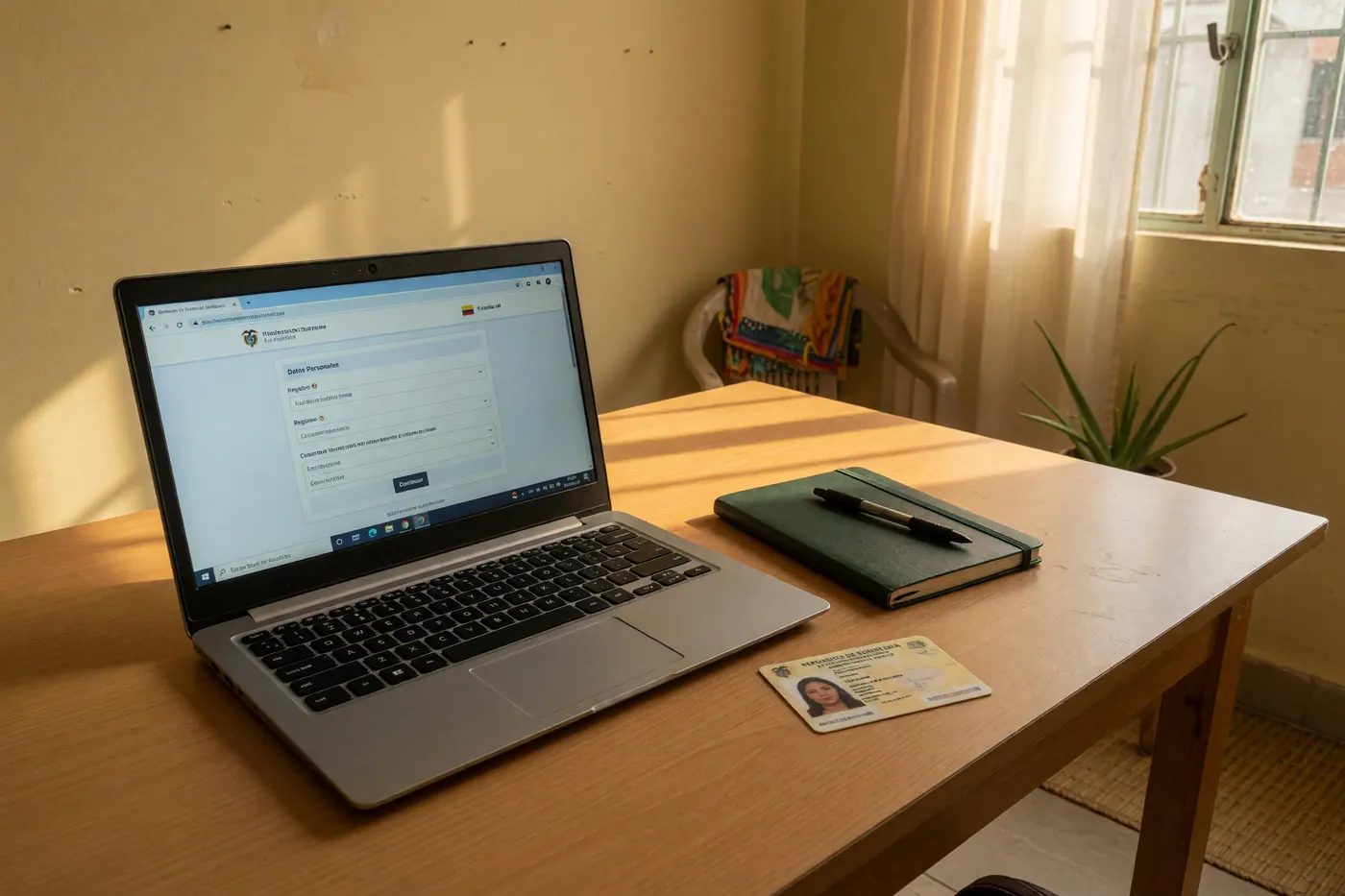
- Opening the form: Click to load or edit the document. The portal will display the representation of Form 001 with the data currently held in the entity's database.
- Locating the contact data sheet: Scroll to the boxes corresponding to address, municipality, phone number, and email address.
Correct use of the standardized address generator
One of the points where most failures occur in the virtual process is in filling out the physical address. The DIAN portal does not allow you to enter nomenclature as free text or as an informal description (for example, by pasting a map indication or the wording of a lease agreement).
To ensure the system processes the change, you must use the internal tool called the address generator. When you click on the address box, a popup window structured by specific dropdown fields will open:
- Type of main road: Selection from a list (e.g., Street (Calle), Avenue (Carrera), Avenue (Avenida), Crossroad (Transversal), Diagonal, or Circle (Círculo)).
- Number and letter of the main road: Insertion of the main numbering and its explanatory letters if they apply.
- Number of the secondary road and distance: Selection of the secondary coordinate that makes up the address.
- Complements and horizontal property: Selection of the type of building from the official lists (Apartment, Interior, Floor, Block, Local, House) along with its respective number.
- Territorial location: Mandatory selection of the corresponding municipality and neighborhood from the tool's dropdowns.
Once the components are assembled using the lists, the generator compiles the standardized string in the official form box. When finished, check that the contact email and mobile phone number are correctly written, as institutional alerts will arrive there.
Saving, submitting, and downloading the digitally signed PDF
When the location and contact fields reflect the correct information, continue with the formal completion of the procedure within the portal:
- Save draft: Use the save function at the bottom of the screen so the system can validate that there are no empty mandatory boxes.
- Finalize or formalize: Press the formalize button. Depending on your account security validations, the system may ask you to enter a verification code sent to your email or a dynamic password.
- Generation of the official document: Once the update is approved, the platform will process Form 001 with the watermark or institutional digital signature that validates the registration.
- PDF format download: Access the download or document inquiry option and save the generated digital copy to your computer. This PDF file is the valid document that will be required by banks, employers, or contractual counterparties.
If the portal presents user blocks, serious inconsistencies in your identification data, or system restrictions during the online process, the available alternative is to request in-person assistance by following the instructions and requirements of the procedure sheet on the GOV.CO portal.
Clarification on independent tax procedures
To avoid common confusion when carrying out procedures before tax authorities, it is necessary to remember that the update of Form 001 covers only basic registration data. If you require the issuance of tax certifications to present abroad, that process corresponds to the procedure for certificate of tax residence before the DIAN, which handles completely independent requirements and forms.
Frequently asked questions
❓ Can I update my RUT address and email online without leaving home?
Yes, if you already have an active user account and signature mechanism at the DIAN, you can update your address and email through the portal. If they are not enabled, the procedure sheet or the office can indicate another official channel (accessed September 2, 2026).
❓ Does the DIAN charge a fee to update RUT data?
Do not cite a value in pesos: confirm the cost on the official procedure sheet or at the DIAN office on the day of the procedure. Do not pay intermediaries; source consulted September 2, 2026.
❓ Is it mandatory to schedule an in-person appointment to change my phone number or email in the RUT?
It is not automatic: it depends on whether the electronic mechanism works for your case that day. If the virtual channel fails, follow the other official channel shown on the procedure sheet (accessed September 2, 2026).
❓ Why does the DIAN system reject my address when I type it manually?
The form usually requests catalog fields and nomenclature, not a handwritten street address. Use the lists from the current system (source: MUISCA office, accessed September 2, 2026).
❓ Where do I download the updated RUT certificate requested by my bank or employer?
Download it from the authenticated RUT service of the DIAN or MUISCA, not from a third-party site. The portal's PDF is the one usually requested by banks and employers (accessed September 2, 2026).
❓ Does updating my address in the RUT automatically change my CIIU economic activity?
No: the CIIU is a separate data group and does not change just because of the address. Review that field in the same form if it also changed (accessed September 2, 2026).
❓ How can I avoid scams when searching for links to update the RUT on the internet?
Use only dian.gov.co, muisca.dian.gov.co, and gov.co; ignore paid WhatsApp ads. As of September 2, 2026, verify the official domain on the day you perform the action.



Comments
Loading comments...
Checking sign-in status...