
Best VPN for Colombia: Banking, Streaming & Security for Expats
Updated 2026 guide to the best VPN for Colombia: U.S. banking, streaming, public WiFi, phone setup, server choice, and what to avoid.

IDIOMA DEL ARTÍCULO
Showing original language
Updated October 15, 2026. The best VPN for Colombia is the one that keeps three boring things working: your U.S. bank, your streaming apps, and your connection on cafe/coworking WiFi. Instead of crowning one brand, this guide covers what to look for, how to set it up, and how to test it before you depend on it abroad.
Prices, server lists, and streaming blocks change constantly. Treat any provider's marketing as a starting point and test with your own accounts during the refund window.
Disclosure: Colombia Move does not earn a commission from any VPN provider. The Proton Mail link further down is a referral link, at no extra cost to you.
What to look for in a VPN for Colombia in 2026
| Feature | Why it matters in Colombia | What to check |
|---|---|---|
| Several U.S. city servers | Banks and streaming apps react better to one consistent U.S. location. | Miami, New York and Dallas at minimum; pick one and stick with it for banking. |
| Colombia server location | Lets you reach Colombian services when you travel outside the country. | A Bogota location on the provider's public server list. |
| Kill switch | Stops your real connection from taking over if the VPN drops on cafe WiFi. | Available on both phone and laptop apps, and turned on. |
| Device limit | Phone, laptop, tablet, TV and a backup device add up fast. | Simultaneous-connection cap, or unlimited devices for households. |
| Split tunneling | Some Colombian apps (delivery, rideshare, local banks) expect a Colombian IP. | Per-app exclusions on Android and desktop. |
| Refund window | The only reliable way to know if your bank accepts it. | At least 30 days; test bank, brokerage, streaming and video calls before it ends. |
Why expats in Colombia actually need a VPN
The old version of this article made the VPN decision sound like a streaming hack. Streaming matters, but the real Colombia use case is risk management: you are moving between apartment WiFi, coworking networks, mobile hotspots, airports, and cafes while still needing access to U.S. financial accounts.
1. U.S. banking and brokerage access
U.S. banks do not all block Colombian IP addresses, but many will challenge new countries, new devices, and rotating IPs. A VPN gives you a consistent U.S. location. It does not guarantee your bank will love every login, so pair it with passkeys or an authenticator app and keep your bank's recovery email/phone current.
2. Public WiFi protection
Cafe and coworking WiFi in Medellin, Bogota, Cartagena, Cali, and smaller cities is convenient, not private. A VPN encrypts your connection on the local network so the person sharing the router cannot casually inspect or tamper with your traffic.
3. Streaming and sports
Streaming services change their blocking behavior often. If U.S. Netflix, Hulu, ESPN+, YouTube TV, or a sports app stops working, try a different U.S. city before assuming the VPN failed. Miami, Atlanta, Dallas, New York, and Los Angeles are the usual first tests from Colombia.
4. Colombian services when you travel
The reverse problem happens too. If you leave Colombia and need a Colombian IP for a local service, use a provider with a Colombia location. Check the provider's public server list for a Colombia/Bogota location; that matters if you travel often.
My recommended setup for Colombia
If you want the least-friction setup, do this:
- Install the VPN on your phone and laptop before leaving the U.S. Do the first bank-login test while you still have easy access to your normal recovery methods.
- Choose one U.S. city for banking. Miami often feels fastest from Colombia, but New York or Dallas can be more stable for some accounts. Do not hop cities every session.
- Enable the kill switch. This prevents your real network from taking over if the VPN drops mid-session.
- Use an authenticator app or passkeys. SMS can fail when you switch SIMs, lose a phone, or use a Colombian number. Strong account recovery is not optional abroad.
- Use split tunneling when local apps complain. Let banking and streaming go through the VPN, but allow Colombian apps such as delivery, rideshare, or local banking to use the normal Colombian connection if needed.
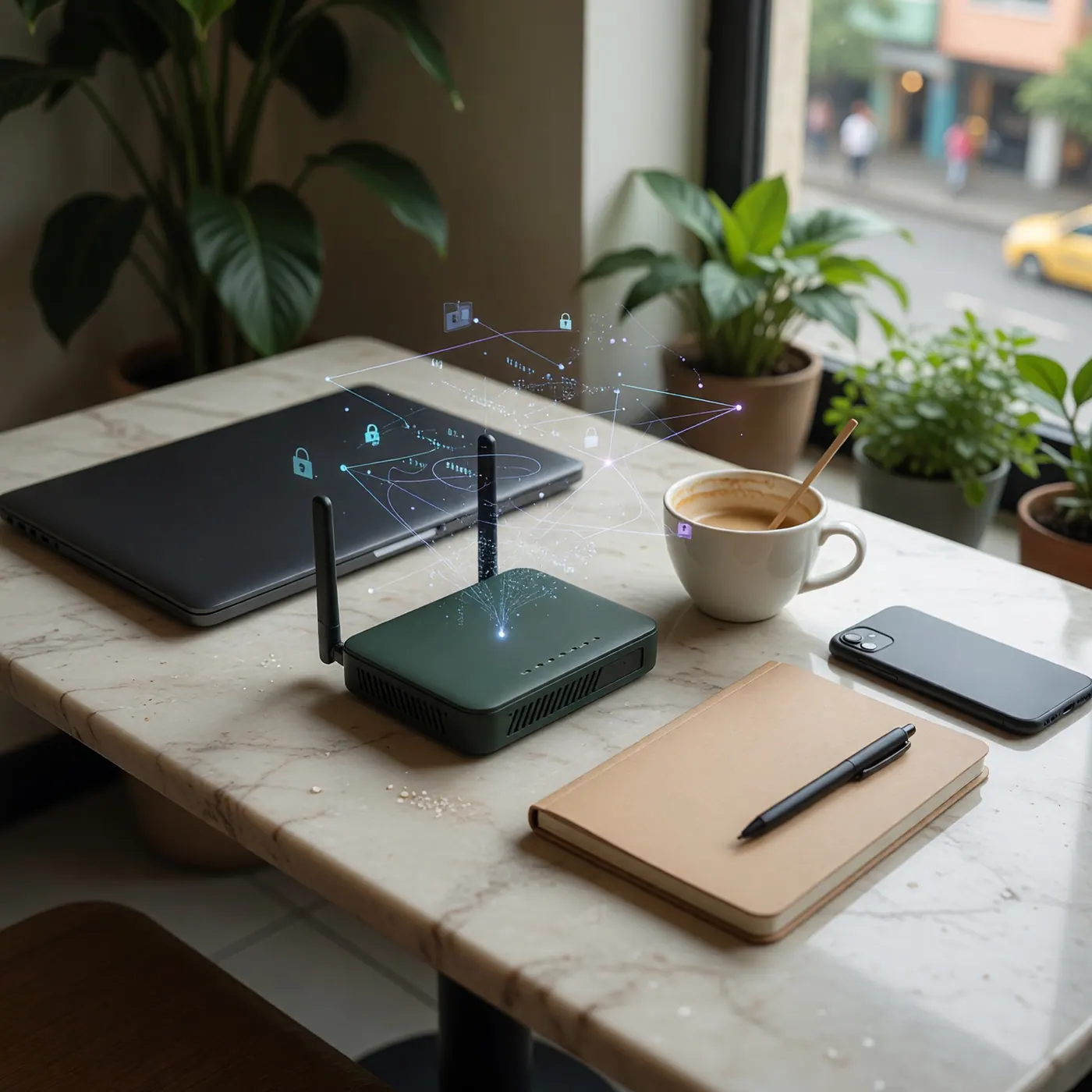
- Consider a travel router for Airbnb/coworking life. A small router can protect smart TVs and devices that do not run VPN apps directly.
If you want a simple starting point, pick a reputable paid VPN, connect to Miami, enable the kill switch, and test your top three accounts: bank, brokerage, and primary email.
How to compare VPN providers
Most reputable paid VPNs cover the basics. The differences that matter in Colombia show up in a few places:
- Server coverage: several U.S. cities for banking and streaming, plus a Colombia location if you travel often.
- Device coverage: count your phone, laptop, tablet, TV, and a backup device. Some plans cap simultaneous connections; others allow unlimited devices.
- Pricing: multi-year intro prices renew higher. Read the renewal line and set a calendar reminder before the intro term ends.
- Extras worth having: kill switch, split tunneling, router setup, and an optional dedicated IP if your bank keeps challenging shared IPs.
- Independent audits: prefer providers whose no-logs policy has been independently audited.
Premium vs budget VPNs
Premium plans: pay for simplicity
Premium providers tend to have the simplest apps, router support, and fewer settings to tune. If your main need is "I want the app to be obvious and I do not want to tune anything," paying more can be reasonable.
Budget plans: great for households, test your bank
Budget providers often allow unlimited simultaneous devices, which is excellent value for couples, families, or shared apartments. The caution is banking: shared VPN IPs are a moving target, and cheaper providers can be more likely to hit extra verification with conservative banks. Test your bank and brokerage during the refund window before relying on it for a long trip.
What about free VPNs?
Do not use a free VPN for banking, brokerage accounts, or primary email. The business model is usually bandwidth limits, ads, tracking, weak server selection, or upsells. Even when the provider is legitimate, free plans are often too slow or too limited for streaming and too inconsistent for bank logins.
The one exception is emergency use for low-risk browsing when you are not entering passwords. For anything tied to money, identity, taxes, or work, a paid VPN is cheap compared with losing access to an account while abroad.
Secure your email too, not just your connection
A VPN protects the connection between your device and the internet. It does not fix a weak email account, reused passwords, or a stolen recovery inbox. If your Gmail or Outlook account is the recovery key for your bank, immigration files, crypto exchange, or business accounts, harden that next.
Proton Mail is the private email option I point expats toward because it combines encrypted email with stronger privacy defaults, plus optional VPN, storage, and password-manager tools. A VPN and a hardened email account solve different parts of the same problem.
Troubleshooting: when your VPN stops working
- Your bank still blocks you: use the same U.S. city every time, clear the bank tab, restart the VPN, and try again. If it keeps happening, consider a dedicated IP or call the bank before your next travel leg.
- Streaming buffers: switch to a different U.S. city, use a WireGuard-based protocol if your app offers one, and test with the VPN on your router only if the device cannot run the app directly.
- Colombian apps act strange: pause the VPN for that app or use a Colombian server. Some local services expect you to be in Colombia.
- Video calls lag: connect to the nearest useful server instead of forcing a faraway city. For pure security on public WiFi, the nearest stable server is usually enough.
- Captive portals will not load: disconnect the VPN, join the WiFi, accept the hotel/cafe terms, then reconnect.
Related Colombia Move guides
- Internet and SIM cards in Colombia for choosing mobile data before you rely on hotspots.
- Best apps for living in Colombia for the daily tools that belong next to your VPN.
- Best coworking spaces in Medellin and Bogota if public WiFi is part of your routine.
- How to send money to Colombia from the U.S. for the accounts most likely to trigger security checks.
- Best banks in Colombia for foreigners for local account options.
- Medellin digital nomad cybersecurity guide for a broader device-safety checklist.
Source notes and freshness
This guide was rewritten on October 15, 2026 to be provider-neutral. Promotional prices, renewal prices, server lists, streaming blocks, and bank fraud rules change without notice, so confirm current details on each provider's own pricing and server pages before you buy.
Frequently Asked Questions
Is it legal to use a VPN in Colombia?
Yes, normal VPN use is legal in Colombia as of July 3, 2026. A VPN is a privacy and security tool, not a permission slip. It does not make illegal activity legal, and it does not override a bank or streaming service's terms.
Which U.S. VPN server should I use from Colombia?
Start with Miami because it is geographically close and usually fast from Colombia. If your bank or streaming app complains, try New York or Dallas. For banking, consistency matters more than chasing the fastest speed test.
Will a VPN make my U.S. bank stop asking for verification?
Not always. A VPN lowers the "new country" signal, but banks also look at device, browser, cookies, login rhythm, and account risk. Use the same device and server, keep 2FA healthy, and avoid switching VPN cities mid-session.
Should I use a Colombian VPN server?
Use a Colombian server when you need a Colombian IP, especially while traveling outside the country. For U.S. banks and U.S. streaming, use a U.S. server. For general cafe security, either a nearby Colombian server or a fast U.S. server can work.
Do I need the VPN on my phone too?
Yes. Your phone is often the more sensitive device because it holds email, banking apps, WhatsApp, authenticator codes, and recovery messages. Install the VPN on your phone and laptop, then test both before you need them in an emergency.
Is a dedicated IP worth it for Colombia?
It can be worth it if your bank keeps challenging shared VPN IPs. A dedicated IP gives you a more consistent login pattern, but it reduces the anonymity benefit of blending into a shared pool. For most expats, start without it and upgrade only if needed.


Comments
Loading comments...
Checking sign-in status...