
WanderWallet Colombia: Scan Bre-B QR at Checkout (Skip the Card DCC Trap)
WanderWallet’s Bre-B QR scan is live in Colombia: pay grocery and café terminals without tapping a foreign card, with an honest fee and coverage guide.
IDIOMA DEL ARTÍCULO
Showing original language
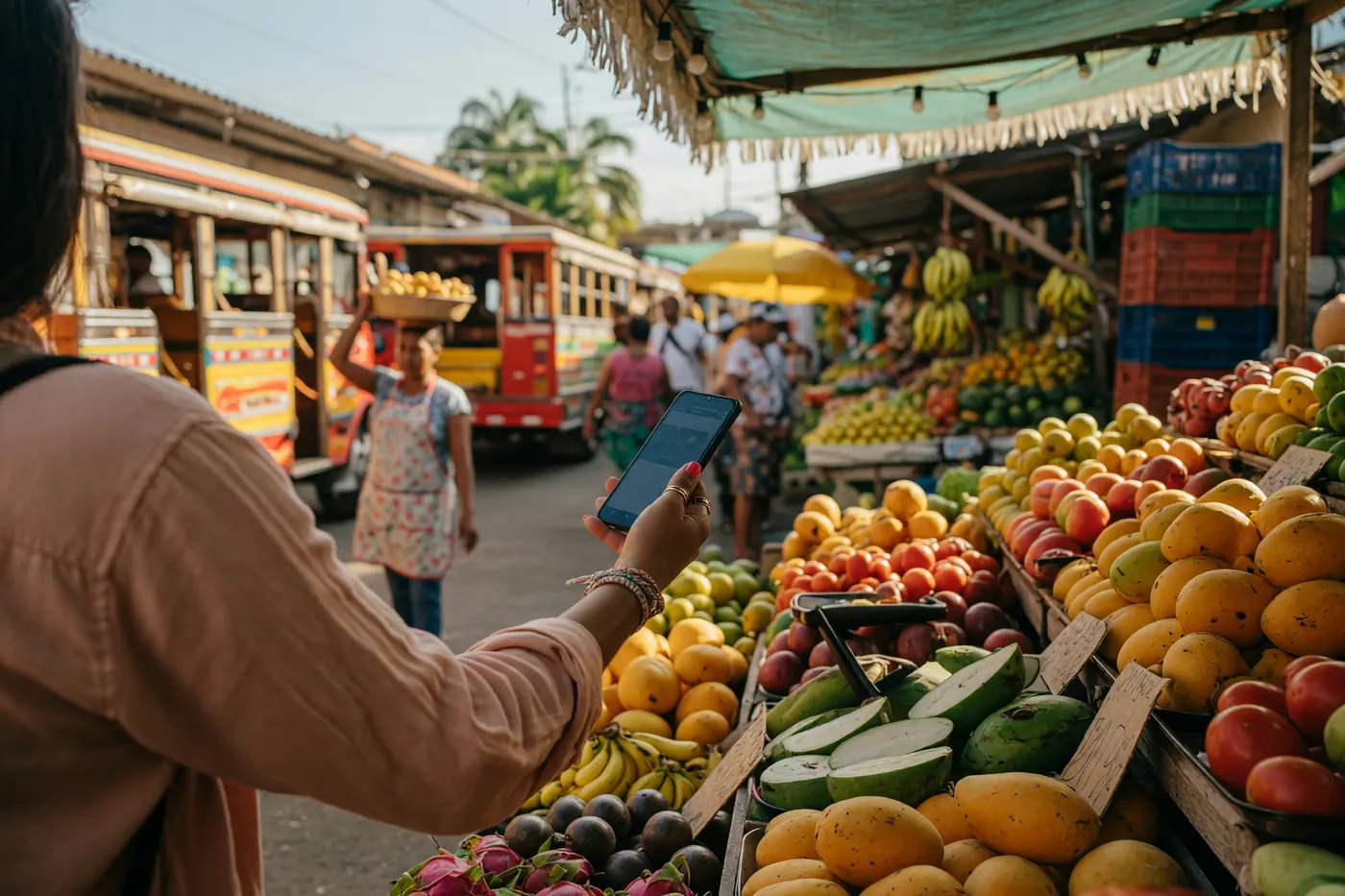
Quick answer: As of early September 2026, WanderWallet lets you scan a Bre-B QR on Colombian checkout terminals — Carulla, Jumbo, Éxito, Farmatodo, cafés — without tapping a US or EU card. Say “quiero pagar con QR,” scan, check the name and peso total, confirm. If the QR is not Bre-B, the app says so and nothing is charged; fall back to a llave transfer.
This is the practical checkout guide. Our earlier post, WanderWallet Colombia: Pay With Bre-B Without a Colombian Bank Account, covers what Bre-B is, funding rails, and the llave transfer flow in more depth. Here the new story is the terminal QR — and how it sidesteps Dynamic Currency Conversion on foreign cards. Colombia Move may earn a referral reward if you sign up through the link below; this is not financial advice.
Two pay modes now: Bre-B QR scan vs llave transfer
WanderWallet’s Colombia flow now has two everyday modes:
- Bre-B QR scan — the cashier (or self-checkout) shows a Bre-B QR on the terminal, or you scan a printed Bre-B label by the register. You tap Scan in WanderWallet, review the recipient and the final cost, and confirm.
- Llave transfer — you type the merchant’s Bre-B key (often a phone number or business ID) and send a direct transfer. Still the workhorse for rent, deliveries, and shops with no QR.
QR simply removes the typing when the merchant can display one. Direct transfers are unchanged since WanderWallet’s June 2026 Colombia launch. For deeper funding and llave steps, use the prior WanderWallet Bre-B guide and the backgrounder on how Bre-B works for expats.
What to say at Carulla, Jumbo, Éxito, and café terminals
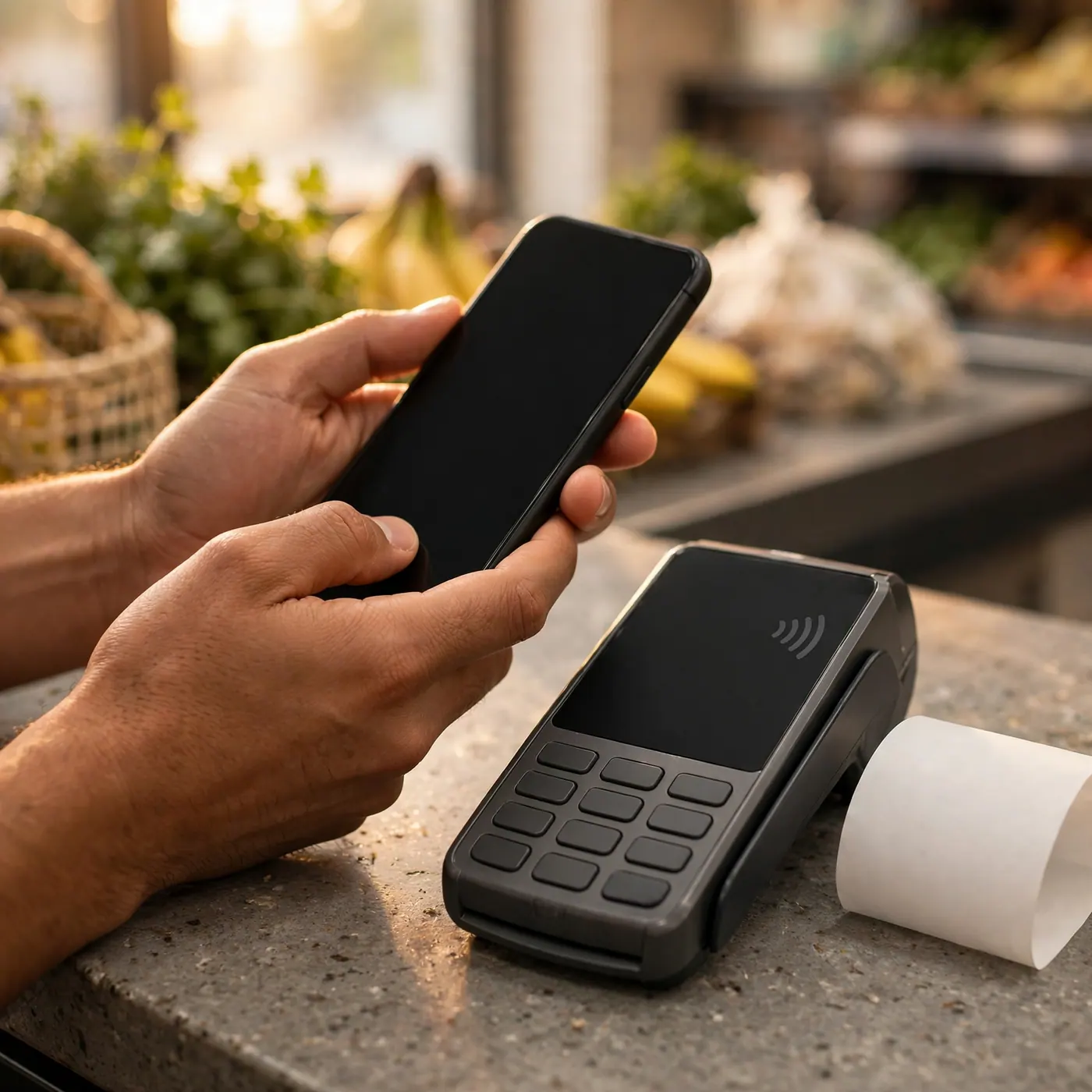
You do not need a speech. Two short lines cover most checkouts:
| Spanish | When to use it |
|---|---|
| Quiero pagar con QR | Ask the cashier (or self-checkout) to show a Bre-B QR on the terminal. |
| ¿Me da el QR de Bre-B, por favor? | If they show a vague QR and you want the Bre-B one. |
| ¿Me da su llave de Bre-B? | Fallback when there is no usable QR — then pay by transfer. |
| ¿Me puedes dar tu número de Nequi / Daviplata? | If they only speak app names; many numbers work as Bre-B keys when registered. |
WanderWallet’s co-founder (writing from Medellín in September 2026) reports paying this way at Carulla, Jumbo, Éxito, and Farmatodo, plus restaurants and cafés. Self-checkout lanes usually run the same terminals as staffed lanes.
Only Bre-B-labeled QR works — unsupported codes never charge
Look for the word Bre-B on printed labels, or ask the cashier to display a Bre-B QR on the card terminal. A Bancolombia, Nequi, or other bank logo alone does not guarantee compatibility — older pre-Bre-B stickers are still being swapped out merchant by merchant.
Important safety detail from WanderWallet’s live guides (updated September 2026): scanning alone never sends money. If the code is unsupported, WanderWallet tells you and nothing is charged. Then ask for the merchant’s registered Bre-B key and pay by llave transfer — same fallback as before QR existed.
Terminal reality: Redeban, Credibanco, and Bold
Major terminal providers support Bre-B QR payments across Colombia, but coverage still varies by merchant and machine. WanderWallet’s September 2026 rollout note and co-founder field notes are honest about this:
- Redeban — in their experience, virtually every Redeban terminal they tried (including Farmatodo, Carulla, Éxito) could show a usable Bre-B QR.
- Credibanco — supported in principle, but fewer terminals have it switched on so far.
- Bold and newer providers — also appear in café and restaurant checkouts; availability depends on the merchant.
If one lane fails, try another terminal in the same store, or fall back to the store’s llave. Terminal software changes fast; treat any single chain anecdote as a snapshot, not a guarantee.
Why this beats Dynamic Currency Conversion on foreign cards
Foreign-card checkouts in Colombia often flash a dollars-or-pesos prompt. Choosing your home currency is Dynamic Currency Conversion (DCC): the terminal’s payment provider converts at its own rate. Colombia’s big acquirers sell DCC to merchants — Redeban and Credibanco pages (checked by WanderWallet in September 2026) say the merchant can receive about 1% of each DCC sale. That 1% is the merchant’s incentive, not your total markup.
WanderWallet’s co-founder reported roughly a 7% worse outcome on a Carulla receipt after trying to decline conversion — a personal case study, not a promised savings figure. Visa and Mastercard rules say the currency choice must be yours and DCC must not be the default, but travelers still get steered or see receipts in the wrong currency.
Paying a Bre-B QR with WanderWallet keeps the foreign card out of the loop. There is no dollars-or-pesos prompt. You see the peso amount and the final cost in WanderWallet before you confirm. If you must use a foreign card anyway, always choose pesos (COP) / “sin conversión,” take the terminal in your hand, and read the receipt currency before you leave.
Fees and funding — what the Terms and deposit guide say
Per WanderWallet’s Terms & Conditions (effective 16 June 2026, accessed 15 September 2026), merchant payments show:
- Conversion fee: 1% of the local-currency equivalent
- Fixed network fee: US$0.20 per transaction
The rate and fees appear on the confirmation screen before you authorize. Bre-B itself does not add a separate sender fee in the flow WanderWallet describes; WanderWallet’s conversion and network fees still apply.
Funding is separate. WanderWallet’s deposit guide (updated 28 July 2026, re-checked 15 September 2026) currently lists four rails:
- USD ACH: $2 + 0.3% per deposit; typically 1–3 business days
- EUR SEPA: €1 + 0.5%; instant to 1–2 business days
- Revolut: available for eligible Revolut-registered countries; usually minutes once authorized
- USDC on Polygon: free for the deposit itself; usually about a minute
Those deposit numbers move — always trust the in-app screen over any blog table. For bank-account alternatives once you have a cédula, see best banks in Colombia for foreigners. For remitting to someone else’s Colombian account instead of paying at checkout, start with Bre-B and Remitly.
Try the QR flow — and when landlords still want a transfer
Checkout QR shines at groceries and cafés. Housing is different: landlords and roommates usually want a transfer to a llave, not a terminal scan. According to Colombia Move marketplace signals generated 15 September 2026, there were 164 active housing listings on the site, and 8 active listings explicitly mentioned Nequi in the description — a reminder that “pay me on Nequi” language is still common even when the underlying rail is Bre-B.
To try WanderWallet with our referral: open activate.wanderwallet.io/colombiamove or use username/code mich2hb at signup. Per WanderWallet’s Referral Program Terms (effective 11 April 2026), both of you become eligible to claim $5 USDC after the referred user completes 5 settled merchant payments to 5 different merchants, each at least $4 equivalent, totaling at least $20. Rewards are claimable manually in-app; they are not automatic deposits. WanderWallet does not guarantee that any referral will qualify — terms can change, and self-payments or P2P transfers do not count.
Frequently Asked Questions
❓ Can I pay at Carulla or Éxito with WanderWallet by scanning a QR?
Yes, when the terminal or printed label shows a Bre-B QR. WanderWallet’s co-founder reports using this at Carulla, Jumbo, Éxito, and Farmatodo as of September 2026. Say “quiero pagar con QR,” scan, check the store name and final cost, then confirm. Coverage still varies by terminal — treat that as a 2026 field note, not a guarantee.
❓ What if WanderWallet says the QR is unsupported?
Nothing is charged — WanderWallet’s September 2026 payment guides emphasize that scanning alone never sends money. Ask for the merchant’s Bre-B llave (“¿me da su llave de Bre-B?”) and pay by direct transfer, or try another terminal in the same store. Older printed stickers without Bre-B labeling are the usual culprit.
❓ How is this different from tapping a US or EU card?
A foreign card can trigger Dynamic Currency Conversion — the dollars-or-pesos prompt — at a marked-up terminal rate (WanderWallet’s September 2026 DCC guide). A Bre-B QR payment never puts that card in the loop, so the DCC prompt does not appear. You still pay WanderWallet’s disclosed conversion and network fees shown before confirm.
❓ What does WanderWallet charge per Colombia payment?
WanderWallet’s Terms (effective 16 June 2026, accessed September 2026) list a 1% conversion fee on the local-currency equivalent plus a US$0.20 network fee per transaction. Both appear on the confirmation screen before you authorize. Always re-check the live screen; fee schedules can change.
❓ Do I need a Colombian bank account or cédula?
No for the WanderWallet Bre-B pay flow described in their September 2026 guides. You fund a digital-dollar balance (ACH, SEPA, Revolut where eligible, or USDC on Polygon per the July 2026 deposit guide) and pay merchants in COP through Bre-B. Opening a local bank later is optional — see our foreigners’ banking guide when you are ready.
❓ How does the mich2hb referral reward work?
Sign up via the Colombia Move activate link or enter username mich2hb. Per WanderWallet’s Referral Program Terms (effective 11 April 2026, accessed September 2026), after the referred user completes five settled merchant payments to five different merchants (each ≥$4, total ≥$20), both sides may become eligible to claim $5 USDC in-app. Rewards are not guaranteed.

Comments
Loading comments...
Checking sign-in status...