
How to Set Up a VPN on Your Router in Colombia
Secure your smart TVs, laptops, and phones on a single network. Here is the practical guide to setting up a router-level VPN in your Colombian apartment.
IDIOMA DEL ARTÍCULO
Showing original language
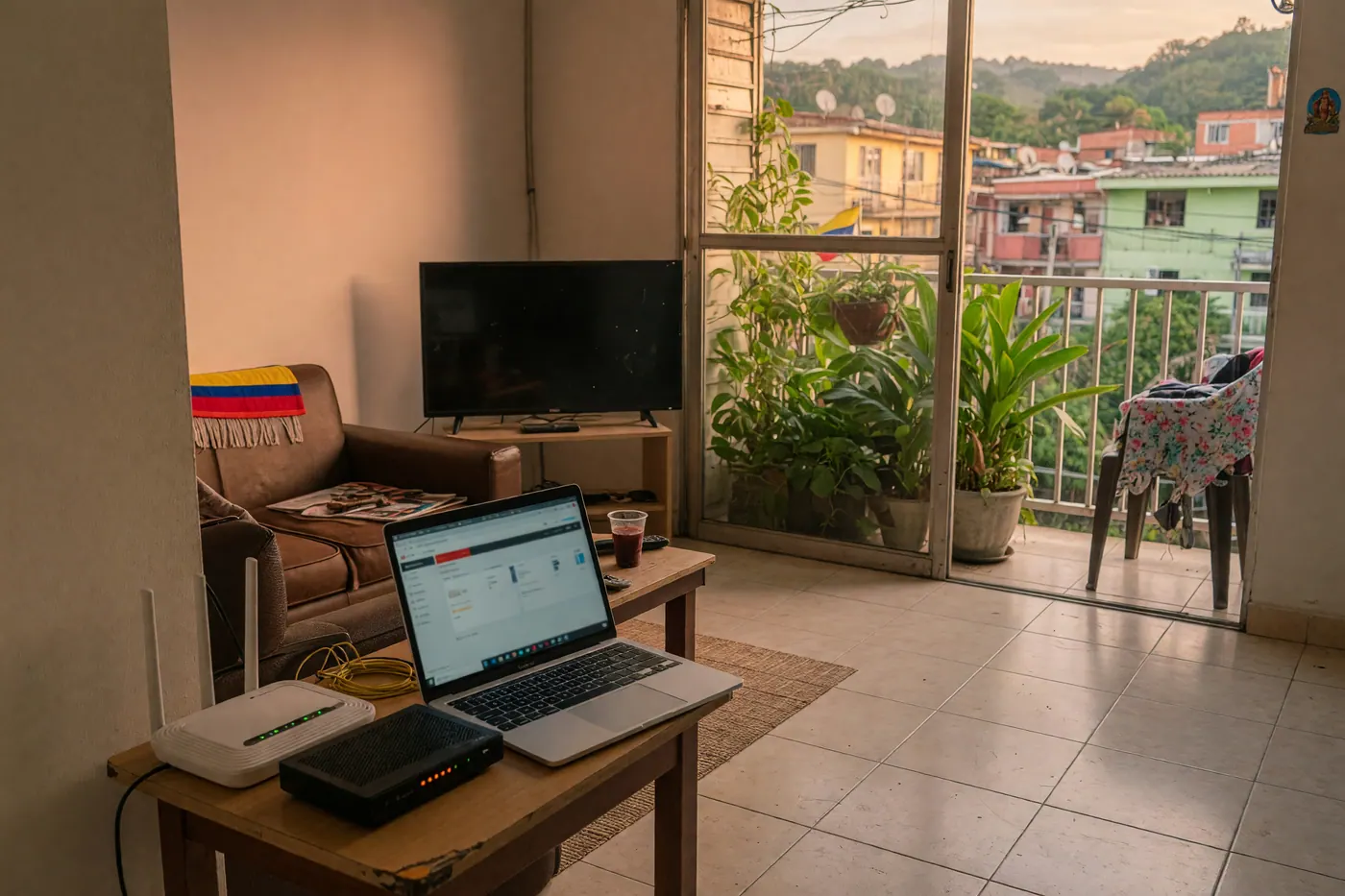
When I first moved into a furnished apartment in Medellín, the landlord handed me the Claro Wi-Fi password and left. I quickly connected my phone, my work laptop, a smart TV, and a gaming console. But as a remote worker, I needed a secure connection. Installing a VPN app on every single device got exhausting fast, and some devices—like older smart TVs—didn't even support native VPN apps.
According to real questions in the Colombia Move community (June 2026), one of the most frequent technical hurdles for remote workers is figuring out how to secure their apartment's internet when the landlord's ISP router is completely locked down. You cannot simply log into a standard Movistar or Tigo modem and install a VPN. You need a different approach. If you want to see real-world options right now, you can browse apartments and houses on Colombia Move — posting is completely free.
Quick Answer: To set up a router-level VPN in Colombia, do not modify the ISP-provided modem. Instead, connect a secondary compatible router (flashed with DD-WRT or preconfigured) directly to the ISP modem. Then, download the .ovpn configuration files from your premium VPN provider and configure the OpenVPN client in your secondary router's admin panel.
1. The ISP Router Problem in Colombia
If your apartment uses Claro, Movistar, Tigo, or ETB, the hardware sitting in your living room is technically owned by the ISP. These modem-router combos are heavily locked down. They do not support custom firmware, and trying to flash them will almost certainly break your internet connection—leaving you to explain to your landlord why they need to call a technician.
The practical workaround is a "daisy-chain" setup. You leave the Colombian ISP router exactly as it is. Then, you buy your own compatible router, plug it into the ISP router via an Ethernet cable, and broadcast a second, secure Wi-Fi network purely for your devices. This keeps the landlord's equipment safe while giving you total admin control over your own network.
2. Choosing Your Hardware: DD-WRT vs. Travel Routers
Before you touch any firmware, you need the right hardware. Not every router can run a VPN. You generally have two options as an expat:
- Preconfigured Travel Routers: Brands like GL.iNet sell routers with OpenVPN and WireGuard clients pre-installed. If you are still planning your move, I highly recommend adding one of these to your Colombia packing list. They are plug-and-play and save you the headache of flashing firmware.
- Flashing a Router with DD-WRT: If you already have a standard router (like an ASUS or Netgear) or plan to buy one locally at Monterrey in Medellín or Unilago in Bogotá, you can replace its factory firmware with DD-WRT, an open-source alternative.
Warning: DD-WRT compatibility is highly specific to the router model and the hardware revision. You must verify your exact hardware version on the official DD-WRT Supported Devices wiki before proceeding. Flashing the wrong firmware can permanently brick the device. Additionally, ensure you download a DD-WRT build that explicitly includes OpenVPN/VPN support.
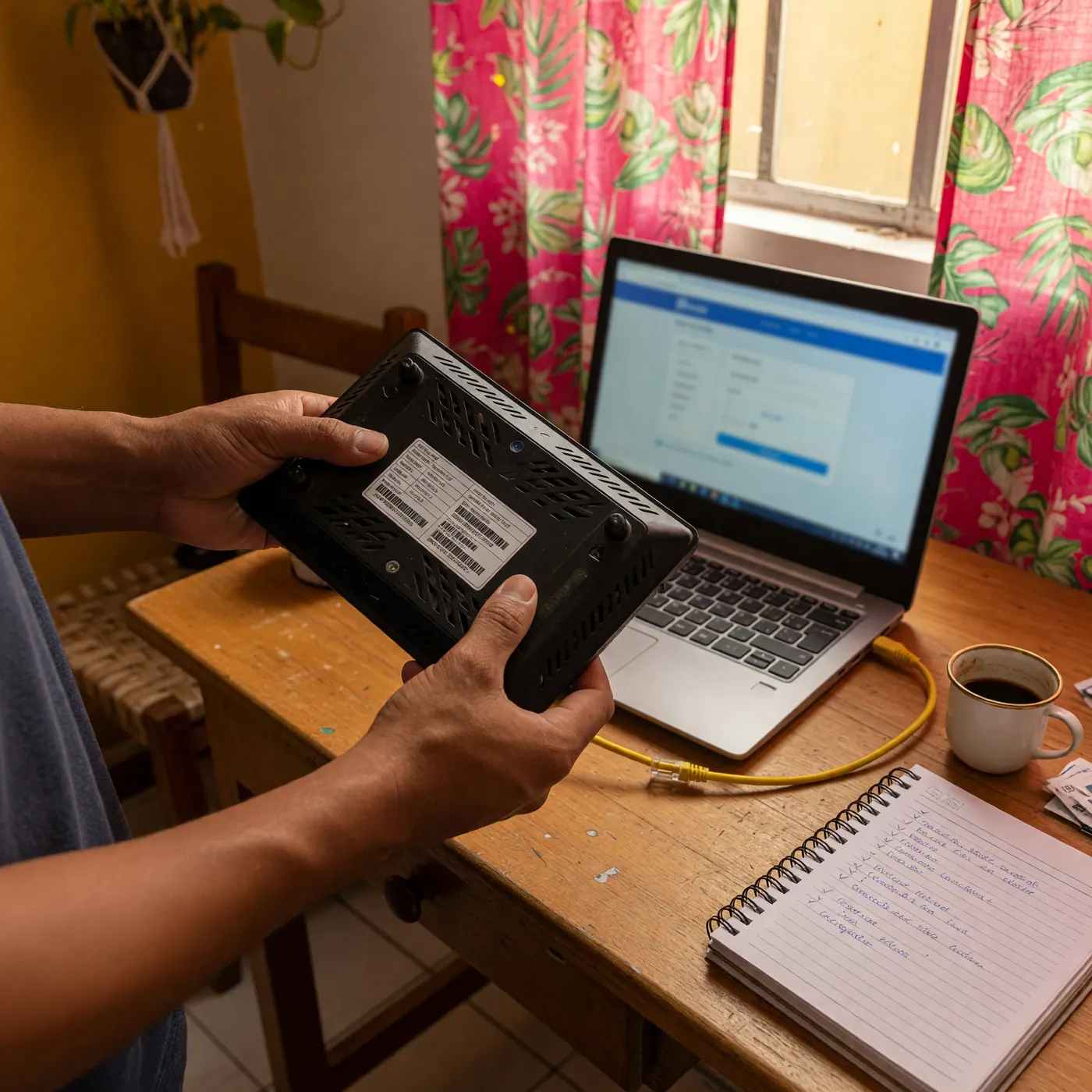
3. Step-by-Step: Configuring DD-WRT with OpenVPN
Once you have a DD-WRT router successfully running behind your Colombian ISP modem, you can configure it to route all traffic through your VPN. For this guide, we will use OpenVPN, which is widely supported. You will need an active paid account with a provider like NordVPN.
- Download the Configuration Files: Log into your VPN provider's website. Do not use random mirrors; download the official
.ovpnconfiguration files directly from your account dashboard. You will also need your manual setup credentials (which are often different from your standard app login). - Enable the OpenVPN Client: Log into your DD-WRT router's admin panel (usually
192.168.1.1). Navigate to Services > VPN. Under the OpenVPN Client section, click "Enable." - Input Server Details: Open the
.ovpnfile you downloaded using a text editor. Copy the server IP address or hostname and the port number into the DD-WRT interface. Set the Tunnel Device to TUN and the Protocol to UDP (or TCP if your connection drops frequently). - Add Your Credentials and Keys: Enter your manual VPN username and password. Then, carefully copy and paste the TLS Auth Key, CA Cert, Public Client Cert, and Private Client Key from the
.ovpntext file into the corresponding fields in DD-WRT. - Save and Apply: Click "Save" at the bottom, then "Apply Settings." Navigate to Status > OpenVPN to verify that the connection says "Client: CONNECTED SUCCESS."
4. Testing, Speeds, and Troubleshooting
Just because the router says it is connected doesn't mean it's working perfectly. Connect your phone to the new DD-WRT Wi-Fi network and run an IP leak test online to ensure your location is actually masked.
One honest downside of a router-level VPN is speed loss. Encryption requires processing power. If you bought a cheap router, its CPU might bottleneck your speeds, dropping a 300 Mbps fiber connection down to 40 Mbps. If your base internet is already struggling, check out our guide on internet and cell phone plans in Colombia to make sure you aren't fighting a losing battle with a bad ISP.
If you have no internet access after connecting, you might be dealing with a Double NAT issue (since you have two routers back-to-back) or a DNS conflict. Try setting static DNS servers (like 1.1.1.1 or your VPN's proprietary DNS) in the DD-WRT basic setup tab.
5. Security Boundaries and Colombian Context
A router VPN protects the traffic flowing between your apartment and the VPN server. It stops anyone snooping on your local shared Wi-Fi, which is great if your landlord insists on keeping the master admin password to the Claro modem.
However, it does not make you invincible. While VPNs are commonly used for privacy in Colombia, the country does have digital-rights complexities (Freedom House rated Colombia "Partly Free" online in 2025 due to occasional blocking and surveillance concerns). You must still comply with Colombian law and the terms of service of the platforms you use. A VPN will not hide your identity if you log into your personal Google account or use a Colombian credit card.
If you have confirmed your router's compatibility and are ready to configure your network, you need a provider that supplies reliable manual .ovpn files and strong security. Check the current plan terms and get your NordVPN account here to start your setup.
Frequently Asked Questions
❓ Can I install a VPN on my Claro, Movistar, Tigo, or ETB router?
Usually not directly. Colombian ISPs heavily lock their equipment firmware, preventing third-party installations. The practical workaround is to plug a separate, VPN-compatible router into the ISP modem and connect your devices to that secondary network.
❓ Is DD-WRT required to run NordVPN on a router?
No, DD-WRT is just one option. Many preconfigured travel routers (like GL.iNet) or high-end consumer routers (like certain ASUS models) natively support OpenVPN clients right out of the box without needing custom firmware.
❓ Will a router VPN slow down my internet in Colombia?
Yes, it can. The encryption process requires CPU power. If your router has a weak processor, or if you connect to a server far away from Colombia, you will notice a drop in speed regardless of how fast your base fiber connection is.
❓ Is using a VPN in Colombia legal?
VPNs are widely and commonly used for privacy and remote work in Colombia. However, using a VPN does not grant immunity from the law; you must still comply with Colombian legislation and the terms of service of the websites you visit.
❓ Can I use NordLynx or WireGuard on DD-WRT?
Not typically for standard DD-WRT builds, which is why this guide focuses on OpenVPN. Unless your specific router firmware explicitly supports WireGuard, OpenVPN remains the most reliable manual configuration method for DD-WRT.
❓ What happens if my router loses power during flashing?
If the router loses power while installing DD-WRT, the firmware can become corrupted, potentially "bricking" the device and making it unusable. Always ensure you have a stable power connection and avoid flashing during thunderstorms or known grid maintenance.
❓ Do I still need VPN apps on my devices?
Sometimes, yes. A router VPN only protects devices while they are connected to that specific home network. If you leave your apartment and use mobile data or public Wi-Fi at a café, you will still need a VPN app on your phone or laptop.



Comments
Loading comments...
Checking sign-in status...