
How Bre-B Instant Payment System Works for Expats in Colombia
Banco de la República’s Bre-B payment network allows instant, 24/7 transfers across Colombian banks and digital wallets. Here is how expats can set up aliases, make transfers, and stay safe.
IDIOMA DEL ARTÍCULO
Showing original language
If you have lived in Colombia for any length of time, you have likely experienced the frustration of cross-bank transfers. Moving money between a Colombian bank account and a digital wallet historically involved extra steps and delays. Bre-B is Banco de la República’s interoperable instant payment architecture.
Bre-B began operating on October 6, 2025. Banco de la República reported more than 34 million registered users after six months and says the system connects more than 200 financial institutions. It lets people with participating Colombian accounts or deposits send and receive local funds 24 hours a day, 365 days a year. For foreign residents, digital nomads, and expats living in Colombia, understanding how Bre-B works makes paying rent deposits, splitting dinner bills, and buying second-hand goods simpler.
What Is Bre-B (And What Is It Not?)
Bre-B is an official national payment network operated by Colombia’s central bank, Banco de la República. It is designed to unify domestic money transfers under a single standard.
To avoid common misconceptions and scams, keep three key facts in mind:
- It is NOT a separate app: There is no standalone "Bre-B app" on Google Play or the Apple App Store. You access Bre-B features directly inside a participating Colombian bank or wallet app or website.
- It is NOT an international money transfer service: Bre-B operates for national transfers between participating Colombian financial institutions. It does not replace foreign exchange tools when moving funds into Colombia. If you need to bring foreign currency into the country, you will still use specialized remittance tools and exchange channels, as detailed in our guide to transferring USD to Colombian Pesos.
- It is NOT a new bank account: Bre-B simply links an eligible Colombian account or deposit to a recognizable identifier called an alias or llave.
Who Can Use Bre-B in Colombia?
To use Bre-B, you need an active account or deposit with a participating Colombian financial institution. Whether a foreigner can use it depends on that provider’s onboarding rules and the identity and contact data registered with the account.
If you already have a participating Colombian account or verified wallet, look for Bre-B inside the provider’s official app or website. For a breakdown of local account options, read our guide on high-yield savings accounts in Colombia for foreigners. Do not assume a passport alone will qualify: ask the institution which documents and identifiers it currently accepts.
You can send Bre-B payments without registering an alias yourself, but you must register an alias if you want others to send money directly to your account using your phone number, email, or registered ID.
How Bre-B Aliases ("Llaves") Work
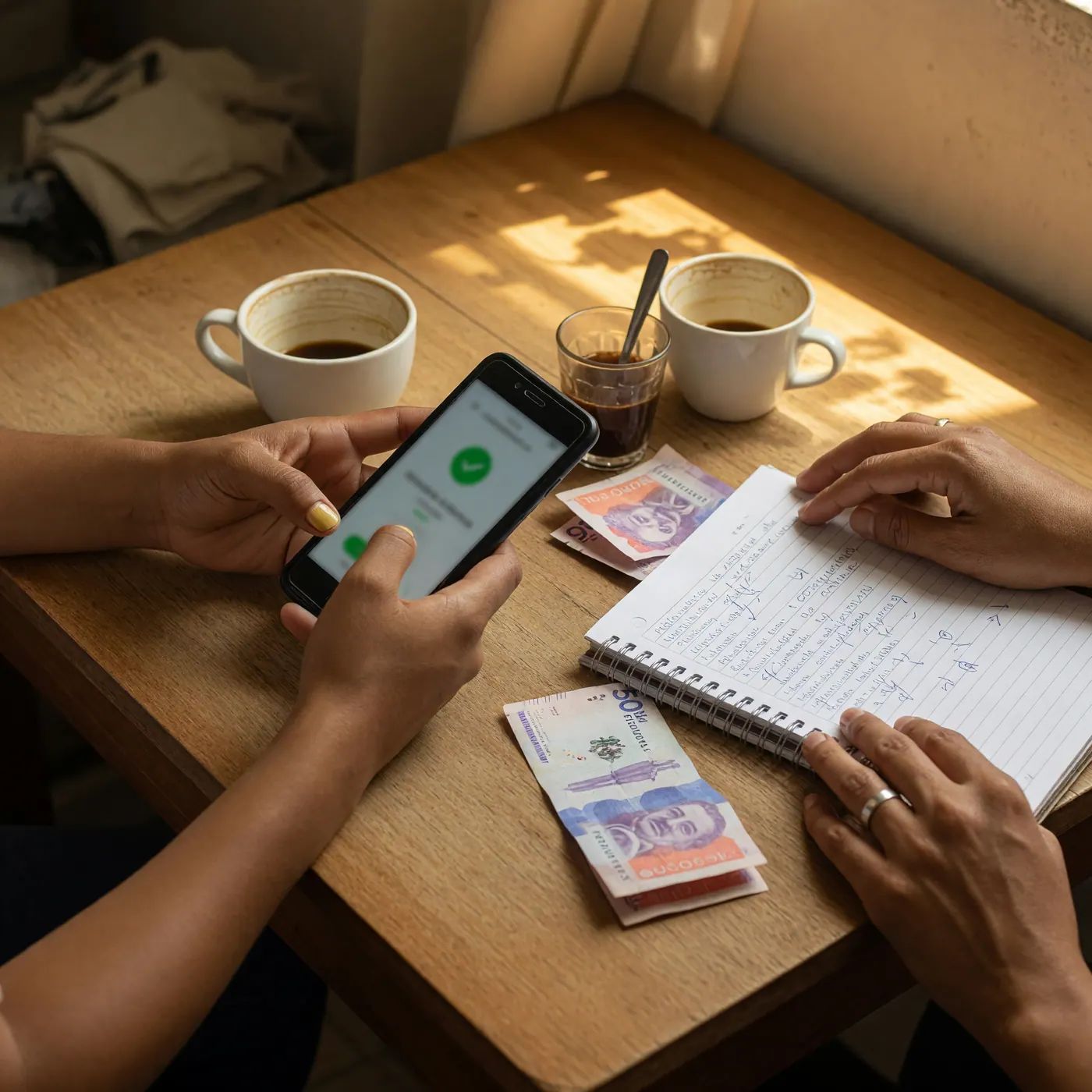
Instead of requiring a long account number, Bre-B relies on llaves (aliases) to route money. Supported alias types include:
- Registered ID Number: The official ID number linked to your account.
- Colombian Mobile Number: Your national mobile line.
- Email Address: An email registered with your institution.
- Alphanumeric Identifier: A custom string assigned by your institution.
- Merchant Code: A code designated for businesses.
Each unique alias can only be linked to one account or deposit at a time. One eligible account, however, can have multiple aliases.
Step-by-Step: Registering an Alias and Sending Money
1. Registering Your Alias to Receive Payments
Log into your Colombian banking or digital wallet app. Navigate to the profile, settings, or transfer section and locate the Bre-B or Gestionar Llaves tab. Select the identifier you wish to register, confirm your selection through the institution’s security process, and follow the confirmation shown in the app. Alias registration is free.
2. Sending Money via Bre-B
To transfer money to a person or vendor:
- Open your bank app's transfer section and choose its Bre-B option.
- Enter the recipient's registered alias or scan their Bre-B QR code.
- Enter the amount in COP.
- Crucial Step: Review the confirmation screen. Verify that the masked recipient name matches your contact before tapping confirm.
- Authorize the payment and save the receipt shown by your institution.
Limits, Operating Hours, and Costs
Bre-B processes transfers 24 hours a day, 7 days a week, 365 days a year. For 2026, Banco de la República shows a maximum of 1,000 UVB per Bre-B transaction, equivalent to COP 12,110,000.
Individual financial institutions may enforce lower limits, transaction-count limits, or additional security controls. Always check your provider’s current terms and the limits shown in its official app. Alias registration is free, but transfer fees depend on the institution’s terms.
Safety Checklist: Avoiding Scams and Common Mistakes
Scammers can target payment users through social engineering tactics. Keep these rules in mind:
- Never click a link to "accept" a payment: Bre-B transfers do not require an SMS, WhatsApp, or email link to release or accept funds. Treat any such request as a fraud risk and verify the transaction inside your financial institution’s official app.
- Verify item quality before sending final payment: When buying used electronics or items from individuals, inspect the item in person first. If you are buying a used phone, follow our safety checklist for buying used electronics and IMEI checks in Colombia before transferring funds via Bre-B.
- Double-check masked recipient names: A mistaken transfer may not be recoverable automatically. Always pause on the confirmation screen to confirm the recipient's masked name.
- Report errors through official PQR channels: If a transaction fails or funds are debited without reaching the destination, contact your financial institution’s customer service using its official PQR (Peticiones, Quejas y Reclamos) route.
Frequently Asked Questions
❓ Can foreigners use Bre-B in Colombia?
Yes, if they have an eligible account or deposit with a participating Colombian financial institution. Availability depends on the provider’s onboarding rules and the identity and contact data registered with that institution.
❓ Is Bre-B a separate app I need to download?
No, Bre-B is not a standalone mobile application. It is an integrated payment network available through the official apps and websites of participating Colombian banks and wallets.
❓ Can I use Bre-B to send money from the US or Europe to Colombia?
No, Bre-B is for national transfers inside Colombia. International remittances require a separate international transfer provider or bank channel before you move the resulting COP locally.
❓ Do I need to register a Bre-B alias to send money?
No, you can send money to someone else's Bre-B alias or QR code without registering an alias yourself. However, you need an alias if you want to receive a Bre-B payment by alias.
❓ What is the maximum Bre-B transfer limit in 2026?
Banco de la República shows a maximum of COP 12,110,000 per transaction (1,000 UVB) for 2026. Individual banks and wallets may enforce lower limits or additional security controls.
❓ What should I do if someone sends me a link to accept a Bre-B payment?
Do not click it. Banco de la República says Bre-B payments do not need an acceptance link; verify the payment only inside your financial institution’s official app or website.


Comments
Loading comments...
Checking sign-in status...