
Your store on Colombia Move — one link, all your ads
A single URL for everything you sell. Cover image, pinned ads, follow button, interested parties form, QR and a URL colombiamove.com/your-username — that's how it works.
IDIOMA DEL ARTÍCULO
Showing original language
Posting on Colombia Move is completely free — no commissions, no monthly plans, no fine print. You upload your listings and they appear to buyers at no cost.
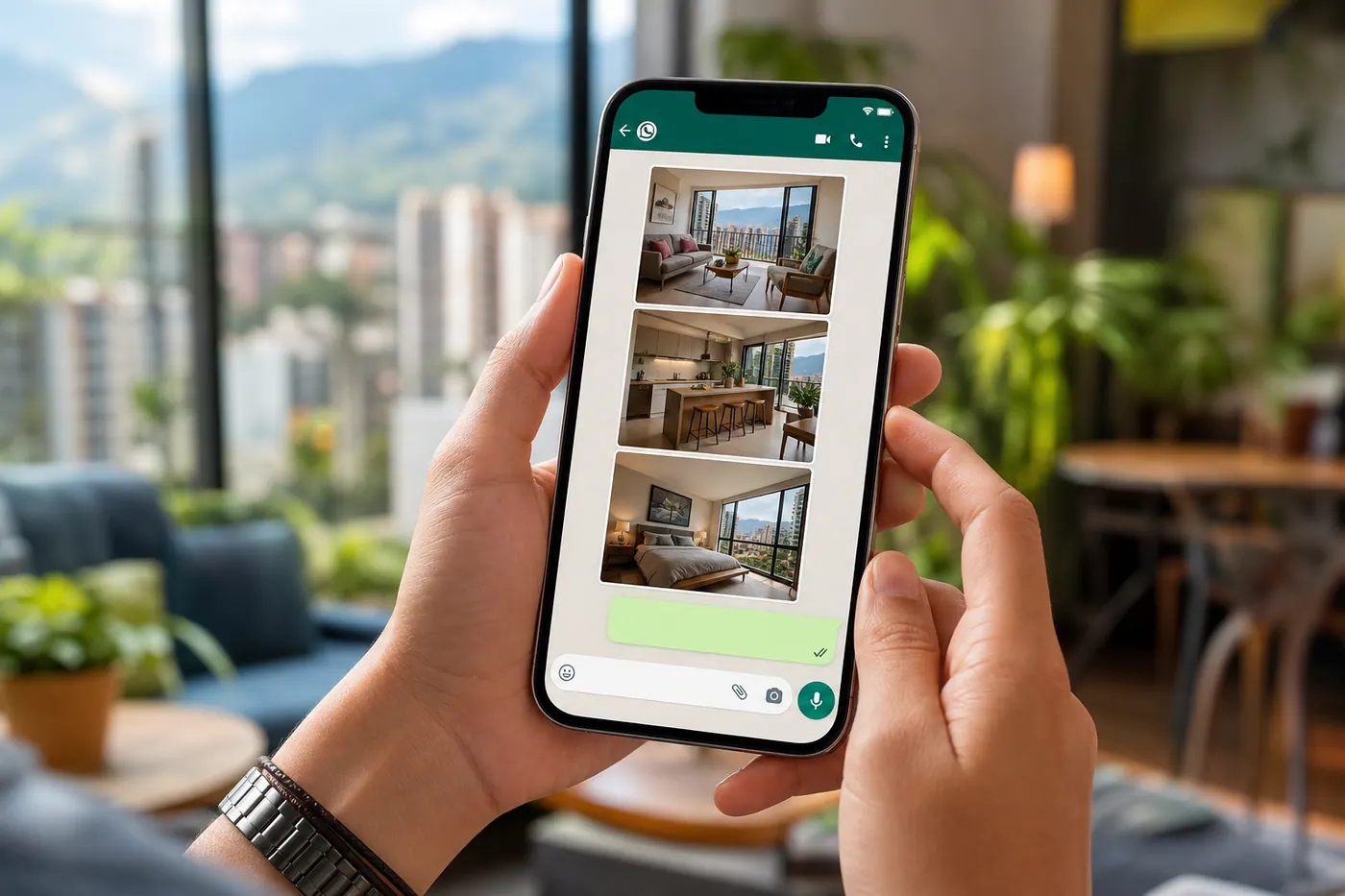
If you sell on Colombia Move, you no longer have to send each buyer a different link for every listing you have. Your store page brings it all together — farms, houses, services, classifieds — in a single URL you can share via WhatsApp, print on a business card, or put in your Instagram bio.
This post explains everything we built for store pages, why we built it, and how to start using yours today. In short: your URL is colombiamove.com/your-username.
Why we built it
Most sellers in Colombia were already posting in WhatsApp groups, Facebook Marketplace, Instagram, and some portals. What they were missing was a single link that showed the buyer everything they sell — and a place where the buyer could trust who they're talking to. We wanted to solve that with a page that:
- Shows every active listing from the seller, always up to date.
- Builds trust — verification badges, reviews, response time, last activity.
- Works as a landing page the seller feels proud to share.
- Lets buyers message you through the site, WhatsApp, or Facebook — you choose the channels.
A short, clean URL
Your store now lives at colombiamove.com/followed by your username. Without the prefix /tienda/. If you changed your username before, the old link still works — we redirect the legacy URL with a permanent 308, so the QR codes and screenshots you already shared don't break.
Change your username anytime from your profile and the link updates automatically everywhere — your store, the seller byline on your listings, your QR, and the preview shown when you share the link.
Cover image
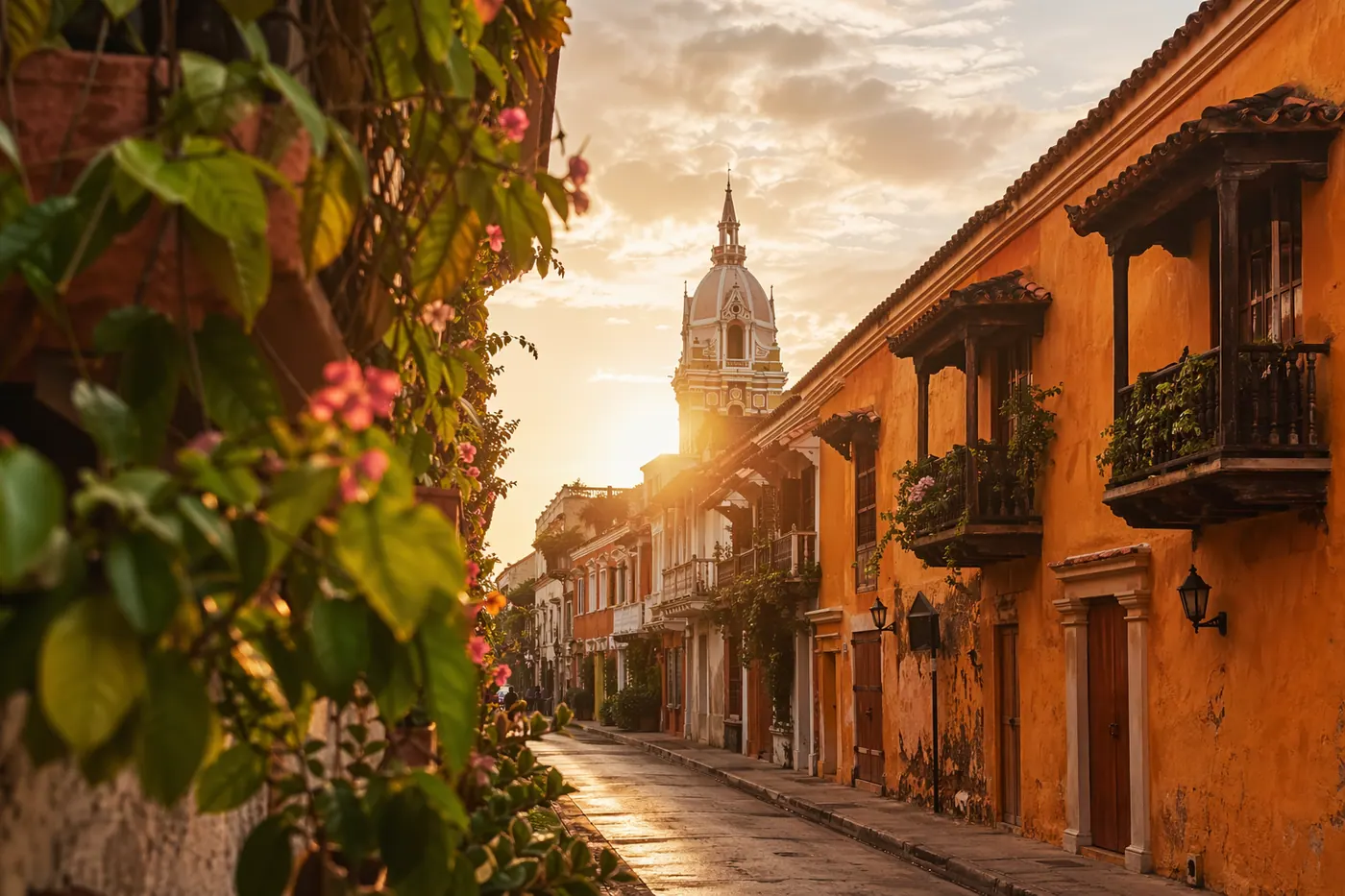
Upload a 4:1 cover image from your Profile. The same image appears as a banner on your store — one upload, two surfaces. Use it for your logo, a photo of your team, a photo of a featured property, or the Colombian landscape that represents what you sell.
Pin your best listing
On each listing page, a "Pin to store" button now appears when you're the owner. Click it and that listing shows as the featured card at the top of your grid — what you want buyers to see first. Real estate brokers: this is your star property. Service providers: this is your flagship service.
Buyers can follow your store
Logged-in visitors see a Follow button on your store. When they follow you, they're subscribing to your inventory — so the next time you post something new, they're already waiting to come back. The follower count appears in the header as social proof ("47 followers"), just like on Instagram.
Capture buyers who don't find what they're looking for
At the bottom of each active store is a "Can't find what you're looking for?" form. The buyer enters their name, WhatsApp or email, budget, and a short message describing what they're looking for — you get an email and a notification in the bell with the content. This is the highest-return feature for real estate brokers. Each message is saved in your inbox at colombiamove.com/my-listings/leads where you can mark as read, delete, or tap the contact to open WhatsApp.
Getting spammed? Disable the form from your inbox. Visitors stop seeing it and the API rejects submissions. You can turn it back on whenever you want.
Built-in sharing tools
When you view your own store, a "📣 Share your store" strip appears above your listings with three one-tap actions:
- WhatsApp — opens a pre-written message with your store link.
- Copy link — copies the short URL to your clipboard.
- Download QR — a high-resolution PNG you can print on business cards, flyers, or paste in your Instagram bio as a sticker in a story.
The QR encodes the short URL, so even QR codes printed before still work (they redirect with 308).
It looks great when you share it
When you paste your store link in WhatsApp, Instagram DM, Twitter, Facebook, iMessage, or any app that shows a preview, you'll see a card with your cover image (as a blurred background), your photo, your name + badges, your number of listings, and a stripe with the Colombia flag. The generic colombiamove.com logo no longer appears — your store presents itself.
A consistent row of contacts
WhatsApp, Messenger, Telegram, email, Instagram, Facebook, X, website, and the site Message button now have the same pill shape in your store header — so the buyer sees a single row of options and picks their preferred one. The Message button opens the site chat on desktop and the full conversation view on mobile, so you handle all incoming messages from a single inbox.
How to start using yours today
- Go to your Profile and set up your username if you haven't already. Short, memorable, lowercase.
- Upload a cover image and a profile photo. The cover also becomes your store banner.
- Write a short bio in Spanish (and English if you have international buyers).
- Post at least one listing — the "empty store" CTA guides you step by step.
- From your store, tap "📣 Share your store" and send the link to five people who already know you: a past customer, a colleague, a WhatsApp group you're in.
- Download your QR and upload it to your Instagram story as a link sticker, or print it on your next business card.
Try it out
Take your username and start building your store: colombiamove.com/post to post your first listing, then share colombiamove.com/your-username with everyone.
Keep reading
WhatsApp registration complements your store: less friction to get in and more direct contact for your listings.
WhatsApp registration on Colombia MoveQuestions or suggestions? Reply to this email or write the team directly on the platform — we read everything.

Comments
Loading comments...
Checking sign-in status...