
Publish your ad by WhatsApp in Colombia Move
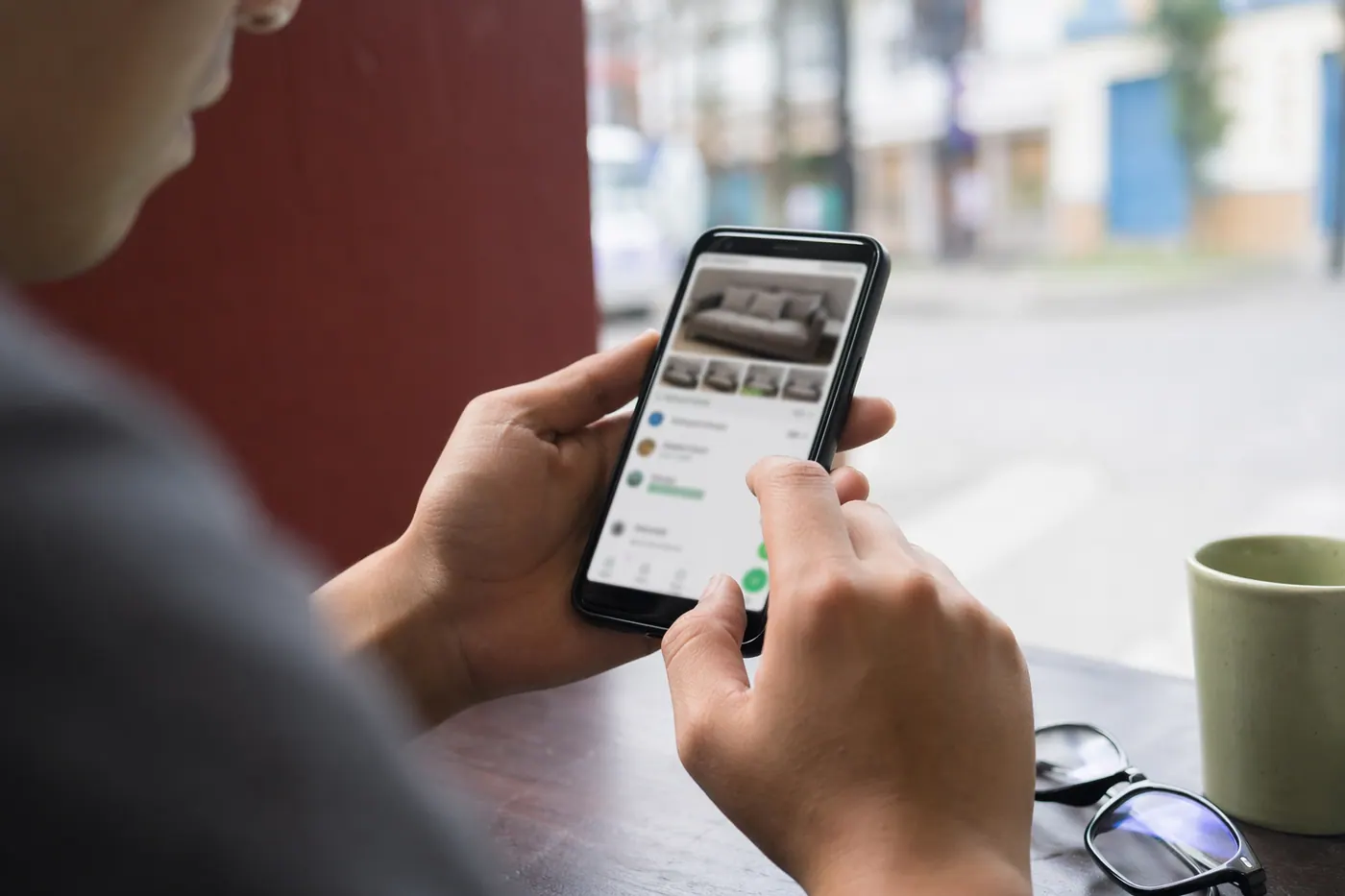
Now you can publish your property, farm, vehicle or any classified by sending photos and a voice note via WhatsApp. The assistant puts together the ad so you just review and publish it.
IDIOMA DEL ARTÍCULO
Showing original language
Has it ever happened to you that you want to post an ad in Colombia but you're too lazy to fill in so many fields? That you have photos on your phone but don't want to send them to your computer to upload them? We understand.
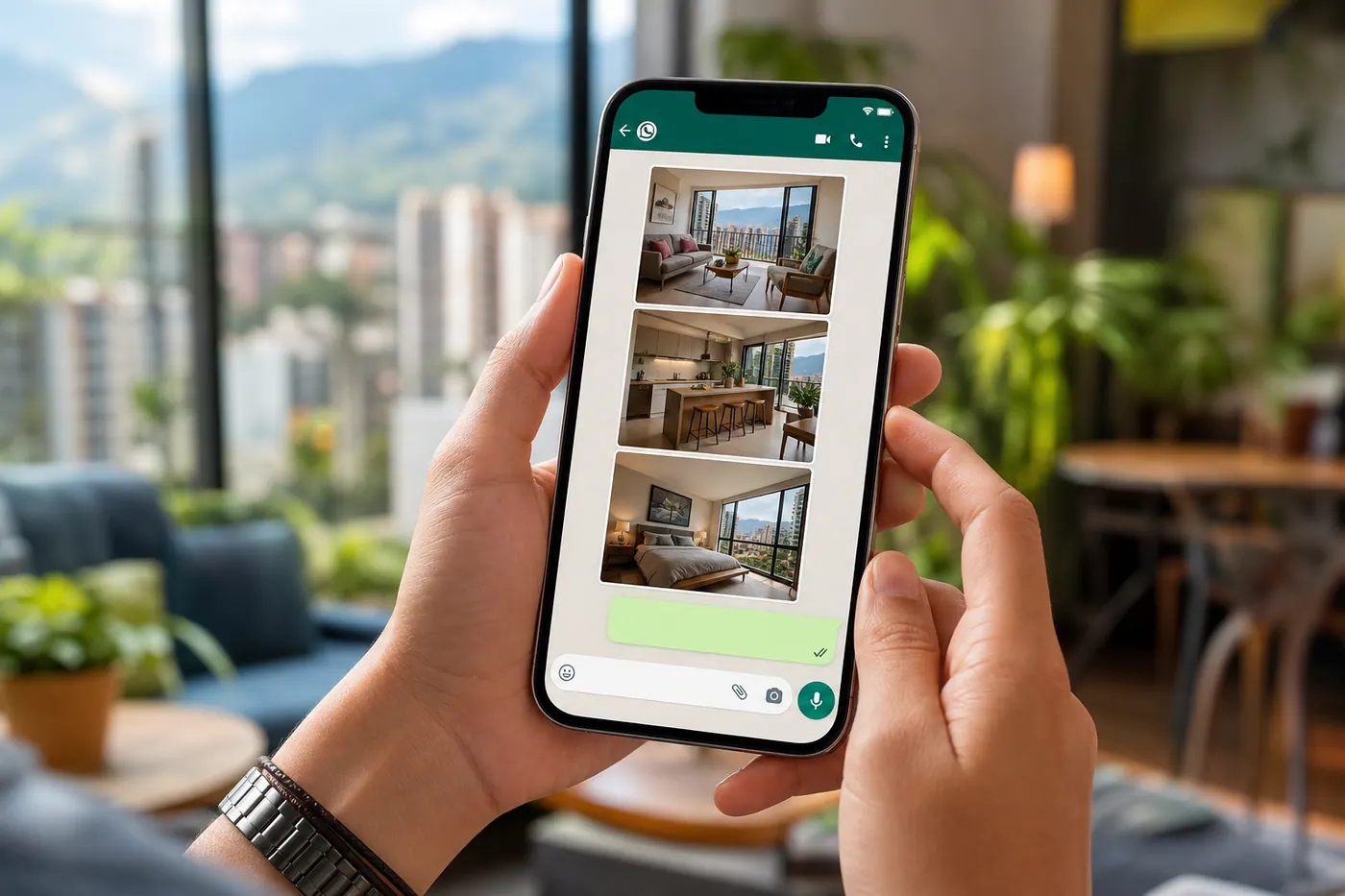
We just launched a new way to post on Colombia Move: you simply send photos and a voice note via WhatsApp to the assistant, and he puts together the complete ad for you. You just review and publish. Free, no commission, no long forms. If you want to see real options right now, you can see farms and lots available on Colombia Move — posting is completely free.
It works for housing, farms, vehicles, electronics, furniture, clothing, pets, food — anything you post on Colombia Move you can now post via WhatsApp. We'll explain how, in five minutes.
- You open WhatsApp and write to the Colombia Move assistant.
- You send photos (up to 30) and a voice note or message telling the details.
- When you're done, you write done.
- You receive a link with your ad put together in a few seconds.
- You review it, you publish it — and it becomes visible on colombiamove.com for free.
How to post via WhatsApp on Colombia Move
The process is exactly the one you already use when you send photos of your apartment or your car to a friend. The only difference is that on the other end of WhatsApp there's an assistant who listens, reads your photos, and puts together a structured ad for you.
- Tap the green WhatsApp button on colombiamove.com/publicar/whatsapp (or scan the QR code if you're on a computer).
- WhatsApp opens with a pre-filled greeting. You send it.
- The assistant responds and asks you to send photos and the details of the ad (price, location, features).
- You send the photos the way you would send them to anyone. You can send several at once or one by one.
- You tell the details. You can write a long message or send a voice note — the assistant understands both. If you prefer to speak, speak. It's faster.
- When you're done sending all the information, you write the word done.
- In about 5 to 15 seconds you get a link with your ad already put together.
- You open the link on your phone or computer, review that everything is correct, adjust what you want, and click Publish.
That's it. Your ad becomes visible on Colombia Move, indexed by Google, ready for buyers to write to you. Without having to fill out a 30-field form.
What you can post via WhatsApp
Any category that exists on Colombia Move you can post via WhatsApp. The most common ones are:
- Housing — apartments, houses, farms, lots, rooms, temporary rentals, offices, commercial spaces.
- Vehicles — cars, motorcycles, vans, trucks, bicycles, spare parts.
- Classifieds — electronics, furniture, appliances, clothing, accessories, decoration.
- Pets and accessories.
- Food and branded products.
- Jobs and services — if you're hiring or if you offer a professional service.
The assistant automatically detects the category based on the photos and what you tell it. If you sell an apartment in El Poblado, it deduces that it's housing. If you send a photo of a Mazda 3 and say the year, it puts it together as a vehicle. You don't have to choose anything manually.
Show all your ads from a single link
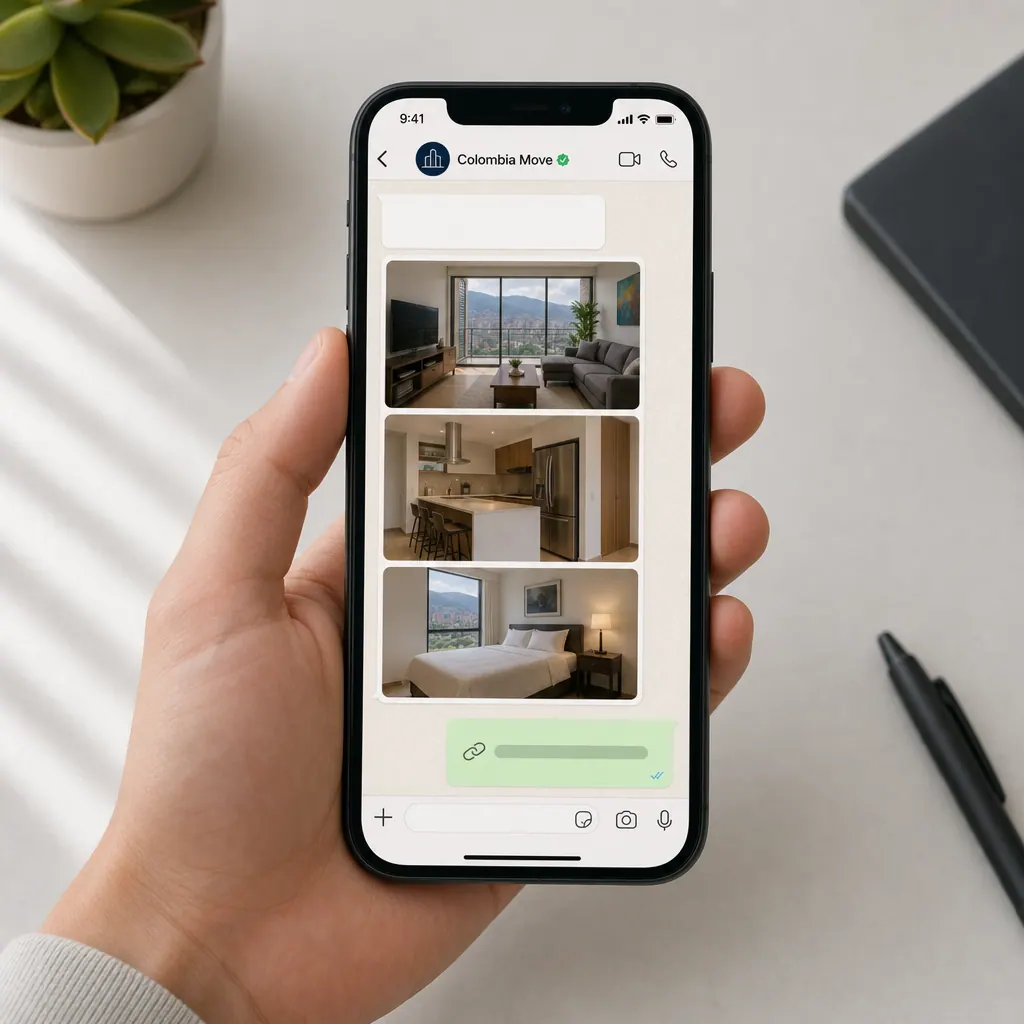
When you post several things the same thing always happens: the buyer asks "what else do you have?". Sending three or four separate links via WhatsApp is uncomfortable and they get lost in the chat. Your public store on Colombia Move solves that: it's a profile with all your active ads and your contact information gathered on a single page that you can share.
It's the same idea as a single link with all your ads. Each ad you create —via WhatsApp or the traditional form— automatically appears in your store, without you having to do anything extra.
A single link for WhatsApp, Instagram, Facebook and previous customers
You share the same link to your store in your WhatsApp status, in your Instagram bio, in Facebook groups or with customers who have already bought from you. Instead of forwarding ads one by one, you send a single address where the person sees everything you have. For the buyer it's more convenient, and it saves you from repeating the same conversation.
Example: if you sell appliances
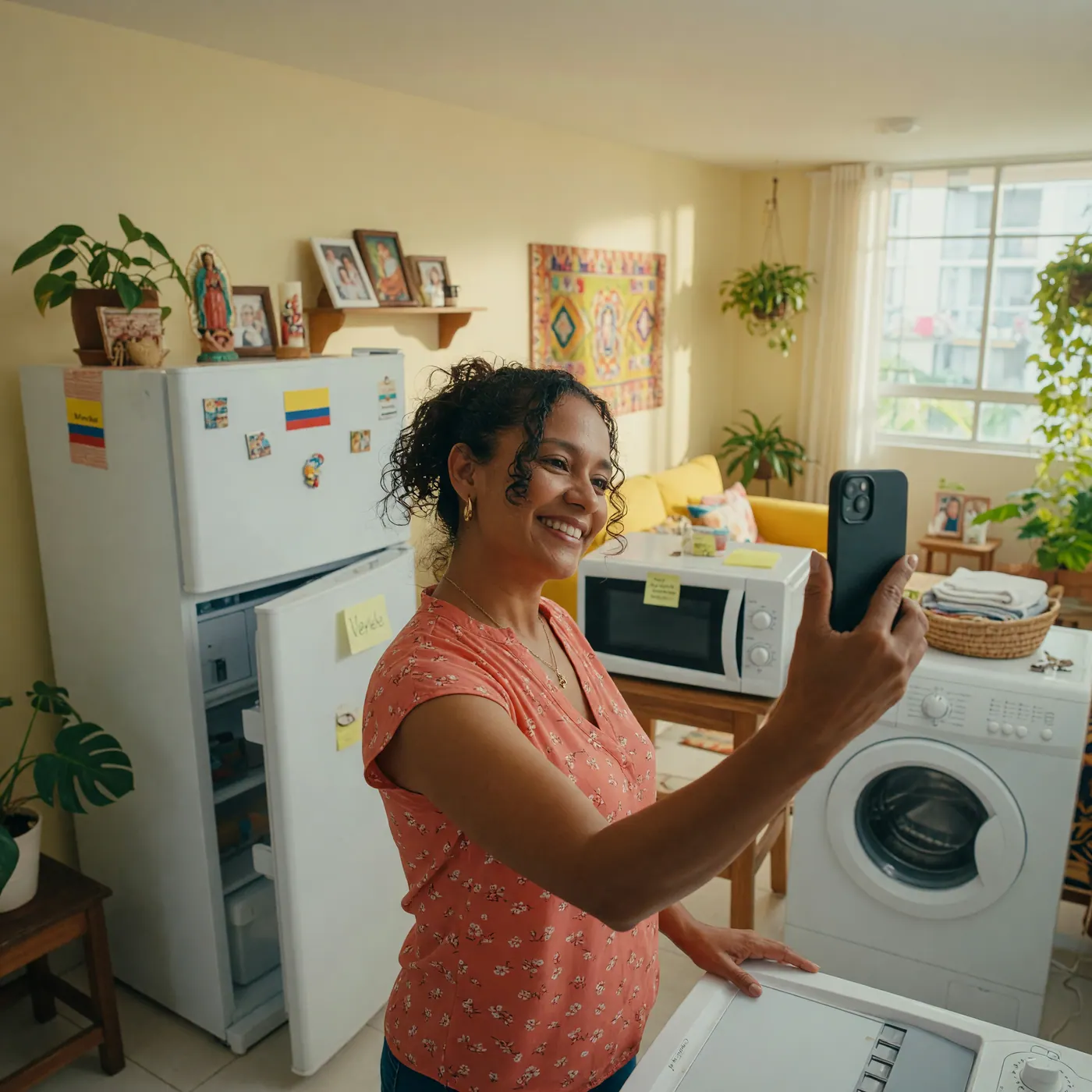
Let's say you have a refrigerator, a washing machine and a microwave. Post each one as a separate ad —one product per ad— with its model, measurements, condition and price. Your store groups them, so the buyer who came for the refrigerator also sees the washing machine. Right now the appliances section on Colombia Move has few ads, so a well-made ad there is easy to see.
What makes a store generate trust is quite simple:
- Real photo, taken by you — nothing from catalog images.
- Clear city and neighborhood, so the buyer knows where to pick up.
- Product condition described honestly: signs of use, defects, what's included.
- Clear price and, if applicable, whether it's negotiable.
- Delivery or pickup conditions, without pressure for advance payment.
Why is it much faster than the web form?
The traditional form on publicar.colombiamove.com asks you to fill in all the fields manually: type of ad, category, city, neighborhood, price, number of bedrooms, bathrooms, area, strata, year of construction, parking spaces, amenities... It's complete, but it takes time.
When you post via WhatsApp, you save all that because the assistant reads the information directly from your photos and what you tell it. Look at the difference:
| 📝 Web form | 📱 Via WhatsApp | |
|---|---|---|
| Fields to fill | Up to 30 depending on category | Zero — you just send photos and tell |
| Photos | Transfer them from phone to computer | You send them directly from your phone |
| Speak or write | Only write | Write or voice note, both work |
| Time to start | 10 to 20 minutes | 2 to 3 minutes to send everything |
| Cost | Free | Free |
| Commission | No commission | No commission |
Both ways end in the same listing published on Colombia Move. The only difference is how you put it together.
Voice notes are your best friend
If you're like most sellers in Colombia, sending a voice note is much faster than typing. For farm sellers, property owners, car dealers, and informal sellers who've been doing business on WhatsApp for years, talking is natural.
The assistant automatically transcribes your voice note and pulls all the listing information from it. So instead of writing paragraphs of description, you simply record a note as if you were explaining to a friend what you're selling and why they should buy from you. For example:
"Hi, I'm selling a farm in Salamina Caldas, 8 hectares, house with 4 bedrooms, spring water, unpaved road to the farm, public deed. The price is one billion two hundred million, negotiable. It's good for coffee or to live."
From that single voice note, the assistant builds a complete listing with category (farm), location (Salamina, Caldas), area (8 hectares), bedrooms (4), water source (spring), road type (unpaved), title (public deed), price (1,200 million COP) and written description. You just review it.
What happens when you get the link
When you write ready, the assistant builds the draft in a few seconds and sends you a link like this one: colombiamove.com/publicar?draft=AbC123.
When you open the link you land on the traditional listing form — but already with everything filled in: the title, the description in Spanish and English, the category, the city, the neighborhood, the price, structured data like bedrooms and bathrooms, and all your photos loaded in the gallery.
Your job comes down to: reviewing that it's correct, fixing any detail the assistant misunderstood (usually nothing), and hitting the Publish button. Your listing becomes visible immediately.
The link lasts 24 hours. If for some reason you don't get to publish it that same day, we send you a friendly reminder after two hours and another when it's about to expire, so you don't lose your work.
What about security? Are my data safe?
The WhatsApp number you write to is the same official Colombia Move number we already use for notifications, verification, and conversations with buyers. It's not a personal number. Your photos and messages go through the same secure infrastructure that the rest of the platform already uses.
The assistant only reads your messages to build the listing — it doesn't share them with anyone, doesn't send them to third parties, and deletes them after your listing is published. If you want to start from scratch at any time, you simply write restart and the conversation resets clean.
If you're interested in learning more about how WhatsApp fits into a secure buying and selling platform, read our guide on how to know if a buying and selling platform is safe — it explains why we centralize communications.
How many listings can I publish via WhatsApp?
Up to 10 drafts per day per WhatsApp number. Most sellers publish one or two listings a week, so the limit is designed for extreme cases or accounts with unusual usage. If you're selling multiple properties at once (construction company, real estate agency, car dealer) and need a higher limit, write to us.
Important: the limit is for compiled drafts per day, not published listings. If you start a draft and decide not to publish it, the next one counts as new. And listings you've already published through the web form don't count.
How to make the most of it
- Send clear, well-lit photos. The assistant reads better what it sees, and the buyer does too.
- Mention the price. Without a price the assistant doesn't make up numbers — and your listing ends up without a price, which is what you don't want.
- Mention the city explicitly. If you only say the neighborhood ("Provenza", "Laureles"), the assistant will ask you what city to avoid making a mistake.
- If you're selling a home, say the number of bedrooms, bathrooms, area in m2 and strata. If you're selling a car, say make, year, kilometers, transmission.
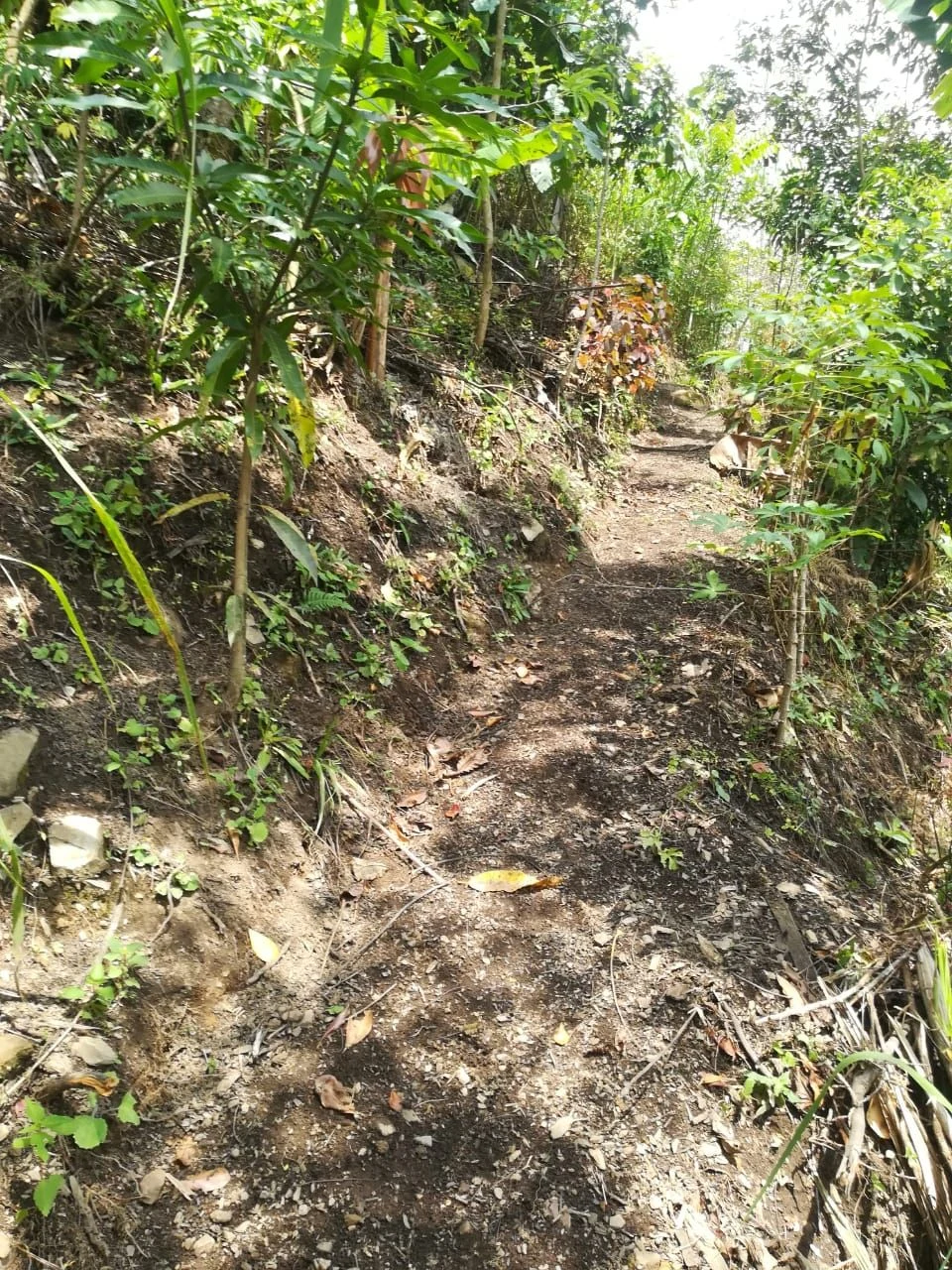
- For farms: hectares, water, vehicle access, type of title. Details that buyers are looking for.
- One long voice note is better than ten short ones — more context, better listing.
For sellers who already know the form
If you already publish regularly through colombiamove.com/publicar, you don't have to change anything. The WhatsApp flow is an additional entry point, not a replacement. For complex listings where you need to control every detail, the web form is still the most complete tool.
If you have a store on Colombia Move, the listings you publish via WhatsApp appear automatically in your store just like the ones you publish through the web form — the source of the listing is invisible to the buyer, the only thing that matters is that the listing is well put together.
Frequently asked questions
❓ Is it free to publish via WhatsApp?
Yes, completely free. Like all listings on Colombia Move, there's no publication fee or sales commission. The platform is sustained by optional featured ads that sellers choose to buy if they want more visibility.
❓ What if the assistant misunderstands something?
Before publishing you always review the listing in the form, and there you correct any detail. If it misunderstood the price or location, you simply change it before hitting Publish. The assistant also doesn't make up data: if it doesn't know something, it leaves it blank for you to fill in.
❓ Can I publish multiple listings in a single conversation?
Yes. Once you write ready and receive the link for the first listing, you can start sending photos and details of a new listing in the same conversation. The assistant understands it's a different ad and builds a new draft.
❓ Does it work if I only send a voice note, without photos?
It works, but the listing turns out better with photos. Without photos the assistant builds the text of the listing, but you have to upload the photos manually from the form before publishing — because without photos a listing gets many fewer messages than one with photos.
❓ Can I publish in English?
Yes. If you write or speak in English, the assistant builds the listing in Spanish as the main language and automatically adds the English version. Your listing becomes bilingual to reach the expat audience too.
❓ What is a seller's public store?
It's a profile with its own link where a buyer sees all your active listings and your contact information in one place. It works as a storefront when you're selling multiple things: instead of sending separate links, you share a single address.
❓ What makes a store generate more trust?
Real photos taken by you, a complete profile, clear location (city and neighborhood), the product condition described honestly, and consistent contact methods. Posting each product in its own listing—and letting the store group them—also helps the buyer take you seriously.
Try it now
Tap this green button to start your first post via WhatsApp:
And if you prefer the traditional form, it's still available at colombiamove.com/publicar. Both ways end in the same listing, indexed by Google, with no commission.
Oh, and if you have seller friends who don't know Colombia Move yet, send them this link. The first message to the assistant is the easiest way to get into the platform.


Comments
Loading comments...
Checking sign-in status...