
Search by Neighborhood: Neighborhood Pages, Interactive Map and Shops in Colombia Move
We launched neighborhood pages in Medellín, Bogotá, Cartagena and 6 more cities, plus an interactive map with markers by type and vendor shops. All free.
IDIOMA DEL ARTÍCULO
Showing original language
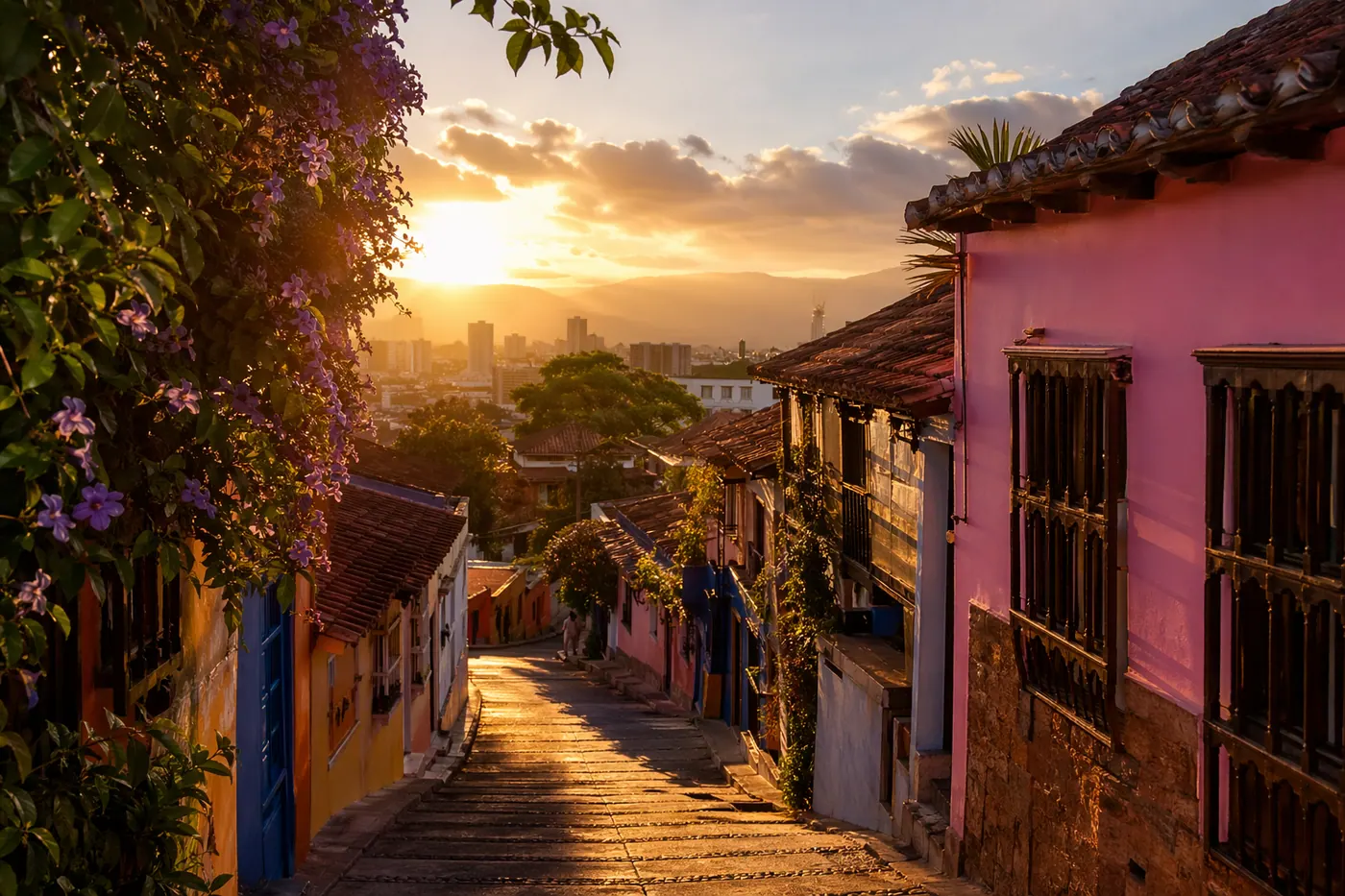
When you search for an apartment in Colombia, you don't search for "apartment in Medellin." You search for an apartment in El Poblado, in Laureles, in Envigado. The neighborhood matters more than the city. And until today, no classifieds platform in Colombia let you search that way.
Today that changes. We're launching three new features that together change how you find and post on Colombia Move: neighborhood pages, an interactive map, and seller stores.
Neighborhood pages: 200+ pages across 9 cities
Every major neighborhood in Colombia now has its own page on Colombia Move. These aren't empty pages waiting for content — they're live pages that show the listings available in that specific area.
Examples you can visit right now:
There are 200+ pages covering Medellin, Bogota, Cartagena, Cali, Barranquilla, Bucaramanga, Santa Marta, Pereira and Manizales. Each page has filters by type (jobs, services, sales, rentals), a button to post in that area, and links to all the other neighborhoods in the city.
If a neighborhood doesn't have listings yet, the page shows listings from the whole city as a fallback. That way the visitor always finds something useful.
Interactive map: see listings on the map
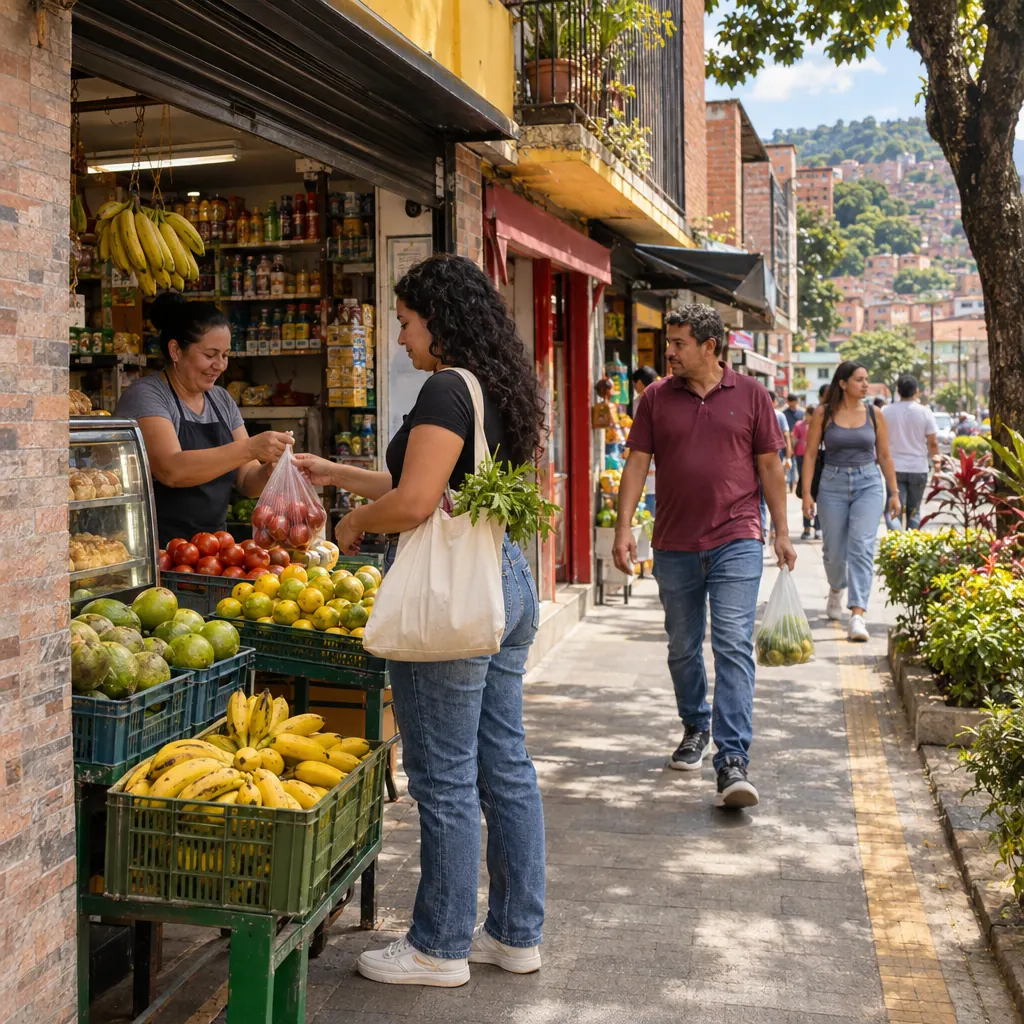
When you search for housing or local services, location is everything. That's why we added an interactive map to the search page. Click the map icon in the view bar and you'll see all the listings plotted on OpenStreetMap.
How it works:
- Color markers by type: blue for jobs, green for services and sales, light blue for rentals, purple for wanted
- Click any marker to see the image, title, price and a direct link to the listing
- Featured listings have a golden border on the map
- The search filters work with the map — filter by type, category or city and the map updates
- The legend in the corner shows what each color means and how many listings there are of each type
To try it, go to colombiamove.com/buscar and look for the map icon (the pin) in the view options bar, next to list, thumbnail and gallery.
Seller stores: your personal storefront
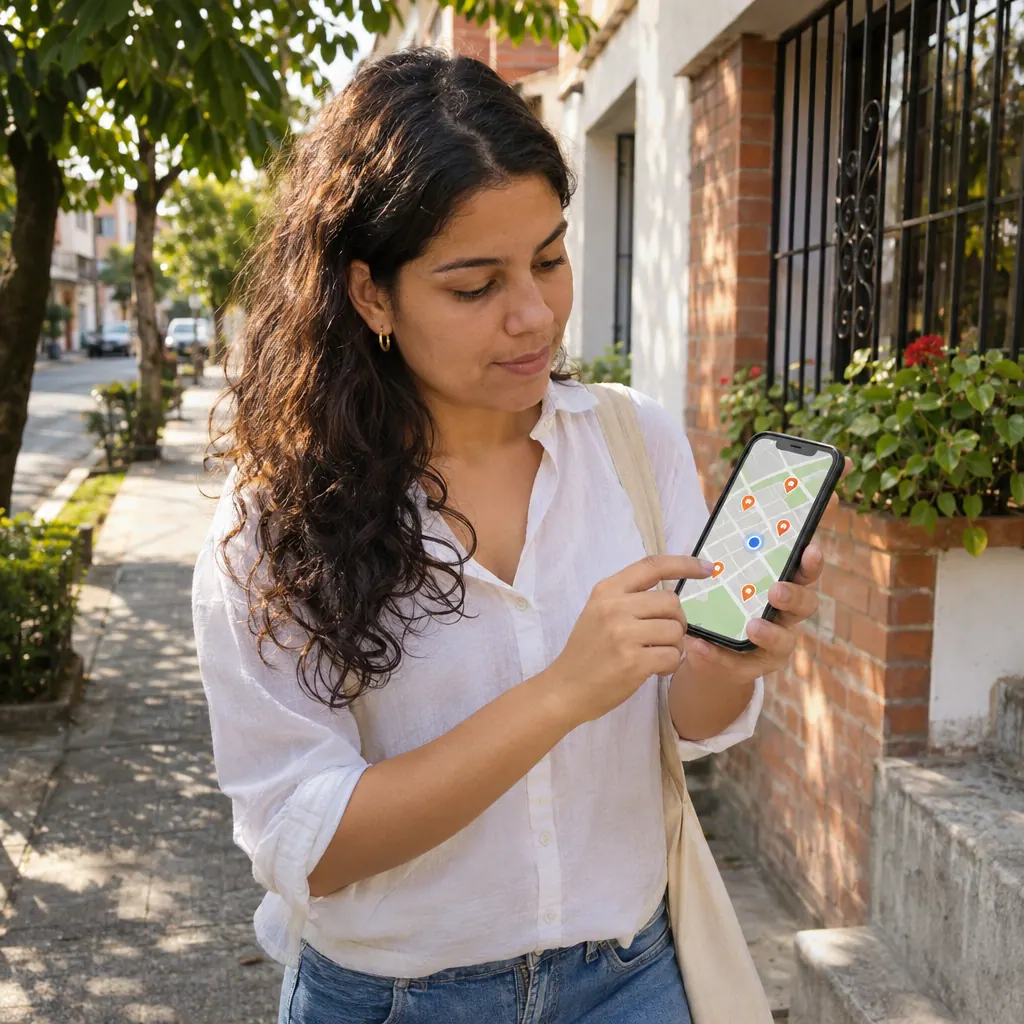
If you post several listings on Colombia Move, you now have your own store. It's a public page that shows all your active listings, your reviews, your trust badges and your contact information in a single link.
Your store is at: colombiamove.com/tienda/tu-usuario
Buyers can filter your listings by type and category, see your average star rating, your response time and your contact methods. They can also share your store on WhatsApp with one click.
From each listing, buyers see a "View store" link that takes them to your page. It's like having your own online presence without needing to build a website.
Who this is for
If you're looking for an apartment or a local service — use the neighborhood pages to see what's available in your area. The map shows you exactly where each listing is.
If you're an expat arriving in Colombia — the neighborhood pages give you immediate context. You don't need to know in advance that Laureles is different from El Poblado. Browse by neighborhood, see the listings, and get a sense of each area.
If you post listings — your store is your portfolio. Share it in WhatsApp groups, put it in your Instagram bio, send it to potential clients. One link and they see everything you offer.
If you have a local business — post your job offers and products, activate your verified business badge, and your store becomes your free online presence.
How to get the most out of it
- Add your neighborhood when you post a listing. That way it appears on the neighborhood page and on the map in the correct location.
- Complete your profile — photo, bio, city, contacts. Your store looks professional when it has all the information.
- Share your store on WhatsApp. The link is clean and looks good in the preview: colombiamove.com/tienda/tu-usuario
- Use the map when you search for housing or services. It's more intuitive than scrolling a list when location matters.
Share it with anyone who needs it
Do you know someone looking for an apartment in Medellin? Send them the link to the neighborhood they're interested in. Someone selling things in Bogota? Tell them to check their store. A friend arriving in Colombia for the first time? The map will help them more than any recommendation.
It's all free. Posting, searching, using the map, having your store. No commissions, no hidden costs.
Your opinion matters to us
These features are new and we're constantly improving them. Is a neighborhood missing? Should the map show something different? Does your store need anything else?
Write to us through the contact page or ask in the community. We read every suggestion and many end up implemented.
Start with your neighborhood. Explore the map. Visit your store. And tell us what you think.
Comments
Loading comments...
Checking sign-in status...