
How to Rent Your Temporary Housing in Colombia Without Paying Commissions
Learn how to filter out time-wasters and rent your temporary space faster using clear photos, real prices, and direct contact via WhatsApp.
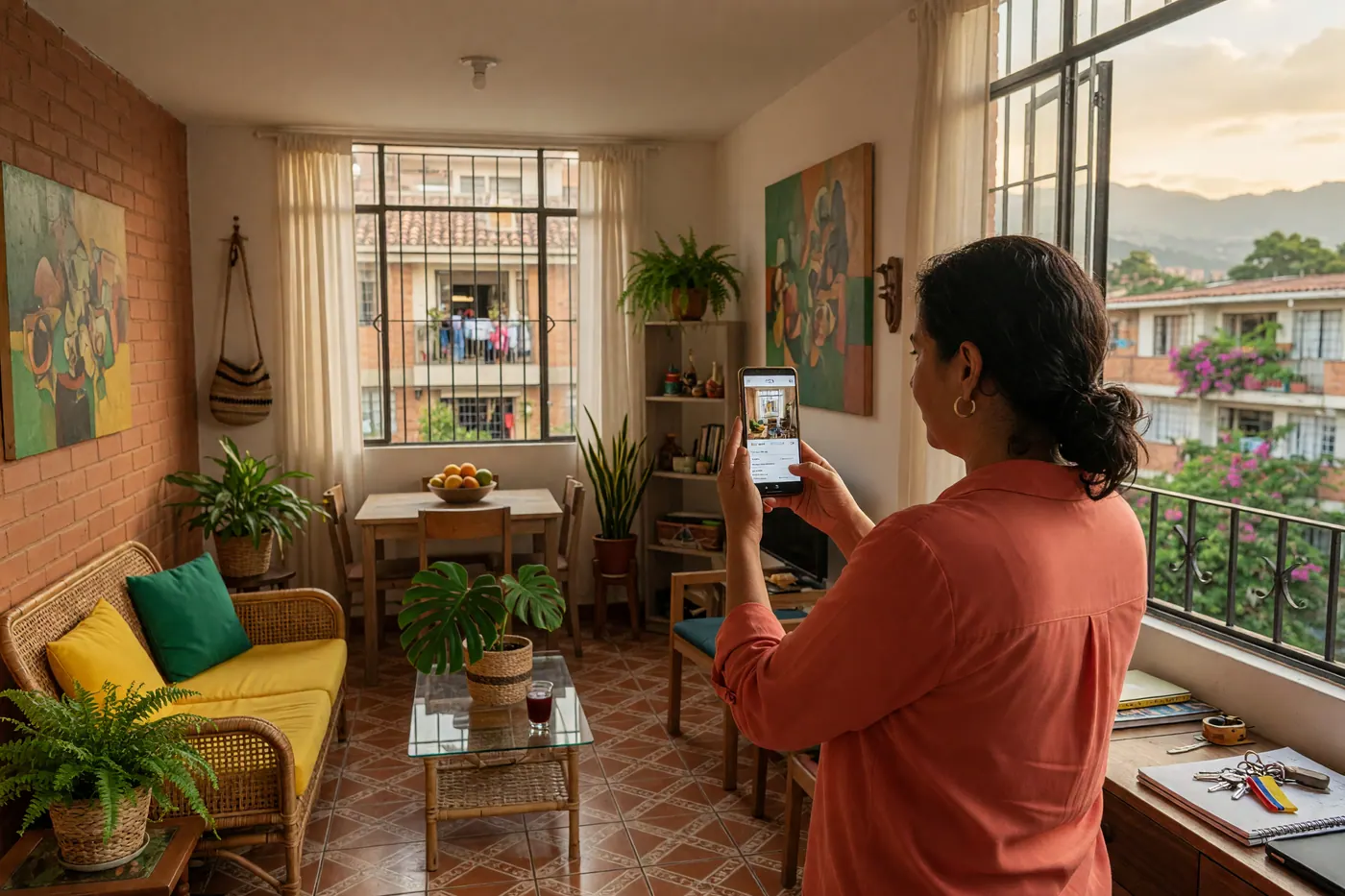
IDIOMA DEL ARTÍCULO
Showing original language
If you have a furnished apartment, a beach house on the coast, or a vacation home, you know that the market for daily or monthly rentals is booming. But let's be honest: posting them in social media groups is sometimes a headache. You get flooded with messages asking for the "price," people who never follow through, and worse yet, you expose yourself to scams. On the other hand, international apps charge you sky-high commissions that eat up a good portion of your profit.
Here is a real fact: according to the active listings on Colombia Move (June 2026), 27 recent searches on the marketplace found no results in this category specific to short-term rentals. The demand from people looking for a place to stay is there, far exceeding the supply of well-listed properties.
Quick answer to rent your temporary home without wasting time:
- Avoid the "nosy ones": Always include the real price and the exact location.
- Zero commissions: Use local platforms that allow for direct contact.
- Clear photos: Always show the kitchen, bathrooms, and beds in daylight.
The problem with groups and high commissions
Posting on Facebook Marketplace sometimes feels like shouting into the void. You put all the details in the description, and the first comment is always "How much?" or "Info." Many people don't read. Plus, curious window shoppers waste your valuable time by sending messages that lead nowhere.
The traditional alternative is to go with the giant tourism apps. They are safe, yes, but they take a huge percentage of what the guest pays and force you to adapt to their strict cancellation policies. For many property owners in Colombia, this simply isn't profitable if they are looking to rent for full months or to a more local audience.
Why posting with a real price and filters makes all the difference
When you use a structured platform and post on the housing section, the filters do the dirty work for you. If someone is looking for a rental in Medellín o Bogotá with a maximum budget of 2 million pesos, and your apartment is worth 3, that person won't even write to you.
Showing the map with the approximate location (without giving the exact address until there is trust) also filters out those who message you only to find out that the property is three hours away from where they wanted.
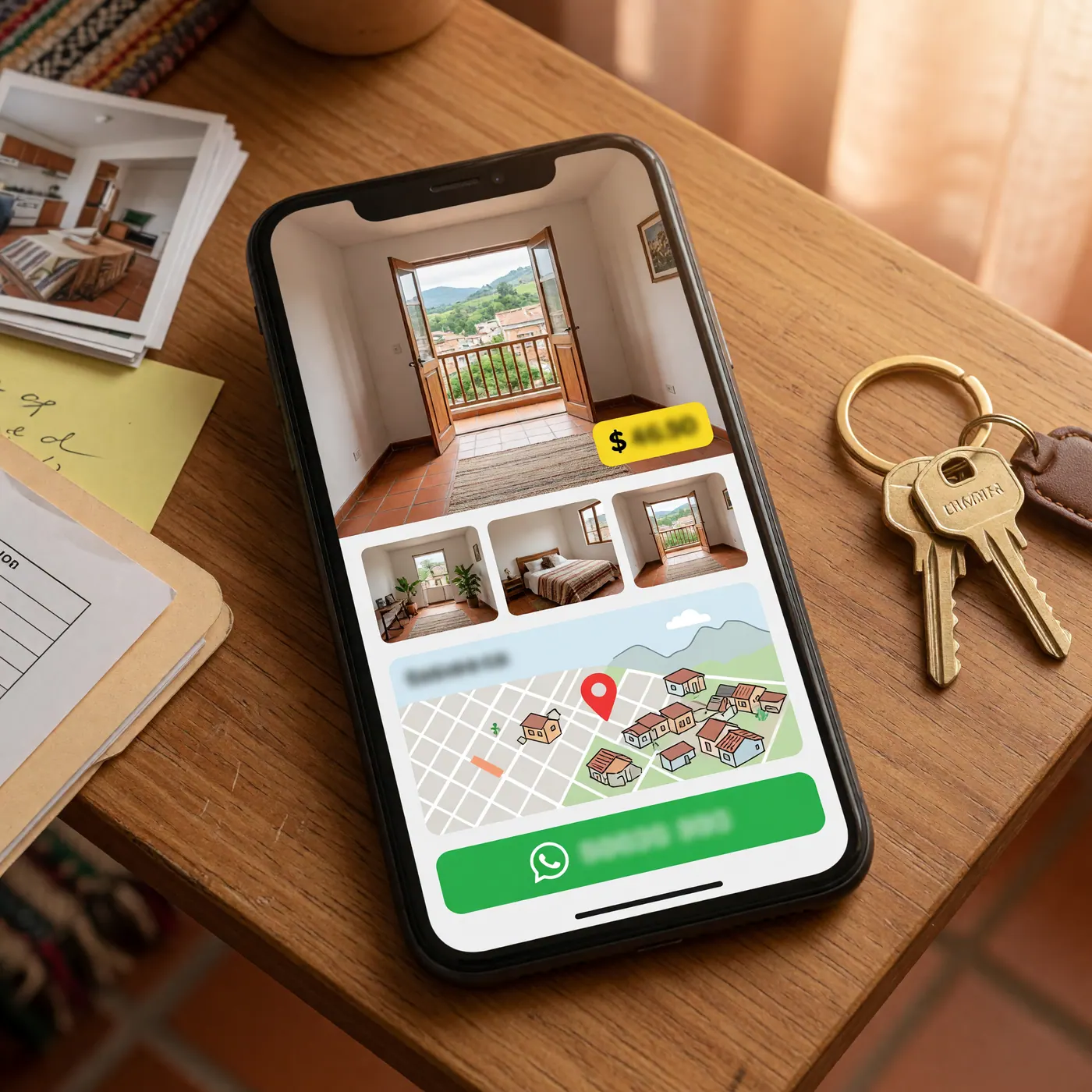
Step-by-step guide to highlighting your temporary listing
You don't need to be a professional photographer or a marketing expert to make your property stand out. You just need to be clear:
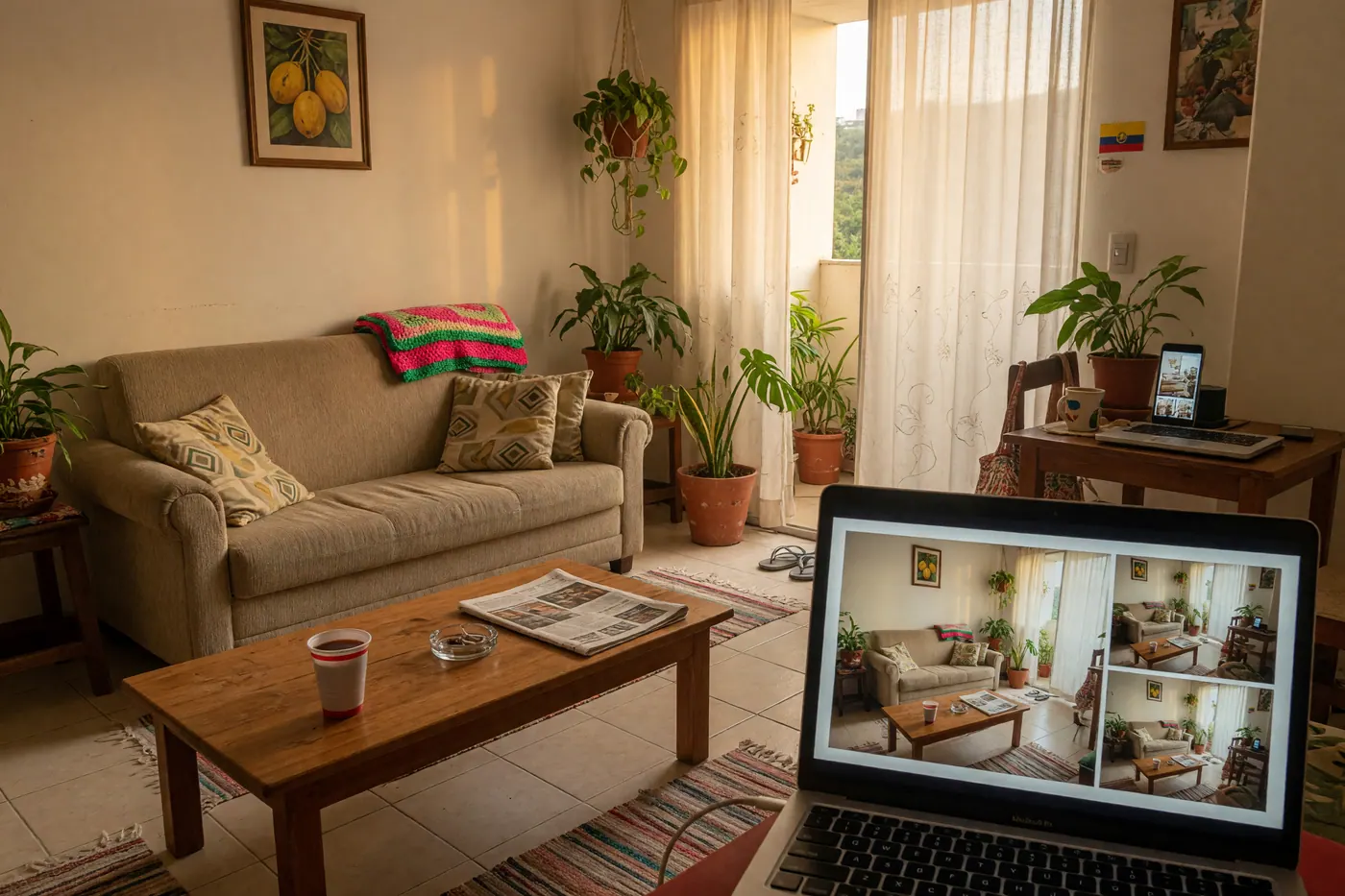
- Light is everything: Open the windows and take photos during the day. A dark space creates distrust.
- Rules from the very first line: Write down if you accept pets, if there is a noise limit, or what the maximum capacity of people is. You will save yourself future arguments.
- Services included: Clarify if the price covers internet, water, electricity, and building fees. If the internet is fiber optic, mention it; it's a magnet for those who work remotely.
Who are you renting to? Locals vs. Nomads
Understanding your audience is key to knowing how to sell the space. A Colombian looking for a country house for a long weekend values the barbecue area and the size of the pool. A foreigner looking to stay for a month values the building's security and high-speed internet.
If you are interested in knowing how much these profiles spend and how to adjust your prices, you can check out budget guides like our analysis of the monthly cost of living in CartagenaAdjusting your offer to what people actually need guarantees you'll have a full calendar.
📖 Do you already have your ad? Read also: How to List Your Temporary Housing in Colombia and Filter Out Curious Lookers
"I'm afraid to give out my WhatsApp": How to handle direct contact
It's a super common objection. Many owners don't like having their number exposed. However, you have total control over the interaction. Thousands of listings work perfectly by setting clear boundaries.
A good tip is to use WhatsApp Business: you can set up an away message, have quick replies saved with booking requirements, and if someone doesn't seem serious or gives you a bad vibe, you simply block them. Direct contact allows you to screen the tenant before agreeing to any deal.
Frequently asked questions
❓ How much does it cost to post a temporary listing on Colombia Move?
Posting your ad is completely free. We do not charge registration fees or commissions on the rent, which allows you to keep 100% of your earnings by negotiating directly with the interested party.
❓ How do I make my listing receive serious inquiries instead of just curious ones?
The key is to use the filters to your advantage: post the real price, the exact location on the map, and detail the accommodation rules. When the information is transparent, the people who message you on WhatsApp are already genuinely interested and willing to pay what you are asking.
❓ What photos and information should I include to sell or rent faster?
Upload at least five well-lit photos (using natural light) that show the kitchen, the bathroom, the beds, and the facade. In the details, specify if utilities are included, the internet speed, if you accept pets, and the maximum capacity of people.
❓ Can I post from my cell phone? What happens after I post?
Yes, the platform is optimized so you can upload photos and create your listing directly from your phone in a couple of minutes. Once published, your listing will be active in the search engine and interested parties will contact you directly via your WhatsApp number.
❓ How do I avoid scams or unserious people when selling or renting?
Never hand over the keys without prior payment or a formal deposit, and be wary of transfer receipts from international banks that you cannot immediately verify in your account. Use simple short-term rental agreements and always ask for the ID document of the person booking.




Comments
Loading comments...
Checking sign-in status...