
Ask ChatGPT or Grok to post and reply on Colombia Move
You don't need to know what MCP means. It is the permission for your AI to search, post, and reply only on your Colombia Move account.
IDIOMA DEL ARTÍCULO
Showing original language
If you already ask things of ChatGPT, Grok, Claude, or Muse, you can ask them to work on your Colombia Move account. Search for listings, post your own, and answer your messages. You grant the permission. The AI does not access anyone else's account.
Technical people call this permission MCP. It is not a new app, a payment plan, or something you have to install. It is the socket that lets your assistant use Colombia Move with you. If that acronym means nothing to you, you don't need it. What matters is the Allow button.
What you can ask, in normal Spanish
Speak just as you would to a person. Three uses cover almost everything:
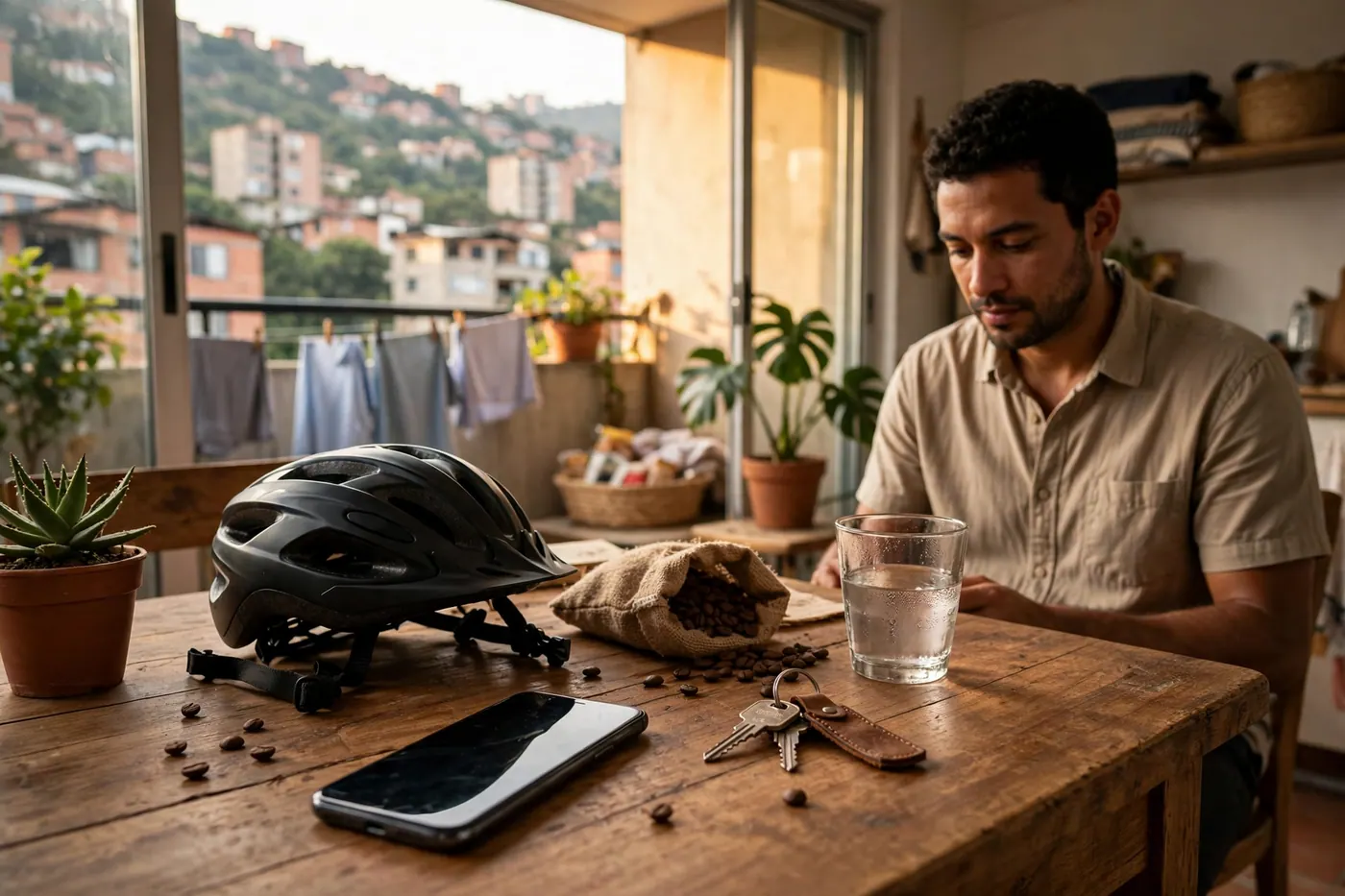
- Search public listings. "Find me bicycles in Medellín for less than a million."
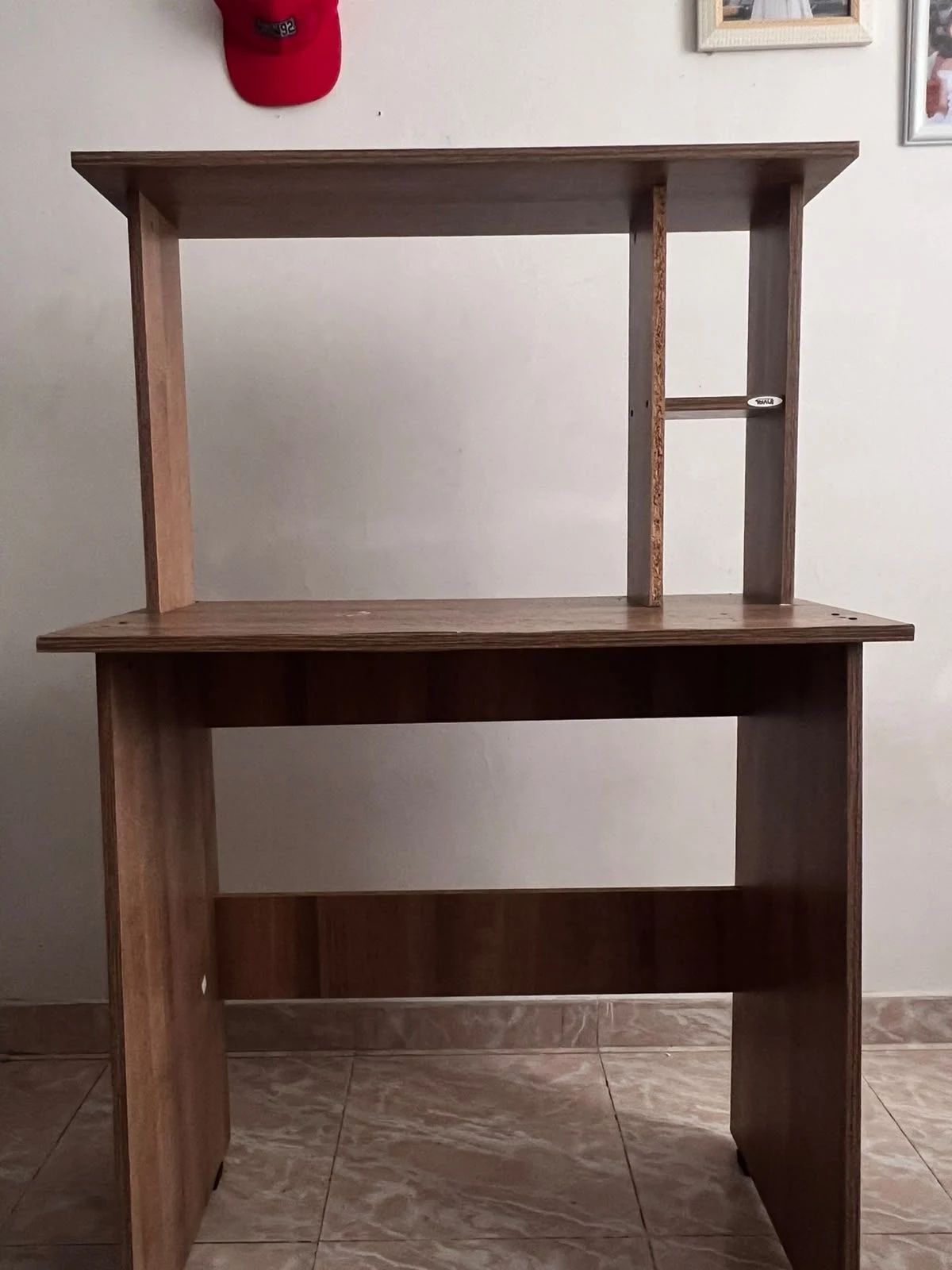
- Post or renew your own. "Post this table with these photos, in Laureles, for 250,000." Housing and objects need at least one photo to appear in search results.
- Read and reply to your inbox. "What messages do I have unanswered?" or "Tell them yes, I can see it on Saturday at a shopping mall."
It can also save an alert to notify you by email when something similar to what you are looking for comes out. The forms for posting y searching are still there. WhatsApp too. This is another path, not a replacement.
Why it is worth it
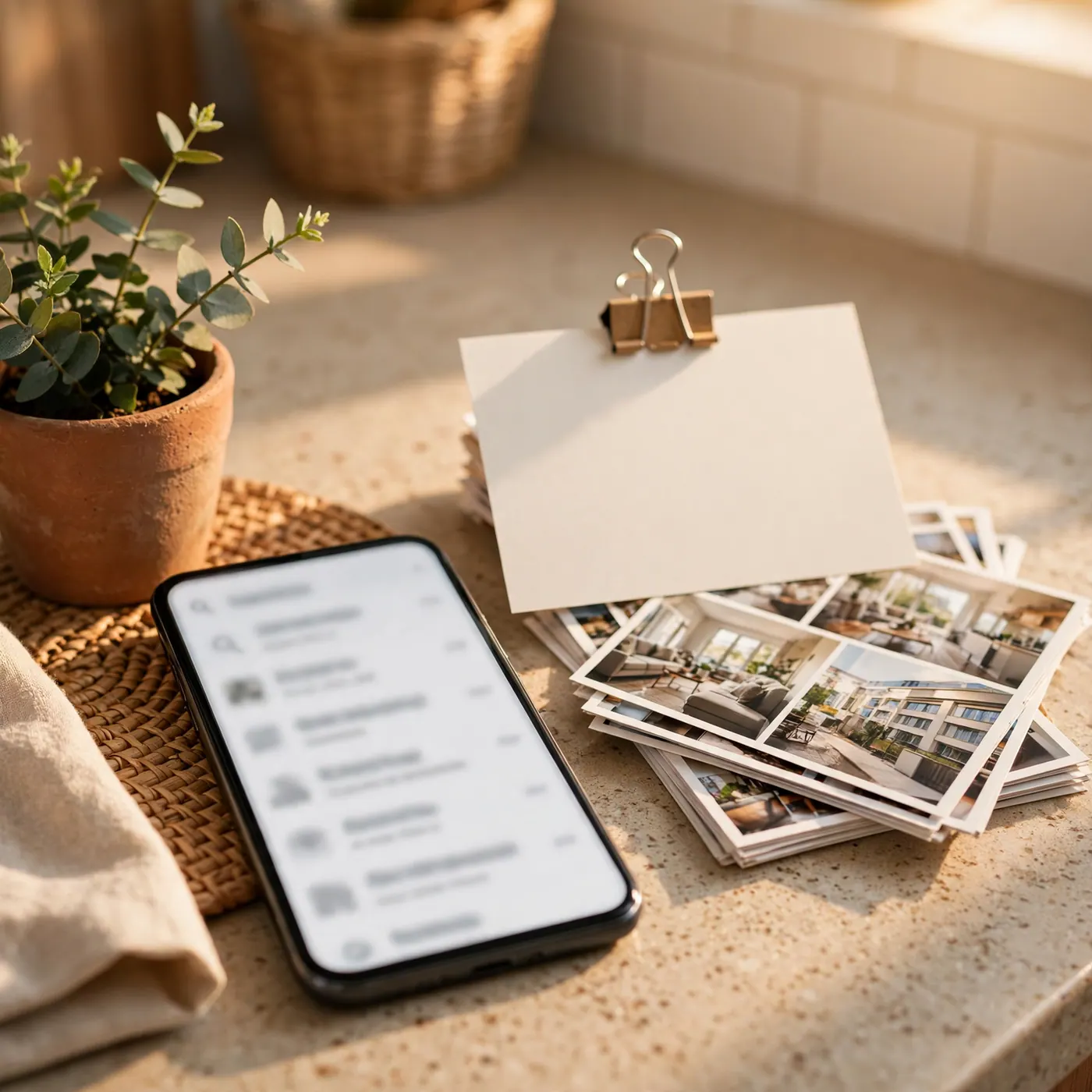
The form asks for city, category, price, and photos in that order. In the chat, you say it all at once, with the photos in the same message. If you already spend your day on ChatGPT or Grok, you don't open another screen for the same thing.
Colombia Move does not charge you to connect the AI or per message. What you pay, if you pay anything, is the ChatGPT, Grok, Claude, or Muse plan you already have. The Gemini app, on the phone or at gemini.google.com, does not allow adding this connector. For your account, use Grok, ChatGPT, Claude, or Muse.
How to connect it, in three taps
Open the guide Connect your AI. The short way is the Send to my AI button: it sets up the message and you paste it into the chat. It will tell you what to press.
If you prefer to do it yourself, you copy a single address, colombiamove.com/mcp, and paste it into Settings in your app, in the box that says URL. Do not open it in the browser and do not paste it into the chat: it is not a webpage. When Log in or Authenticate appears, check that it is your email and tap Allow.
The guide's address, colombiamove.com/ai/mcp, does not work as a connector. If you paste it into the app, it will not connect. The guide explains. The connector is only colombiamove.com/mcp.
What it will not do
- It does not read chats or private listings belonging to another person.
- It does not enter the administration panel.
- It does not bypass the scam filter. If a message does not pass, it suggests a safer version.
If something feels weird, you can remove access in the same guide and re-allow it whenever you want.
If the permission card does not appear
Some apps show Log in and others do not. If after pasting the address you do not see that card, the guide has a connection page to create a key and give it to the AI through a secure input, never by typing it into the chat. If Grok or Cursor get stuck, remove the old connector and add it again from the guide. There is no need to understand the acronym for that: the page tells you the next tap.
Start at colombiamove.com/ai/mcp. One permission, your account, and you ask for the listing in the same chat where you already are. The technical note from September is still at Colombia Move MCP, in case you want the connector details.
Frequently Asked Questions
What is MCP in simple words?
It is the permission for ChatGPT, Grok, Claude, or Muse to use your Colombia Move account. It is not a new app or something you download. You tap Allow and the assistant acts only as you.
Where do I connect ChatGPT or Grok?
Open the Connect your AI guide and tap Send to my AI, or paste the connector address into your app's Settings. When you see Log in, check that the email is yours and tap Allow. Do not paste that address into the chat.
How much does it cost to leave the AI connected?
Colombia Move does not charge you an extra plan for connecting the assistant or per message. What you already pay for ChatGPT, Grok, Claude, or Muse remains part of that app. Connecting here does not change that plan.
Is it a scam to let the AI access my account?
The assistant only opens your account. It does not read anyone else's conversations and does not enter the administration panel. If a message does not pass the filter, it proposes other wording instead of sending it.
Can I post a listing from the chat?
Yes. You tell it the title, city, and price, and attach at least one photo if it is housing or an object. The posting form is still available if you prefer to fill it out by hand. WhatsApp is also still there.
Does the Gemini app also connect?
No. The Gemini app, on the phone or on the web, does not allow adding this connector. For your account, use Grok, ChatGPT, Claude, or Muse. The same permission and the same guide work in all four.




Comments
Loading comments...
Checking sign-in status...