
How to download the SIMIT peace and safe certificate for traffic procedures in Colombia
Learn how to check fines, review traffic tickets, and request the SIMIT peace and safe certificate before selling, buying, or transferring a vehicle in Colombia.
IDIOMA DEL ARTÍCULO
Showing original language
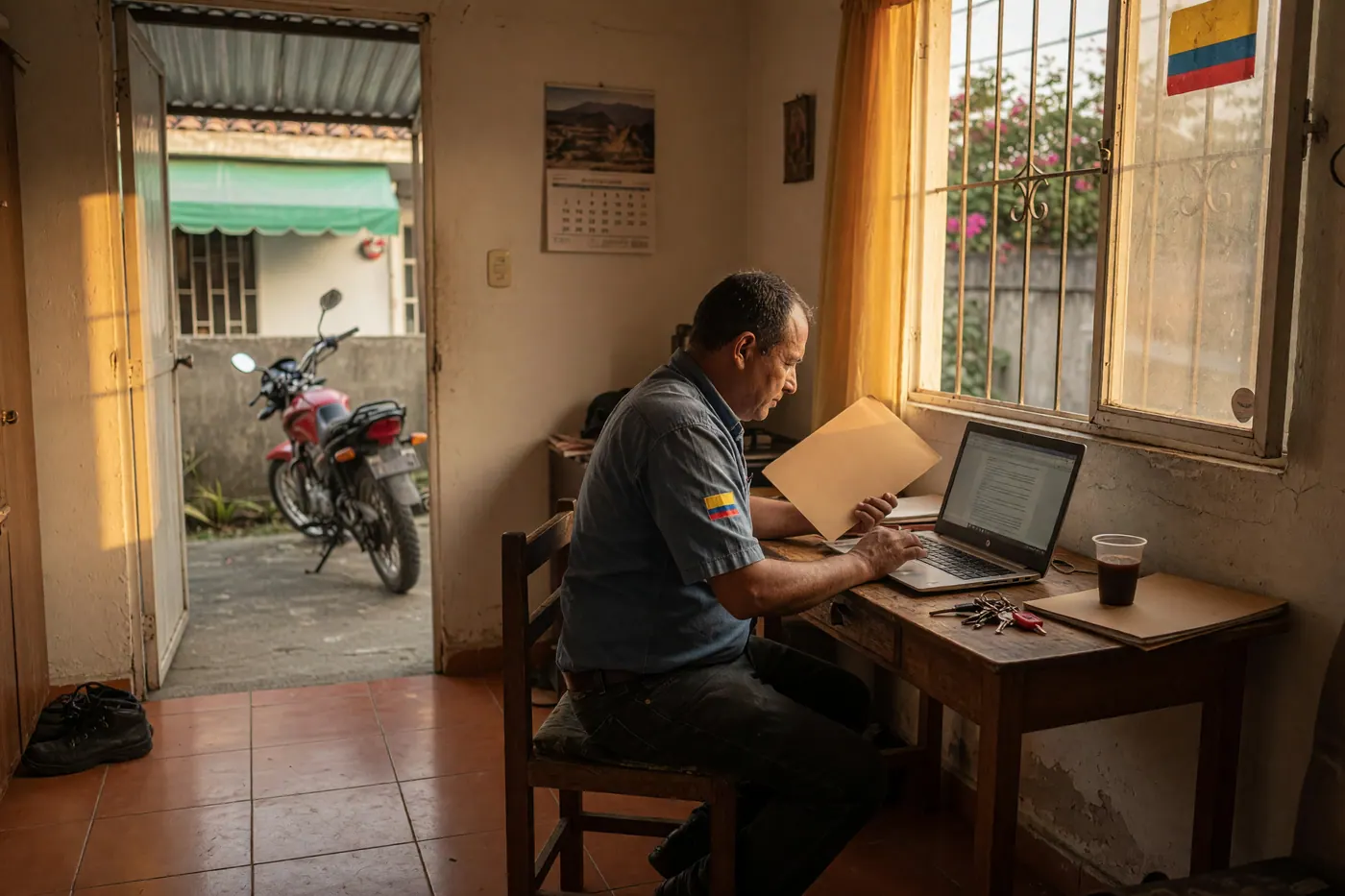
Few things are more frustrating in Colombia than having everything ready to sell your car or motorcycle, arriving at the traffic office, and having your paperwork rejected because a phantom fine from three years ago shows up. I would have saved myself many headaches if I had known from the beginning that checking the SIMIT is the true step zero before moving a single piece of paper.
- Go to the official SIMIT portal (managed by the Colombian Federation of Municipalities).
- Enter your ID number or the vehicle license plate.
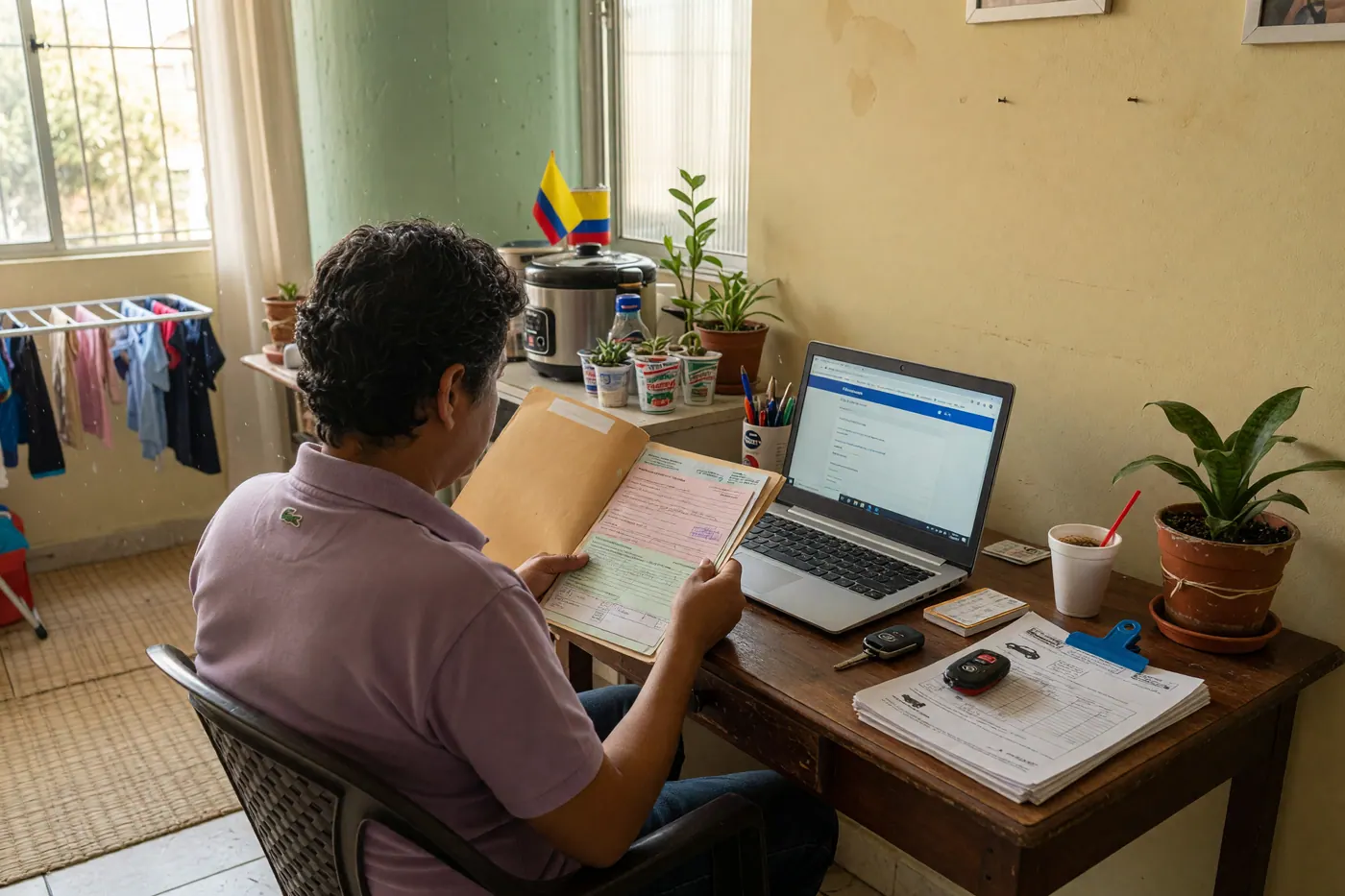
- Check your "Account Status." If no outstanding obligations appear, use the "Request Peace and Safety" (Solicitar paz y salvo) option and verify the document provided by the system.
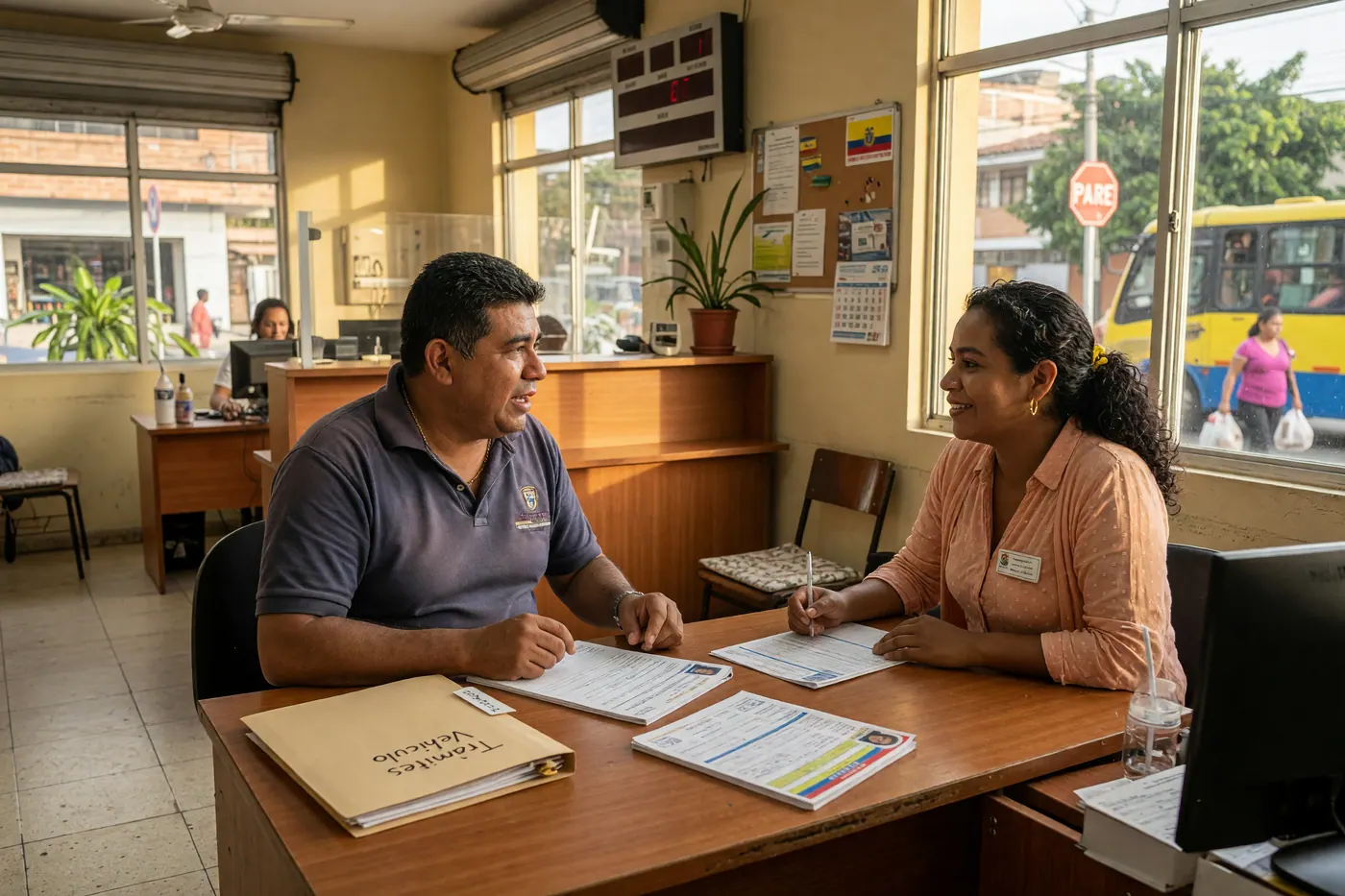
- For any vehicle transfer procedure, the Ministry of Transport indicates that both the buyer and the seller must be in good standing (paz y salvo).
What is the SIMIT peace and safety certificate and why is it mandatory?
The SIMIT (Integrated Information System on Fines and Sanctions for Traffic Infractions) allows you to check for tickets, fines, and payment agreements with information reported by traffic agencies. Unlike the RUNT, which gathers information on the vehicle, the driver, and various procedures, the SIMIT focuses on the status of those obligations.
Having the peace and safety certificate is not just an administrative whim. According to the Ministry of Transport, to carry out a vehicle transfer, both parties—the buyer and the seller—must be in good standing regarding fines or traffic infractions (official source consulted on July 29, 2026).
Step by step: How to consult and download the certificate
The process begins online. Follow these steps to ensure you are in the right place:
- Enter the official site: Go to the official SIMIT portal (ensure the URL is fcmi.consultafederacionsimit.com to avoid unofficial pages).
- Enter your details: You can start the search by entering your identification number (cédula) or the vehicle's license plate.
- Check your account status: The system will show you a summary. If you have fines, you will see payment options, collection points, and the gateway to pay online via PSE.
- Generate the document: When the account status no longer shows pending obligations, use the "Request Peace and Safety" option and save the document generated by the system. The portal and its features were consulted on July 29, 2026.

What do I do if I already paid and the fine still appears?
Here comes the biggest frustration with the system: the SIMIT does not generate the information by itself, but rather reflects what is reported by local traffic agencies, such as the mobility secretariats.
If you paid a fine via PSE and the system does not update, the record may take time to reflect the payment. Keep your receipt safe and check again. If the inconsistency persists, communicate with or file an update request (PQR) before the specific traffic agency that reported the infraction. That authority must review and correct the report when appropriate.
Validation before the transfer (and how the market moves)
The used vehicle market in the country moves quickly, but buyers are increasingly cautious. According to Colombia Move data from July 2026, the vehicle section recorded 834 views and an active offer of 12 listings. There is buyer activity, but supply is still limited.
If you are going to sell, don't wait for the buyer to ask for the paperwork. Have the recent document generated by SIMIT printed out or on your phone. This helps provide clarity on the status and speeds up the document review.
The mobile alternative: SIMIT App
If you prefer to do everything from your phone, the Colombian Federation of Municipalities has an official application on Google Play called "SIMIT." Although the interface is basic, it does its job: it allows you to check for fines, make payments, and download or send associated documents, including account statements and peace and safety certificates. The app's listing was consulted on July 29, 2026.
Frequently Asked Questions
❓ Is the SIMIT peace and safety certificate checked by ID or by license plate?
You can start the search with either piece of information on the official portal. It is advisable to check both options because the search by ID and the search by license plate may present information associated with different references within the system.
❓ Do I need a SIMIT peace and safety certificate to sell a car or motorcycle?
Yes, to register the transfer, both buyer and seller must be in good standing regarding fines or infractions. This is indicated by the Ministry of Transport in their official information consulted on July 29, 2026; also confirm the other requirements with the agency where you will carry out the procedure.
❓ What do I do if I already paid and the fine is still showing up?
Keep the receipt, check again, and request an update if the report persists. The correction must be managed before the traffic agency that reported the infraction, as SIMIT reflects the information sent by those authorities, according to MinTransporte consulted on July 29, 2026.
❓ Are the SIMIT and the RUNT the same thing?
No. The SIMIT concentrates the search for fines, tickets, and payment agreements, while the RUNT gathers information on the vehicle, the driver, and other procedures. Consulting one does not replace the checks that correspond to the other.
❓ Does downloading the SIMIT peace and safety certificate cost money?
This article does not verify a fixed fee to generate the peace and safety certificate. Before paying, confirm any charges directly on the official SIMIT portal during the request process and avoid giving money or personal data to intermediaries without verifying.
❓ Can I make a transfer if I have a valid payment agreement?
You must verify how your exact status appears in SIMIT before starting the procedure. A payment agreement does not automatically mean that you already meet the requirement; confirm this with the traffic agency competent for your case.



Comments
Loading comments...
Checking sign-in status...