
How to Sell Used Office Printers and Multifunctionals in Colombia
A practical guide for companies and freelancers in Colombia looking to sell second-hand printers and multifunctionals quickly, by demonstrating their technical condition and setting a fair price.
IDIOMA DEL ARTÍCULO
Showing original language
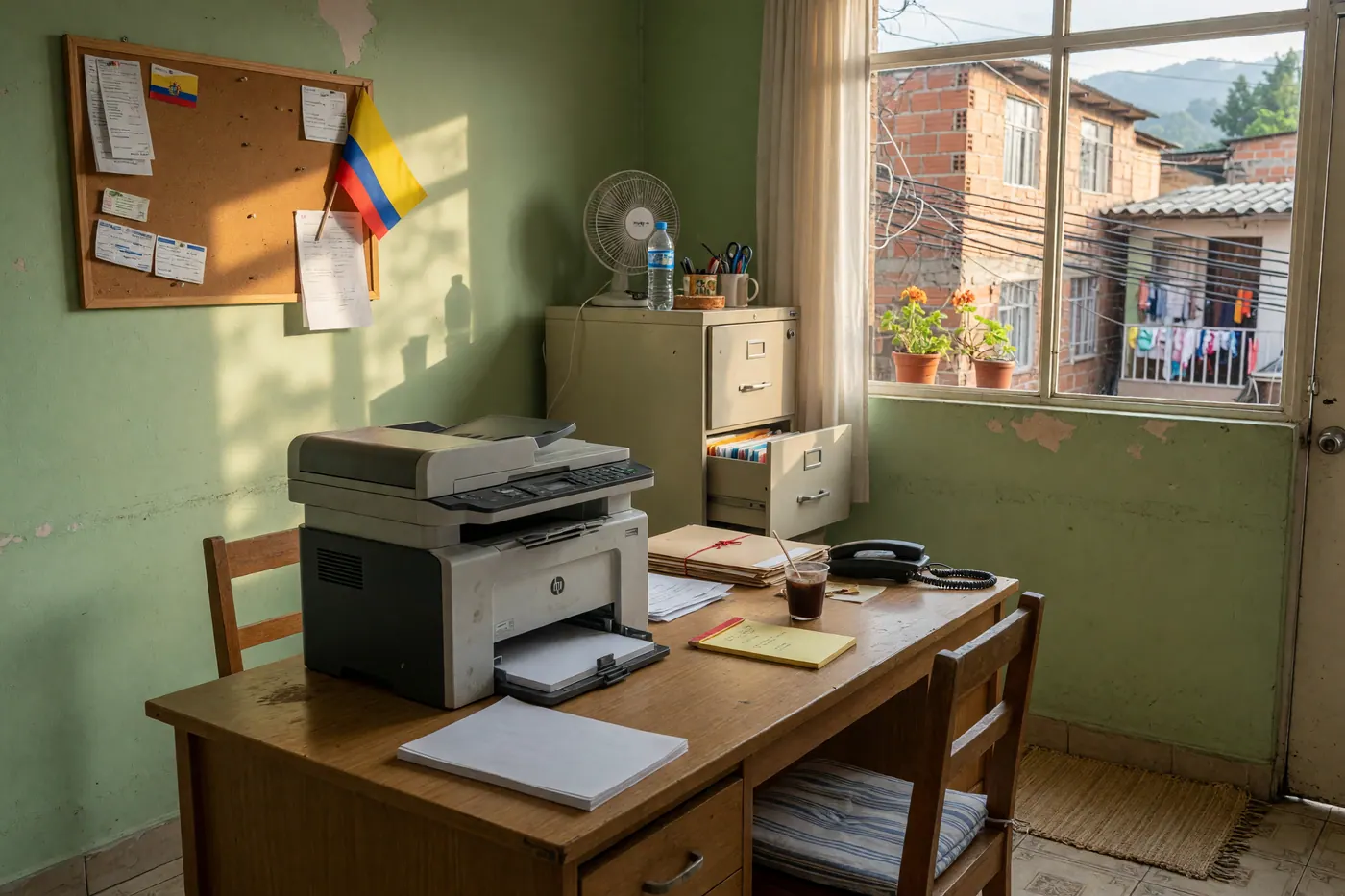
When a small business or an independent professional in Colombia renovates their work infrastructure, they face a recurring question: what to do with technological equipment that still works perfectly? Second-hand laser printers, corporate multifunctionals, and continuous ink tank systems are in high demand in the local market. Entrepreneurs, local stationery stores, students, and people setting up their home offices are constantly looking for these peripherals to reduce their initial costs.
However, selling used office technology can become a frustrating experience if you don't know how to demonstrate the machine's good condition or if you receive ridiculous offers because you don't know how to set its real value. In this guide, we explain the technical, legal, and logistical step-by-step process to sell your second-hand printer in Colombia quickly, securely, and without paying brokerage commissions.
Quick Answer: Key steps to close a successful sale
- Demonstrate technical condition: Print and photograph the status page with the total page count (the equivalent of a vehicle's odometer) and the nozzle check or grayscale gradient test.
- Guarantee privacy: Perform a factory reset to remove Wi-Fi passwords from your office network, emails saved in the scanner, and retained print queues.
- Transparency when posting: Clearly detail in the description if the toner is low or if any tray has minor wear; this protects you from complaints and builds immediate trust.
- Safe transport: If using a continuous ink tank system, lock the transport valves. If it is a laser printer, secure or remove the toner cartridge to avoid spills during packing.
- Sell direct with no commission: Post your ad for free on direct peer-to-peer platforms like Colombia Move to keep all the profit margin.
1. The 4 essential technical tests before taking the photos
The biggest fear for someone buying a second-hand printer is acquiring a device with dry printheads, a scratched optical drum, or paper feeder failures. To eliminate any doubt and avoid unnecessary haggling, perform these four essential checks:
A. Configuration report and page counter printing
The vast majority of laser printers and multifunctionals (HP, Kyocera, Ricoh, Canon, Brother, Epson) allow you to print a system report from their control panel or via a button combination. This printed document shows the total number of pages processed since manufacture. A low counter proves that the printer still has a long useful life cycle in its mechanical components (fuser and feed rollers).
B. Nozzle test vs. gradient pattern
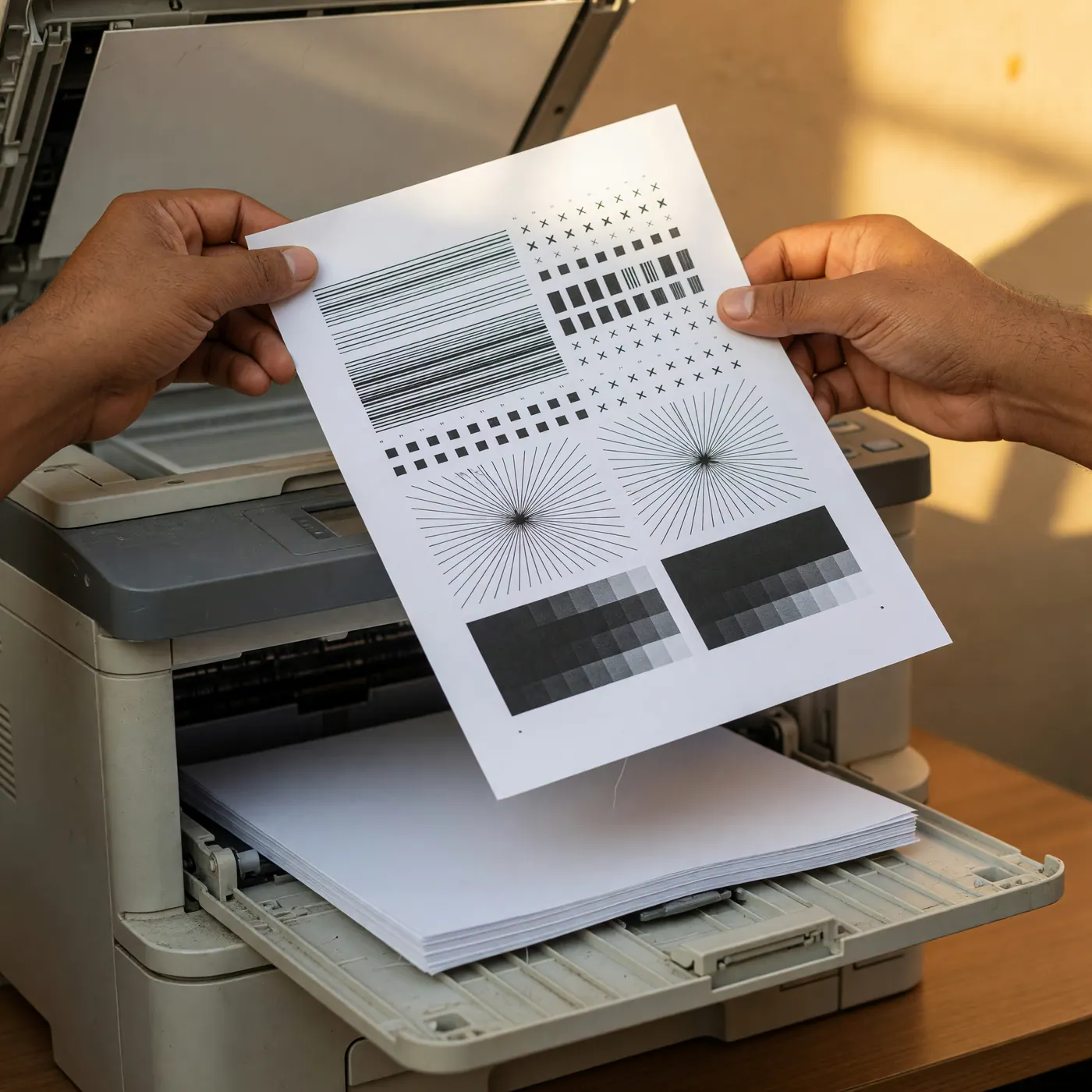
If you are selling an inkjet or continuous ink tank system (such as the EcoTank lines), print the nozzle check pattern. This test draws continuous lines in all colors (yellow, cyan, magenta, and black). If there are no breaks in the lines, you prove the printhead is impeccable. In the case of laser printers, print a sheet with a block of solid gray or black to certify that the image receptor cylinder (drum) has no permanent scratches or marks.
C. Consumables status report
Clearly show the estimate of remaining supplies in the photograph. Indicating that the machine comes with a 70% toner cartridge or full tanks adds a perceived commercial value far superior to delivering a device with completely depleted supplies.
D. Verification of scanner glass and automatic document feeder (ADF)
On multifunctionals, confirm that the flatbed glass has no deep scratches that affect document scanning. Also test the top automatic document feeder (ADF) by scanning a batch of several sheets in a row to confirm that no paper jams occur.
Continue reading: If you are liquidating the entire workspace, it is also worth posting desks, chairs, and filing cabinets. Check how to sell used office furniture and equipment without giving away the lot.
2. Privacy: clean the equipment before handing it over
A multifunctional stores your company's network data. Before delivery, go to the settings menu or the internal web server and execute a factory reset. This wipes Wi-Fi keys, scan destinations, and retained queues. If it uses HP Smart or Epson Connect, unlink the account. I wouldn't hand over the device just "because I turned it off": print another configuration page; if your network name still shows up, the erasure didn't happen.
3. How to set a realistic price in 2026
The resale value depends on the technology (laser, cartridge, or continuous tank), the page counter, the fuser or drum condition, and whether generic supplies are available at a reasonable cost. A continuous tank system with a clean head usually sells better than a high-volume laser with the fuser at its limit. According to active ads on Colombia Move (August 2026), there are 6 active and 2 recent office listings with 937 views: there is demand watching but little clear supply. Facebook Marketplace and Mercado Libre remain noisy. If the device no longer prints, do not sell it as a "minor issue": Law 1672 of 2013 (WEEE) points to post-consumer programs like EcoCómputo, not ordinary trash.
| What influences price | What to show | What to avoid |
|---|---|---|
| Page counter | Photo of configuration report | Saying "lightly used" without a number |
| Consumables | Toner percentage or tank level | Handing over the machine empty |
| Technology | Laser vs. tank vs. cartridge | Asking for 2026 showroom price |
| Visible faults | ADF, tray, or glass | Hiding the defect |
4. The ad that filters out tire-kickers (Law 1480)
You need the printed report, the glass in daylight, the control panel on, and the cables you are including. Put the exact model, mention if there is an extra tray, duplex, and if Wi-Fi or Ethernet are responsive. Law 1480 of 2011 (Consumer Statute, Article 15), in force in 2026, requires disclosing the condition and defects of used goods. Between individuals, there is no commercial merchant warranty: Civil Code provisions on hidden defects apply if you conceal a fault in bad faith. Do not promise three months of SIC warranty if you are not a professional provider.
- Exact commercial model, not just "office laser".
- Page counter and date of the report.
- Ink or toner levels, original or generic.
- What is not working: ADF, duplex, or a tray.
- Hand-to-hand delivery site, shipping at buyer's expense, or a public meeting point.
If you are also rotating PCs from the same shutdown, use the guide to sell a used computer or laptop. To compare channels (WhatsApp, Facebook, direct ad) check where to sell used items in Colombia without paying commission.
5. Packaging and delivery: ink, toner, and equipment that no longer works
For continuous ink tank systems, close the valves and transport the machine level; tipping it will stain the rollers. For laser printers, remove or secure the toner cartridge. Protect the ADF and glass. If it is electronic waste and you cannot identify working parts, take it to authorized WEEE collection points. Anyone liquidating a kitchen or business at the same time can see how to sell used catering equipment.
Frequently asked questions
❓ What is the first thing I should check to know the condition of a used printer?
In 2026, print the configuration page and check the page counter and the percentage of toner, drum, or ink levels. That report is the equivalent of mileage and should be photographed alongside the equipment. Complete this with a nozzle check or a gray block test if it is a laser printer.
❓ Is it mandatory to provide a warranty when selling a used printer between private individuals in Colombia?
No. Between private individuals, there is no mandatory commercial warranty under Law 1480 of 2011, effective in 2026, provided you disclose the actual condition. Article 15 requires declaring any defects in used goods. Civil Code provisions for remediation apply in cases of bad faith; a professional merchant carries different responsibilities.
❓ How do I perform a secure wipe of Wi-Fi and emails before selling?
In 2026, enter the menu or web server and restore factory settings to erase Wi-Fi, scan destinations, and print queues. Unlink cloud services like HP Smart or Epson Connect. Print the report again to confirm that your network no longer appears.
❓ What does the resale price of a used printer in Colombia depend on?
The price in 2026 depends on the counter, the type of technology, and whether supplies are available at a reasonable cost, not on a fixed figure. Continuous ink tanks and monochrome lasers usually move better. A color unit with a scratched drum stagnates even if it looks professional.
❓ How should I move a continuous ink printer so it does not get damaged?
In 2026, close the locking valve on the tanks and transport it level to prevent internal spills. Do not put it on its side or stack it under boxes. For laser printers, remove or secure the toner so that the dust does not soil the rollers.
❓ Where can I post a used printer for free and without paying a commission in Colombia?
In 2026, you can post it for free in the office and technology section of Colombia Move, with direct contact. Describe the model, counter, and consumables. Facebook and Mercado Libre remain options, though with more noise and middlemen.




Comments
Loading comments...
Checking sign-in status...