
Uploading photos to your listing is no longer a pain: drag & drop and photos directly from your phone
Drag and drop from your desktop, or scan a QR code to send photos directly from your phone. Publishing a listing has no more excuses.
IDIOMA DEL ARTÍCULO
Showing original language
Most ads that are abandoned in a marketplace are not abandoned because of the price or description. They are abandoned at the photos section. You're on the computer writing the title, but the apartment photos are on your phone. You connect the cable, search for the iPhone in Finder, export, close the app by mistake, and you've already lost 10 minutes and will to live.
We just launched two changes in Colombia Move to kill that friction once and for all. Now you can drag and drop photos directly from the computer, or send photos from your mobile phone to your desktop browser scanning a QR code — without installing any app.
If you are going to post a rentalsell a piece of furniture, a car, a computer, or whatever, this will save you real time. I'll explain how it works and how we built it to be fast and secure.
Why most people quit halfway through
Looking at the data, we found a clear pattern: many people would start posting an ad, fill in the category, title, description — and disappear right at the photos section. Almost no one comes back. If you don't upload the photo at that moment, the ad stays incomplete forever.
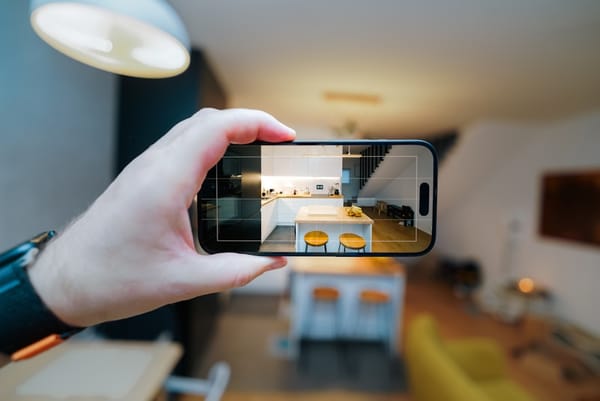
The reason is obvious when you think about it: people post from work or from their computer at home, but photos live on their phone. Moving photos from your phone to your computer is a weird process: AirDrop if you have a Mac (sometimes it works), USB cable and Finder, sending them to yourself via WhatsApp, uploading them to Drive, downloading them… each step is an opportunity to lose motivation.
Marketplaces like Mercado Libre and Facebook Marketplace have had solutions for this for years. We were the last to arrive. Now we're on equal footing — and in some details, better.
Drag & drop on the desktop
The first improvement is the most basic but the one that was most needed. On the publishing page there is now a box with a dotted border that says "Add photo — or drag and drop"You open the folder where you have the photos, select them, and drop them on top. Done.
The box turns blue when it detects that you're dragging something — immediate visual feedback so you know it landed in the right place. If you drag a file that isn't JPG, PNG, or WebP, it simply ignores it (the page doesn't crash).
Respects the same limits as the classic button: up to 10 photos for most categories, and even 30 photos if it's housing (apartment, house, farm, office). 30 because a good rental listing shows each bedroom, the bathrooms, the kitchen, the exterior, amenities — and trying to fit that into 10 photos forces sacrifices you shouldn't have to make.
Photos from your phone, without installing anything
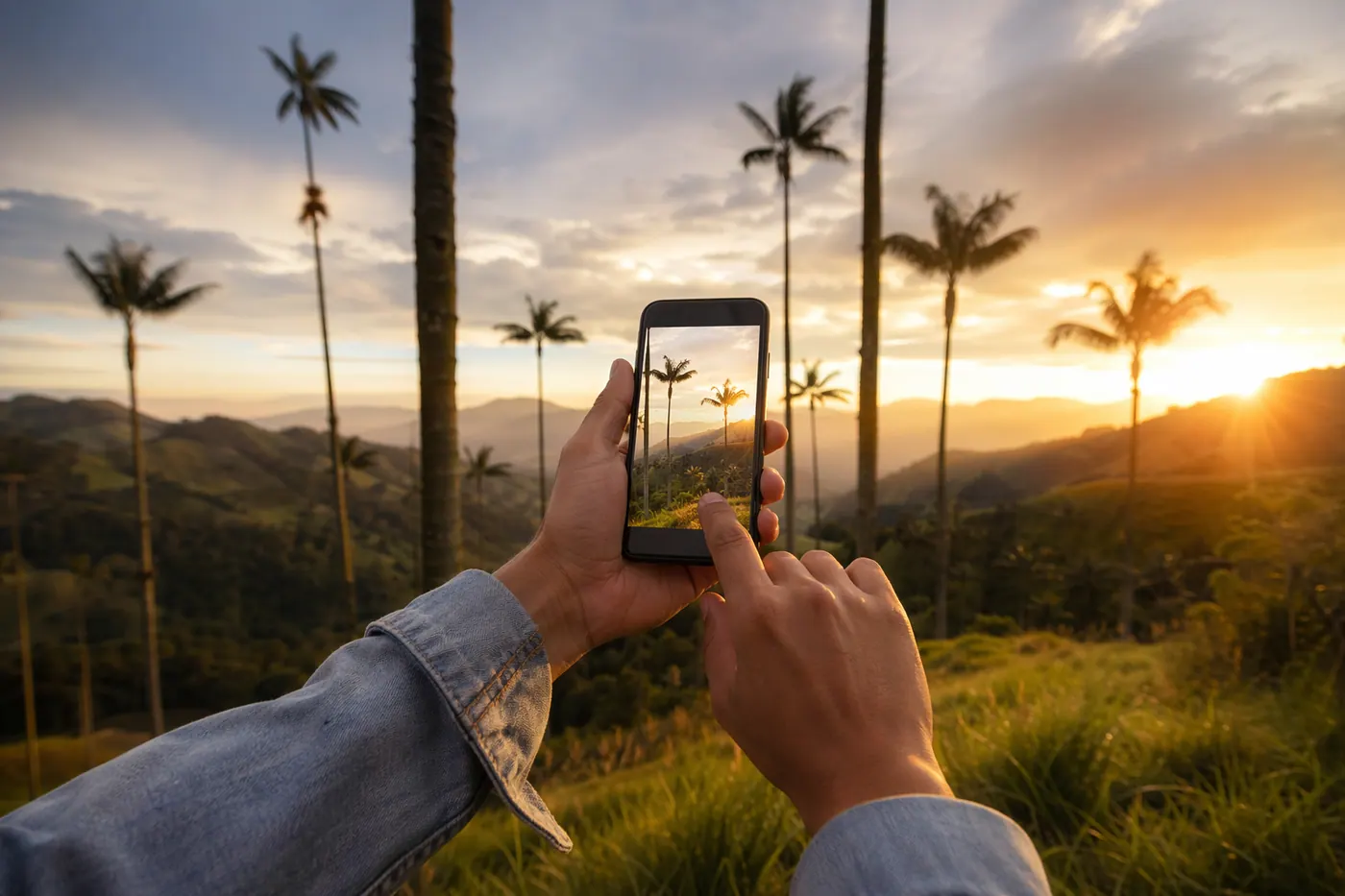
This is the one I like the most. It works just like the Facebook Marketplace function that many know, but without requiring you to have any app installed — just your phone's camera.
Just below the photo drag box, there is a link that says "Are the photos on your phone? Use it directly." You click on it and a window opens with a QR code.
You scan that QR code with your phone's camera. A simple page opens with two large buttons: Take a photo o Choose from galleryYou select what you want to send, and in less than two seconds the thumbnail appears on the computer. You can keep taking and sending more — the page stays open. When you're done, you close the window on the computer and that's it, your photos are ready to publish the listing.
You don't need to log in on your phone. You don't need an app. You don't need to share your Wi-Fi password or do an AirDrop. The link works from any network — mobile data, Juan Valdez Wi-Fi, whatever.
🏠 Are you going to post a rental?
We have a specific guide for landlords — what to include, how to price, how to screen tenants, and common mistakes.
Read the complete guide →How we made it safe
Making a photo travel from your phone to your desktop sounds simple until you think about security. What if someone takes a photo of the QR code while you're posting? What if the link stays open? Three design decisions worth explaining:
240-bit entropy token. Each session generates a random 40-character code. It's not guessable — it would take billions of attempts to hit a valid one. It's the same level of randomness used by magic link authentication.
Automatic expiration in 15 minutes. If you start a session and leave, the link stops working. If you keep uploading photos, it automatically renews with each upload — the timer only counts when there's no activity.
Only one active session at a time. If you open the QR window twice (by mistake or on purpose), the first one becomes invalid. This prevents an "old" QR from remaining useful after you replace it. When you close the window, it also becomes invalid instantly on the server — not just in the browser.
The photos themselves go through the same pipeline as normal uploads: automatic EXIF rotation (if you took the photo sideways, it straightens itself), compression to WebP at 80% quality, and maximum resizing to 1600×1600 px. All before touching the database.
Quick tips for photos that convert
Now that uploading photos is no longer an excuse, it's worth doing it right. Things I see done poorly in many listings:
Use natural light. Open the curtains and take photos in the morning or before sunset. Cell phone flashes give any space a police report look. We don't want that.
The first photo is your visual title. 80% of people who see your ad in the feed will only see that first image before deciding whether to open it or keep scrolling. Put your best photo first — not the bathroom photo, not the laundry patio. The living room, the facade, or the widest angle of the space.
More is better than less (up to a point). Between 8 and 15 photos is the sweet spot for housing. Fewer than 5 and people distrust it. More than 20 and no one reaches the end. For products (electronics, furniture) 4-6 photos from good angles is enough.
Don't over-edit. Using an Instagram-style filter for a rental ad is counterproductive. When the tenant arrives at the apartment and it looks different from the photo, they feel deceived. Flat and honest photos work better.
Post an ad in 2 minutes
With this ready, the complete flow is now:
1. Go to colombiamove.com/publicar from the computer.
2. Select type (rental, sale, service, employment), category, and write title + description.
3. In the photos section, drag from your folder — or click on "Are the photos on your phone?" and scan the QR code with your mobile device.
4. Review, fill in price and contact, and publish. Your ad becomes visible instantly.
All of that is free. We don't charge for posting, we don't charge commission, you don't have to pay for your ad to appear in normal results. That model is the same one we have been maintaining since day one — advertisers only pay if they want to stand out.
How does it work behind the scenes? (for the curious)
For those interested in the technical side: when the desktop creates the session, the server generates the token and saves a row in the database with the user ID, the token, and the expiration date. The mobile phone sends each photo to an endpoint token-gated — the token IS the authentication. Meanwhile, the desktop asks the server every 2 seconds if new photos arrived; when they do, it adds them to the preview.
When sending the ad, those photos are already on the server (they don't get uploaded again), they're just associated with the newly created ad via an endpoint attach. That saves a round trip of data. We use polling instead of WebSockets or Server-Sent Events because it's simpler and for the current volume, more than enough.
If you're interested in these details, we wrote another post about the recent redesign of the search and publish flow — same spirit: remove friction where it hurt the most.
Frequently asked questions
❓ Do I need to install an app on my phone?
No. The photo function from your phone works 100% in the browser — the QR takes you to a web page that uses your iPhone/Android's native camera or gallery. Zero installation, zero extra account.
❓ Is it safe if someone takes a photo of my screen with the QR visible?
In theory they could use it for the next 15 minutes. In practice they would need to be physically close, take the photo very quickly, and do it before you close the window (when you close it, the token is invalidated instantly). The risk is very low, but if you're worried, close the QR window as soon as you finish sending the photos.
❓ How many photos can I upload?
Up to 10 per ad for most categories (jobs, services, vehicles, electronics, etc.), and up to 30 for housing ads. The limit applies by adding photos from drag & drop, classic button, and phone — you can't cheat by alternating methods.
❓ What happens if I lose connection in the middle of uploading?
The photos that already uploaded are saved in the session. Only the one that was uploading when the connection dropped needs to be sent again. If you close the browser by mistake before publishing the ad, they're lost — we're planning to persist photos in the browser to recover them in case of reload, but that's the next step.
❓ Does it work on iPhone with Safari?
Yes. On iPhone the "Take photo" button opens the native camera directly, and "Choose from gallery" opens the Photos app. In a small fraction of iOS Safari versions the order might be reversed — both buttons are there for that reason.
❓ Can I use this to edit an ad I already published?
For now it's only in the flow of publishing a new ad. We're considering adding it to the edit page — if you need it, let us know in the comments and that goes up the list.
Try it
If you already had an ad you left halfway through because of the photos, this is the time to finish it. Go to colombiamove.com/publicar, create your ad, and if you're on a computer, look for the link "Are your photos on your phone?" right below the upload area.
If you find something that doesn't work as expected, or if you have ideas to improve the flow, tell us in the community or write to us directly. Most recent changes — including these — came from direct user feedback.





Comments
Loading comments...
Checking sign-in status...