
How to sell a used cell phone in Colombia without any issues
Everything you need to check before listing your used cell phone: IMEI, invoice, battery, photos, and how to get paid without getting stiffed.
IDIOMA DEL ARTÍCULO
Showing original language
The last time I wanted to sell a second-hand Samsung Galaxy, something unexpected happened: the buyer arrived, pulled out the phone, scanned the IMEI with an app, and told me in a neutral tone, "man, this device has a report." I didn't know. I had bought it in Palmira and never checked it. I lost the sale, and I was left with a cell phone that technically no operator in Colombia can activate without additional paperwork.
That experience taught me that selling a used cell phone in Colombia is not just about uploading a photo and waiting for messages. There is a concrete process: check the IMEI, have the invoice if possible, know the battery status, take photos that build trust, and collect payment safely. If you skip any of those steps, you pay for it in wasted time, failed sales, or in the worst case, money. If you want to see real options right now, you can see electronics on Colombia Move — posting is completely free.
This guide covers all of that. No beating around the bush.
Check the IMEI before posting any ad
The IMEI is the device's identity number. To get it, dial *#06# — it appears on the screen instantly. Before posting any ad, check that number on the MinTIC portal (ministerioTIC.gov.co) or on any of the free apps that search the database of reported equipment in Colombia. The process takes less than a minute.
If the IMEI appears clean, post it with confidence and mention it in the ad: "IMEI with no report, verified." Those four words build more trust than ten well-taken photos, because buyers who know what they are doing will check it anyway — you anticipating it says a lot.
If it appears blocked, you have three options: investigate if there is an error and go through the unlocking process with the operator, sell it as a device for parts being completely transparent, or keep it. What you cannot do is post it as functional. It is not just an ethical problem — any experienced buyer detects it immediately, and you get marked as the one who tried to pull a fast one.
The invoice changes the price — and more than you think
"Selling with invoice" are three words that are worth between COP $150,000 and COP $400,000 more in the final price, depending on the model. For an iPhone, the difference can be even greater, because Apple has an activation history system that any buyer can check in seconds from iCloud. A "clean" iPhone with an invoice is a different story than one without any paperwork.
The invoice is the original purchase receipt, with the serial number that matches the device's IMEI. If you have it physically, photograph it and add it as a secondary photo of the ad. If you think you lost it, check your email — Éxito, Falabella, Claro, Movistar, and most large chains send digital invoices. It is worth ten minutes searching before assuming it doesn't exist.
Without an invoice, the process doesn't fall through, but the price goes down. Be realistic from the beginning: an iPhone 15 without papers is easily worth 12-15% less than one with the box and a complete invoice. Adjust the expectation before posting, not after receiving ten offers below what you were asking.
📖 Keep reading
Thinking about the exact price for your device? This guide gives you real ranges in COP for used cell phones, laptops, and tablets in Colombia.
Read guide →Battery health: they will always ask
For iPhones it is simple: Settings → Battery → Battery Health & Charging. The percentage that appears there is what you will have to report. 85% or more is sellable without a problem. Between 75% and 84% already affects the price and leads to negotiation. Below 70%, you are selling a device that needs a battery change, and that must be stated in the ad — not after the buyer arrives and plugs it in.
For Android, there is no standard screen, but the free app AccuBattery (Play Store) gives a fairly accurate diagnosis. On Samsung you can also dial *#0228# to access the battery diagnostics menu. Write down the actual capacity percentage vs. original design and put it in the ad.
The logic of declaring it yourself first is simple: the buyer who arrives without surprises, closes. The one who arrives and discovers something they weren't told, gets annoyed or negotiates aggressively. Transparency is not generosity, it is strategy.
Photos that generate real messages
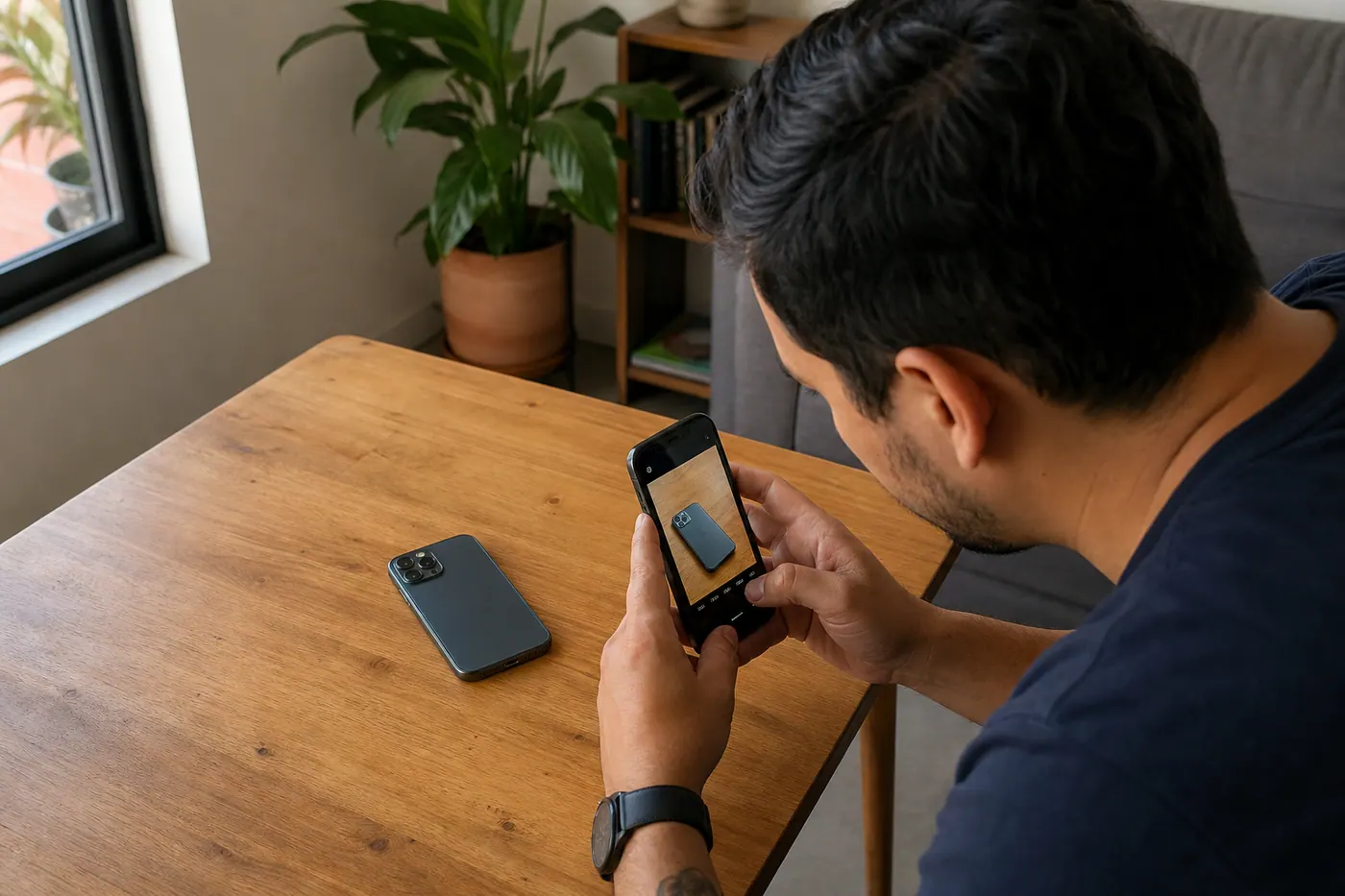
A dark photo with the phone face up on a rumpled bed communicates only one thing: carelessness. And people who buy used want to know that the seller knows what they have in their hands.
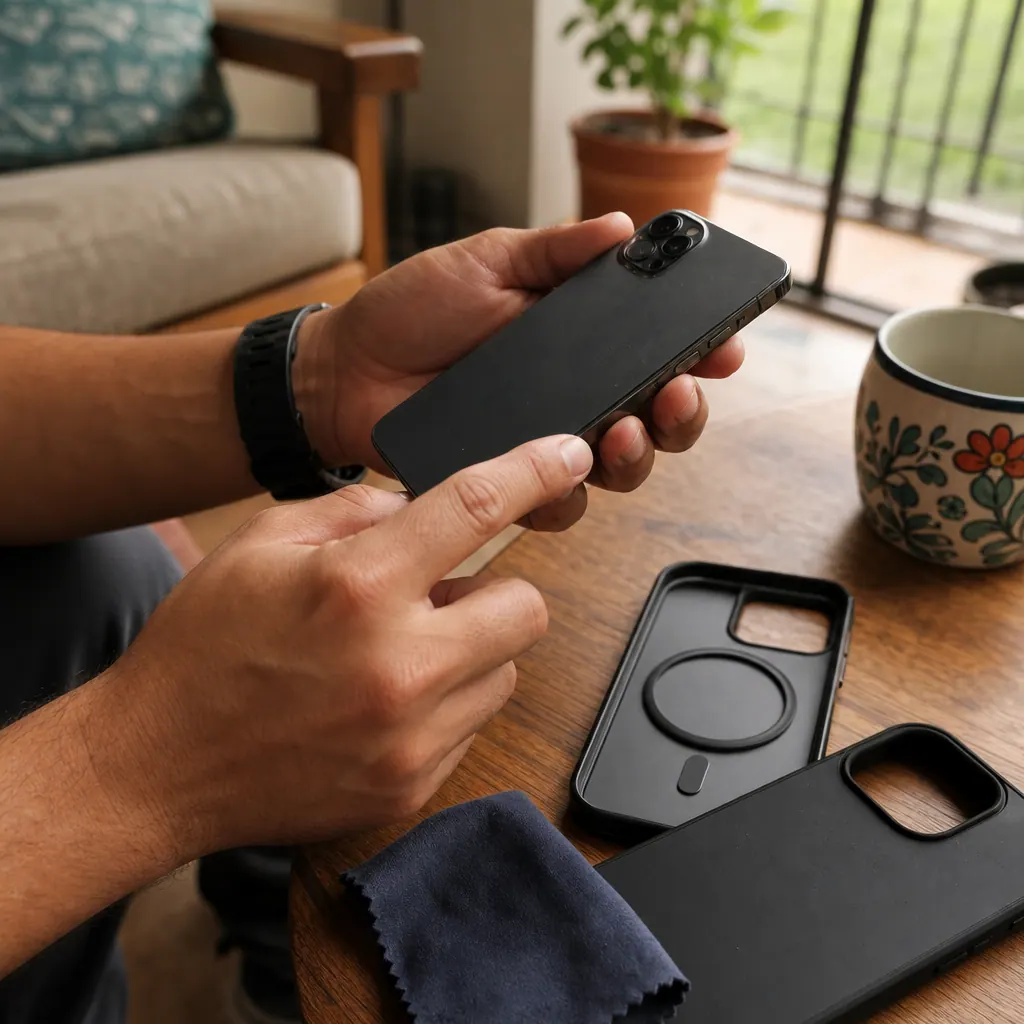
What works well: take the photos during the day, near a window, on a clean and neutral surface — light wood table, white desk, matte gray surface. Show: the screen on with date and time visible (proves that it turns on and the state of the display), the complete back, the edges where the first bumps usually appear, and the charging port. If you have the original box or case, add them too as context.
If there is a scratch or a small crack, photograph it yourself before the buyer sees it in person. It seems counterproductive, but it is the opposite: the buyer arrives with adjusted expectations, sees exactly what you showed them, and closes with peace of mind. Those who get angry and back out are the ones who arrived and found something nobody had told them about.
Where to post to receive serious buyers
Facebook Marketplace has traffic, but it also has quite a bit of noise: intermediaries who are going to resell your phone at a higher price, curious people who will never buy, and some professional scammers. If you use it, set it so that only people from your city see your ad and never send the device before having the money in your account.
MercadoLibre Colombia has more volume for electronics, but charges a commission — between 9% and 13% on the final price. On an iPhone of COP $2,200,000, that means between COP $198,000 and COP $286,000 that go directly out of your pocket. You have to decide if the reach is worth that money.
An option that doesn't charge anything: post in the electronics category of Colombia Move. It is free, the ad has its own page that appears on Google, and buyers contact you directly via WhatsApp — without intermediaries or commissions. It works well for mid-range and high-end cell phones where the margin matters.
📖 Keep reading
Do you want to compare all platforms before deciding? This guide compares Facebook Marketplace, MercadoLibre, OLX, and options without commission.
Read guide →How to collect payment without being left owed
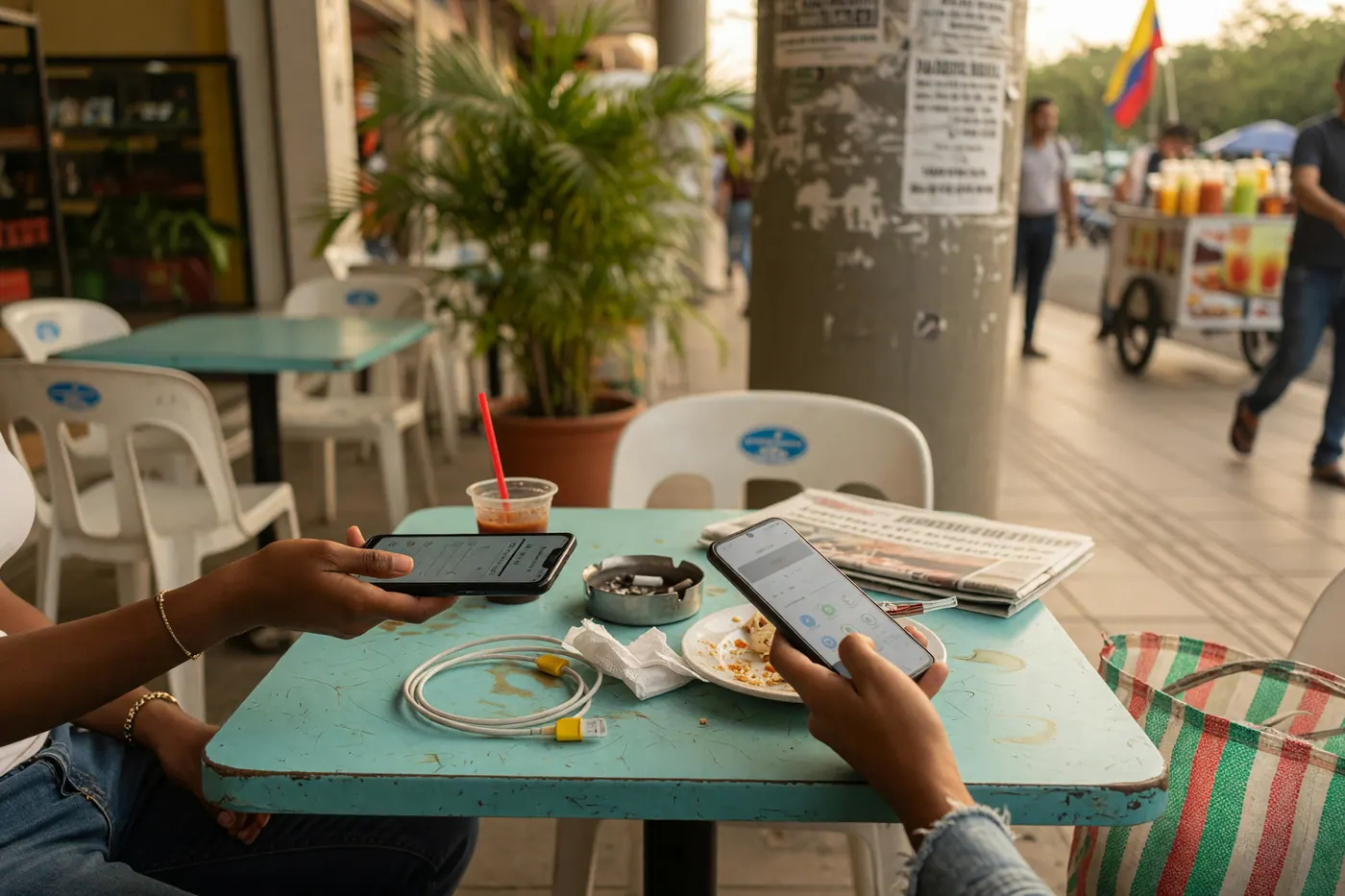
The most important rule: never hand over the device without having the money in your account. Not a screenshot, not a "I already sent it," not a bank receipt. The money has to appear in your account before the cell phone changes hands. Fake transfer screenshots are the most common scam in used electronics sales in Colombia — and they are very well made.
For devices worth COP $800,000 or less, Nequi or Daviplata work well: payment is immediate and lands in your account instantly. For higher-value devices, a bank transfer is slower but leaves a clearer record. And for devices over COP $1,500,000—especially recent iPhones—the safest approach is to meet in person in a public place, receive the cash, and hand over the item right there.
Perform the factory reset yourself, in the buyer's presence, before handing it over. This clears any doubt that there are linked accounts or data, leaving both parties at ease. It's a step many sellers skip, but it actually concludes the transaction much better.
⚠️ Pay attention to this
If the buyer insists on transferring money first and picking up later, it is a red flag. The correct dynamic is: you meet, the buyer checks the phone, pays, and receives it. Not the other way around.
Frequently Asked Questions
❓ How do I know if a phone is reported stolen in Colombia?
Dial *#06# to see the IMEI, then check it on the MinTIC portal or any IMEI verification app available in Colombia. The result will tell you if the device is reported as stolen or has an active block by any carrier.
❓ How much more is a phone worth with a receipt in Colombia?
It depends on the model, but generally between COP $150,000 and COP $400,000 more than one without paperwork. For iPhones, the difference is usually greater because buyers can verify the activation history directly with Apple.
❓ What is the minimum acceptable battery percentage to sell a used iPhone?
Most buyers expect 80% or more. Below that number, the price drops, but the important thing is to declare it in the listing—a buyer who knows in advance won't negotiate as aggressively as one who discovers it in person.
❓ Is it safe to receive payment via Nequi when selling a phone?
Yes, as long as the money is already visible in your account before handing over the device. Do not hand it over based on a screenshot—wait until the transfer appears confirmed in your app.
❓ Where is it best to post to sell quickly without paying commissions?
Colombia Move offers completely free posting in its electronics category, ads appear on Google, and contact is via direct WhatsApp. MercadoLibre has more traffic but charges between 9% and 13% commission. Facebook Marketplace is free but has more scams and more middlemen.
Do you have a story about selling used phones in Colombia—a difficult negotiation, a no-show buyer, or a deal that went perfectly? Tell us in the comments. Those real-life experiences help anyone about to make their first sale who isn't sure what to expect.
Comments
Loading comments...
Checking sign-in status...