
How to Get Starlink Internet in Colombia: Rural Homes, Fincas, and Casa Campestres
Starlink can be the difference between guessing and actually working from a finca in Colombia. Here is how to check coverage, choose a plan, install it, and avoid the rural mistakes.
IDIOMA DEL ARTÍCULO
Showing original language
If you are buying, renting, or building a finca in Colombia, internet is no longer a small detail. It decides whether you can work from the property, run cameras, host guests, manage a rental, take video calls, accept online payments, or simply stay in touch when the nearest town is 40 minutes away.
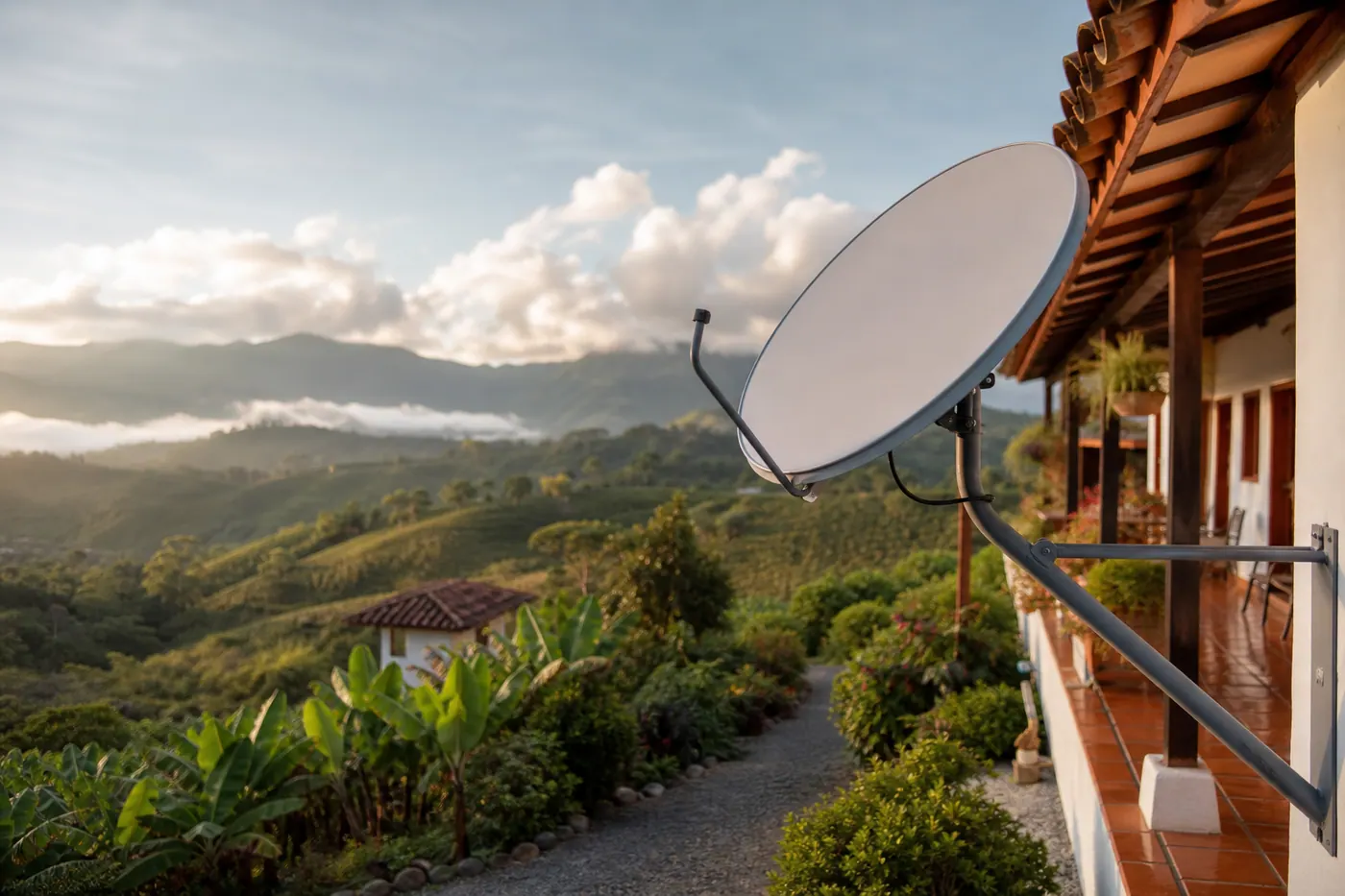
That is why Starlink matters here. In many rural parts of Colombia, fiber stops at the village, mobile data collapses inside valleys, and old satellite internet feels like punishment. Starlink is not magic, and it is not the cheapest option if fiber is available. But for fincas, casa campestres, farms, rural Airbnb projects, eco-lodges, and remote workers, it can be the cleanest path to usable broadband. If you want to see real-world options right now, you can browse farms and rural land for sale on Colombia Move — posting is completely free.
This guide is current as of May 7, 2026. Prices and promotions can change, so always confirm on Starlink Colombia's service-plan page and check your exact address on the official Starlink availability map before ordering.
The short answer
For most rural homeowners, the biggest decision is not whether Starlink works in Colombia. It does. The real decision is whether your property has a clean view of the sky, stable power, and a mounting location that survives rain, wind, curious visitors, and tree growth.
Is Starlink legal and available in Colombia?
Yes. MinTIC announced in August 2022 that it granted Starlink permission to use spectrum for satellite radiocommunications in Colombia, specifically highlighting the potential to improve connectivity in remote areas. You can read the MinTIC notice here: Gobierno nacional otorga permiso de uso de espectro a Starlink.
For a normal customer, this means you do not need to become a telecom engineer or file a spectrum application just to order home internet. You order service from Starlink, install the kit, and manage the subscription through Starlink's site or app.
Current Starlink Colombia plans and prices
Starlink's Colombia page currently lists these personal plans:
| Plan | Current listed price | Best for |
|---|---|---|
| Residential Lite | $ 150.000 COP / month | Lower-use homes at a fixed address; lower priority than Residential during busy periods. |
| Residential | $ 250.000 COP / month | A fixed finca, family home, rural rental, or casa campestre where internet matters every day. |
| Roam 50 GB | $ 210.000 COP / month | Occasional travel, scouting properties, weekend use, or a backup kit that moves. |
| Roam Unlimited | $ 415.000 COP / month | People who move often and need more data without being tied to one fixed address. |
Do not treat these as lifetime prices. Starlink changes hardware offers, taxes, shipping, plan names, and promotions. The safe move is to budget for the kit, monthly service, a proper mount, cable protection, and backup power if the property has unstable electricity.
Which plan should you choose?
Choose Residential or Residential Lite for a fixed finca
If the dish will live at one property, fixed residential service is usually the right starting point. This is the setup for a finca outside Medellin, a casa campestre near Pereira, a farm in Boyaca, a rural rental in Antioquia, or a country house where you want normal home internet.
Residential Lite is cheaper but lower priority. That can be fine for email, WhatsApp, browsing, security cameras, and light streaming. If multiple people are working, streaming, uploading videos, or hosting guests, Residential is the safer default.
Choose Roam if the kit moves
Roam is for movement. Pick it if you are driving around Colombia evaluating fincas, moving between several rural properties, using the dish in a camper, doing temporary work stays, or keeping one kit as a flexible backup. The tradeoff is cost and data limits depending on the plan.
Standard kit vs Mini
For a fixed rural home, the Standard kit is usually the practical choice because it is meant to behave like home internet. Starlink's Standard specs list average power consumption around 75-100 W, so plan your solar or UPS setup around that, not around a phone charger.
Starlink Mini is more portable and has a built-in WiFi router, lower power draw, DC power input, and Starlink says it can reach max download speeds over 100 Mbps. It is attractive for scouting properties, vans, temporary stays, and power-sensitive setups. For a permanent finca installation with several users, compare the exact plans available to your address before buying Mini as your only connection.
How to order Starlink in Colombia
- Go to starlink.com/co or the official Starlink app.
- Enter the finca address. If the address is vague, use the closest verifiable address, GPS coordinates, or a Plus Code from Google Maps where Starlink accepts it.
- Check which plans are available for that exact service location.
- Choose Residential/Lite for a fixed property or Roam if the dish will move.
- Confirm the kit, shipping address, taxes, and monthly plan before paying.
- When the kit arrives, use the Starlink app obstruction tool before drilling anything.
For rural Colombia, the address step is often the only awkward part. Many fincas have a vereda name, a gate, a kilometer marker, and a WhatsApp pin instead of a clean street address. Save the property coordinates, confirm them in the app, and make sure the delivery address is somewhere a courier can actually find.
The rural installation checklist
1. Clear sky beats everything
Starlink needs an unobstructed view of the sky. Trees, steep hillsides, rooflines, water tanks, and nearby mountains can all cause drops. This is the most common rural mistake: people test the kit on the patio, it works for five minutes, then video calls freeze every time the satellite path crosses the guadua or mango tree.
Use the Starlink app's obstruction scanner before choosing the mount. Walk the property. Check the roof, a pole near the house, a terrace, and any open field with cable access back to the router.
2. Mount it like the rainy season is coming
A dish sitting loose on a table is fine for testing. It is not a rural installation. Colombia's rain, wind, animals, workers, and visitors will eventually move it. Use a wall, roof, pole, or pipe mount with proper cable routing. Keep the cable out of standing water and away from spots where it will be cut by a guadana, mower, car tire, or car wheel.
3. Plan for power outages
A lot of rural properties have power, but not clean power. Voltage dips and short outages are common. Put the router and dish on a UPS if internet matters for work or cameras. For off-grid setups, size your battery and solar based on real consumption. A Standard kit running day and night can use meaningful energy, so include it in the solar math.
4. Extend WiFi intentionally
The Starlink connection may be fast at the router and weak in the bedrooms. Thick walls, long houses, detached cabins, guest rooms, and outdoor kiosks need mesh nodes, Ethernet runs, or outdoor access points. Do not judge Starlink by the WiFi signal in the far bedroom if the router is sitting behind a concrete wall.
5. Keep a backup SIM
For serious remote work, keep a mobile data backup from Claro, Movistar, Tigo, WOM, or a local provider that performs well in that vereda. Starlink can be excellent, but heavy rain, power issues, damaged cables, or account problems can still interrupt service. A backup SIM is cheap insurance.
Where Starlink makes the most sense in Colombia
- Fincas and casa campestres outside city fiber coverage.
- Rural Airbnb, glamping, eco-lodge, or retreat properties where guests expect WiFi.
- Coffee farms, cattle farms, and agricultural operations that need cameras, payments, and WhatsApp.
- Remote workers living outside Medellin, Bogota, Pereira, Manizales, Armenia, Santa Marta, Villa de Leyva, or smaller towns.
- Properties where 4G exists but collapses at night or inside the house.
If you are still shopping for rural property, read our beginner guide to buying a finca in Colombia before you fall in love with a view. Internet is one line item; water, title, access road, altitude, and drive time matter just as much.
When Starlink is probably not the best option
If fiber is available and reliable, start with fiber. It is usually cheaper, lower latency, and less weather-sensitive. Starlink is strongest where fiber is absent, mobile data is weak, or you need a connection that can be installed without waiting months for a rural ISP.
If your finca is under dense trees or in a narrow canyon with no clear sky, Starlink may disappoint. You might need a taller pole, a different spot on the property, or another technology entirely.
What to ask before buying or renting a rural property
- Can I see an actual internet speed test from the property, not the nearest town?
- Is there fiber, fixed wireless, 4G/5G, Starlink, or nothing installed today?
- Where would a dish have clean sky without trees?
- Is the electricity stable enough for video calls?
- Is there a safe roof/pole location and a route for the cable?
- Will guests or workers need WiFi in detached rooms or only in the main house?
A seller who already knows these answers is doing you a favor. A seller who says 'hay internet' but cannot name the provider, plan, speed, or router location is giving you a homework assignment.
FAQ
Does Starlink work in rural Colombia?
Yes, in many rural locations, provided the property has a clear view of the sky and the service location is eligible. Always verify your exact address or coordinates before ordering.
Can I use Starlink for remote work from a finca?
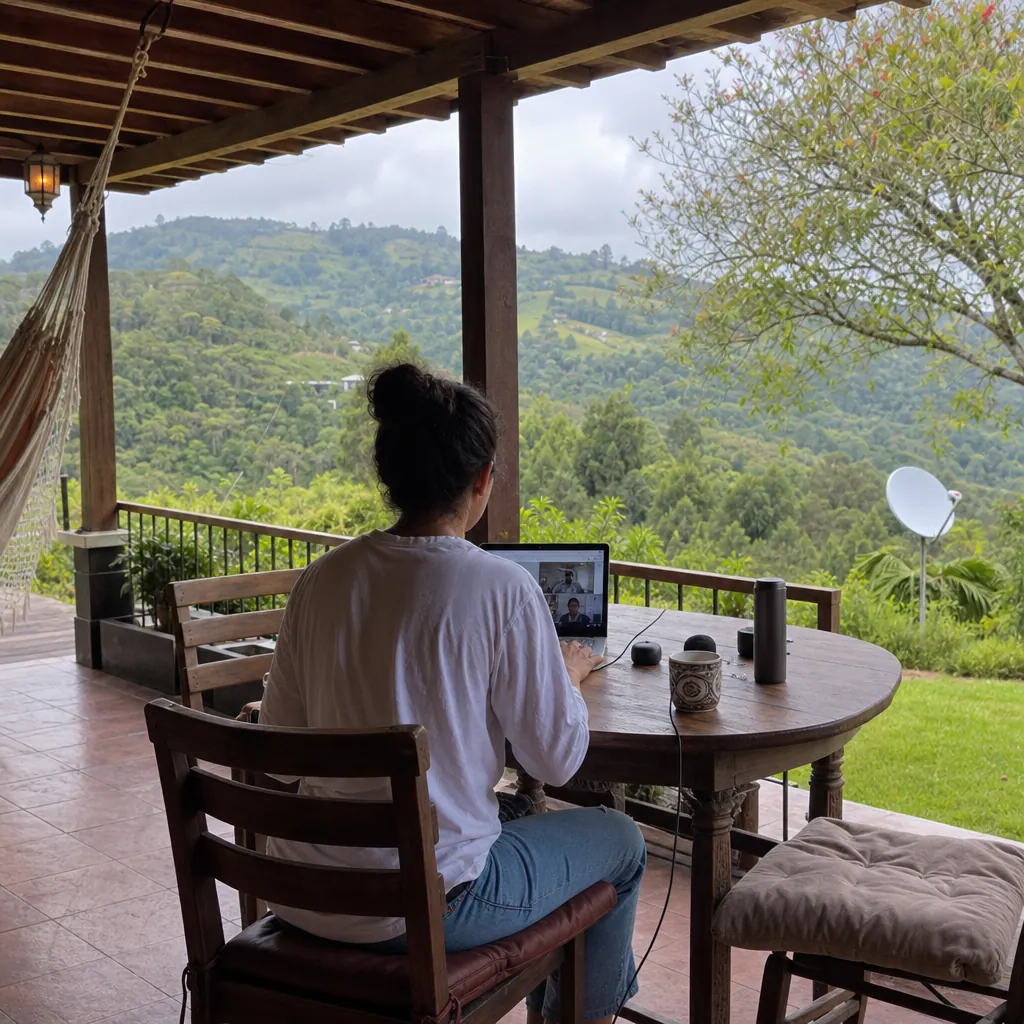
Often yes. Many remote-work tasks need far less bandwidth than people think, but stability matters. Clear sky, backup power, and good indoor WiFi are what make it feel professional.
Can I move a Residential Starlink between properties?
Residential plans are designed for a fixed service location. If you need to move regularly, compare Roam plans instead of assuming a fixed plan will behave like portable internet.
Is Starlink enough for cameras and Airbnb guests?
It can be, but design the local network properly. Guest cabins, cameras at the gate, and outdoor areas may need mesh or Ethernet. Also check upload performance if you plan to run several cameras.
Should I tell buyers or renters that a finca has Starlink?
Absolutely. For rural property, verified internet is a selling point. List the provider, plan, typical speed, router location, backup power, and whether WiFi reaches guest rooms.
If you are selling a finca, casa campestre, or rural lot, publish it free on Colombia Move and include the internet setup clearly. Rural buyers notice.


Comments
Loading comments...
Checking sign-in status...