
How to Make Your Listing Show Up on Google
Most listings are invisible to Google — not because of some algorithm secret, but because of avoidable mistakes in the title and description. Here's how to fix that.

IDIOMA DEL ARTÍCULO
Showing original language
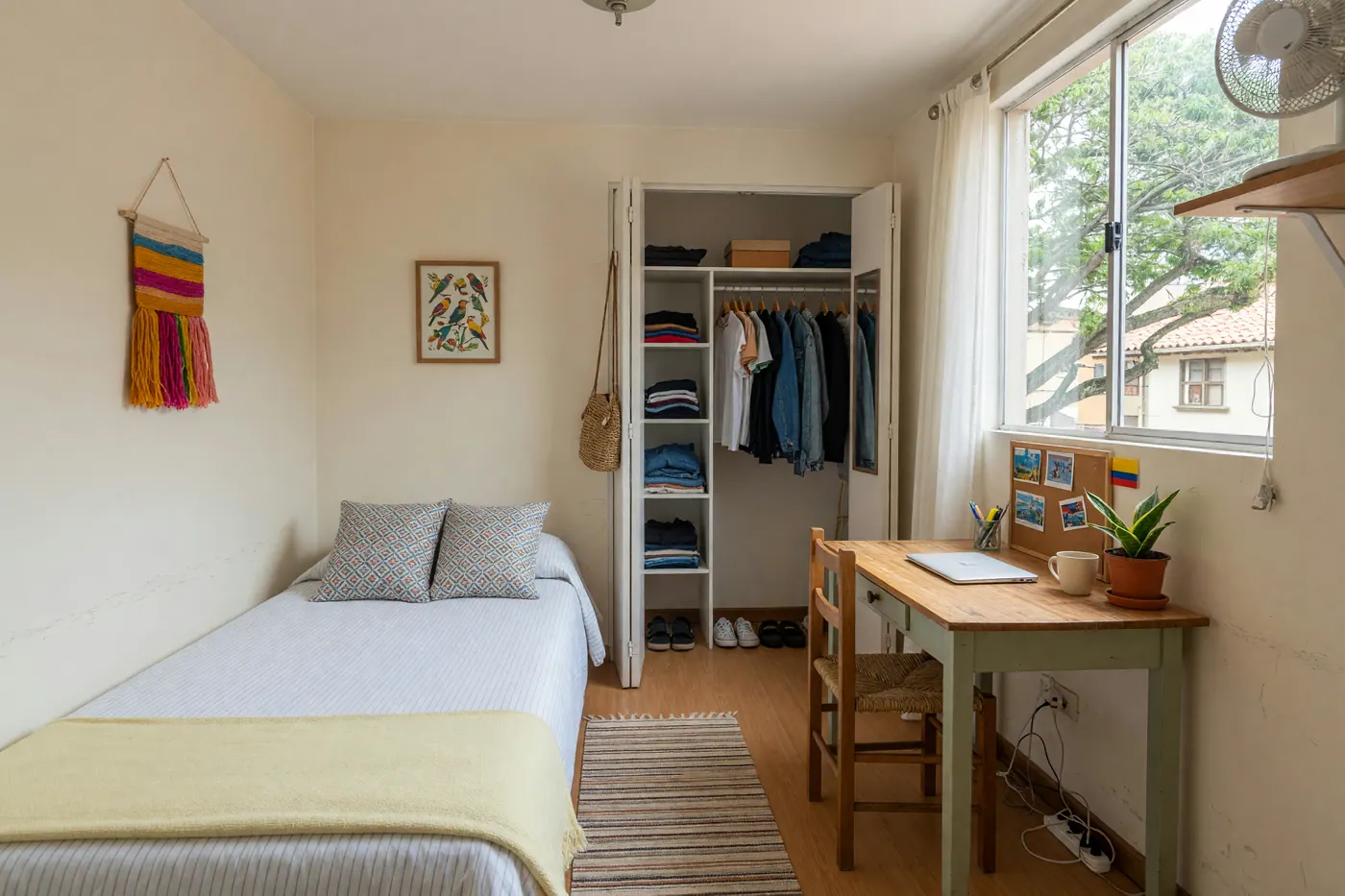
A friend of mine spent three weeks trying to sell a desk in Medellín. He'd posted it on two platforms, and both brought him nothing. I looked at his listing: the title just said "Desk for sale." No brand, no material, no size, no neighborhood — nothing for a buyer to latch onto.
The second he changed it to "IKEA wooden desk 140cm, like new — Laureles, Medellín" he had two messages the same day. One of them came from someone who found the listing through Google.
Search engines work on text. Your title and description are the only things Google has to understand what you're selling, where it is, and who should find it. This guide covers what actually moves the needle — no SEO jargon, no promises of overnight ranking, just practical stuff that works.
What to know first
- Write titles like a buyer searching: brand + model + condition + city
- Put the most important keywords in the first 10 words of your title
- Use full words in descriptions — Google reads text, not photos
- Colombia Move listings are public, indexable pages (unlike Facebook Marketplace)
- Your seller storefront is a separate indexed page — keep it filled out
Why Some Listings Appear on Google (and Others Don't)
Google finds and indexes pages it can crawl. Most Facebook Marketplace listings are hidden behind login walls — Google can't see them. WhatsApp groups don't exist for Google at all. OLX requires an account for most features. This is why sellers on those platforms get zero organic search traffic, regardless of how well-written their posts are.
Colombia Move listings are public pages. Google can find them, read them, and include them in search results — but only if the content gives Google something to work with. The platform handles all the technical SEO: structured data, clean URLs, fast loading, indexing signals. Your job is the words on the page.
A listing titled "teléfono" tells Google almost nothing. A listing titled "Samsung Galaxy S24 256GB desbloqueado sin rayaduras — Medellín Laureles" gives Google enough to match that listing against dozens of real buyer searches. The difference in visibility is enormous.
The Title Is Everything
Think about how a buyer actually searches. They don't type "nice laptop for sale." They type "Dell XPS 13 usado Medellín" or "MacBook Air M2 segunda mano Bogotá." Your title needs to match that pattern — not be a sales pitch, but a specific description that maps to a real search query.
The formula that works: [Brand/Type] + [Model/Size/Spec] + [Condition] + [City/Neighborhood]. In practice:
- Electronics: Samsung washing machine 14kg — good condition — Chapinero, Bogotá
- Vehicles: Honda CB300 2021 — 28,000km — SOAT vigente — Cali
- Housing: 2-bedroom apartment for rent — furnished — Laureles, Medellín
- Tech: iPhone 14 Pro Max 256GB black — unlocked — Envigado
You can pack a lot into a title. Use the space. One thing to avoid: starting your title with "FOR SALE" or "SE VENDE." That text wastes your most valuable real estate. Google gives extra weight to the first words of a title — use them on the actual thing you're selling.
Write a Description Google Can Read
Google reads your listing description to understand context. A description that says "muy bueno, precio negociable, llame al..." gives Google nothing to work with. Worse, it makes the listing look thin — and Google deprioritizes thin content.
Include the details that a buyer searching for your item would actually care about:
- Electronics: Full model name ("Dell Inspiron 15 3000" not just "Dell"), storage, RAM, battery life, any defects
- Housing: Square meters, admin cost, furnished status, floor, parking, nearest metro/Transmilenio
- Vehicles: Year, exact mileage, transmission type, AC status, any recent repairs
- Services: City/neighborhood you serve, years of experience, what's included in the price
Write it like a human, not a keyword list. A natural paragraph with specific details beats keyword stuffing every time — and it reads better for buyers too. What Google actively dislikes: all-caps text, excessive punctuation (!!!), phone numbers repeated multiple times, and descriptions that are mostly emoji.
One thing that helps that most sellers overlook: mention the neighborhood name in the description even if you've already put it in the title. Location signals reinforce each other, and buyers searching by neighborhood will find you more reliably.
Your Seller Storefront Is a Bonus SEO Page
When you fill out your Colombia Move seller profile, you're creating a second public page that Google can index. Your storefront at colombiamove.com/tienda/[username] shows all your active listings, your location, and your bio — it's essentially a free search landing page for your business.
If you're a regular seller — a contractor, a small business, someone who buys and resells — your storefront page can appear in searches like "plomero El Poblado Medellín" or "tech accessories seller Bogotá." The bio field is where this happens, so don't leave it blank.
Keep it specific: your city, what you offer, and if you're a professional, what certifications you hold or what neighborhoods you cover. Three sentences is enough. A storefront bio that says "vendo cosas" is invisible to search engines.
Keep Reading
How to Spot a Good Seller Storefront in Colombia — what buyers actually check before sending a message.
Read the guide →Categories and Location Help Google Understand What You're Selling
When you select the right category and fill in the location correctly, you're giving Google structured signals — not just free text. A listing categorized under "Apartamentos en arriendo" in Medellín gets indexed with that context, which helps it appear in category-specific searches even when the buyer types slightly different terms.
A few things worth knowing here:
- Don't use a generic category to reach more people — it usually does the opposite. Category-specific searchers are your buyers.
- Use neighborhood names if the area has a well-known sub-name. "Castellana, Barrios Unidos, Bogotá" is better than just "Bogotá."
- For services, use the city you actually work in, not just "Colombia" — local service searches are city-specific, and generic location hurts you.
What Won't Help (Save Your Time)
A few things sellers do that make no difference to Google:
Skip these — they don't affect Google visibility:
- Posting the same listing multiple times — Google spots duplicate content and ignores copies. One specific listing beats five identical ones.
- All-caps titles — Google doesn't rank caps higher. Buyers find them off-putting.
- Paid boosts on other platforms — Boosting visibility within a platform's feed doesn't make your listing appear in Google. Those are two separate systems.
- Watermarked photos — Photos don't affect text-based SEO. Watermarks may hurt your listing aesthetics, but won't impact your Google ranking.
What consistently helps: a specific title, a real description, an active and filled-out storefront, and listings that stay live long enough for Google to index them. Most sellers can improve their search visibility meaningfully just by rewriting their titles — it takes five minutes and costs nothing.
FAQ
❓ How long does it take for a new listing to appear in Google?
Usually 2–7 days on a platform that's already indexed. Colombia Move is crawled regularly, so new listings can be picked up relatively quickly. There's no guaranteed timeline, and position depends on how competitive the search term is.
❓ Should I write my listing in Spanish, English, or both?
Depends on your buyers. For housing and services in expat-heavy areas, a bilingual title picks up both markets — "Laptop HP usado / used — Poblado, Medellín" works well. For most local classified items, Spanish-only is fine. For the description, write the language your most likely buyer speaks.
❓ Does renewing my listing improve its Google ranking?
Renewing resets the listing's freshness signal, which can help — Google tends to prefer recently active pages. It won't change your position dramatically, but keeping listings active rather than letting them expire is generally better than the alternative.
❓ My listing showed up in Google once but now I can't find it — what happened?
Listings that expire or are marked sold are typically de-indexed. If your listing is still active but disappeared, it may have been de-prioritized due to thin content — try improving the title and description. Google re-crawls pages regularly, and a content update can bring a listing back.
❓ Should I put my phone number in the listing description?
Not on Colombia Move — buyers contact you through the platform's built-in messaging system, so your number isn't needed in the text. Including phone numbers in descriptions is also a pattern Google associates with low-quality spam listings, which can actually work against you.
📋 Ready to build trust with buyers?
Once your listing shows up in Google, the next step is converting that click into a message. This guide covers the signals buyers look for before reaching out.
How to build trust as a seller →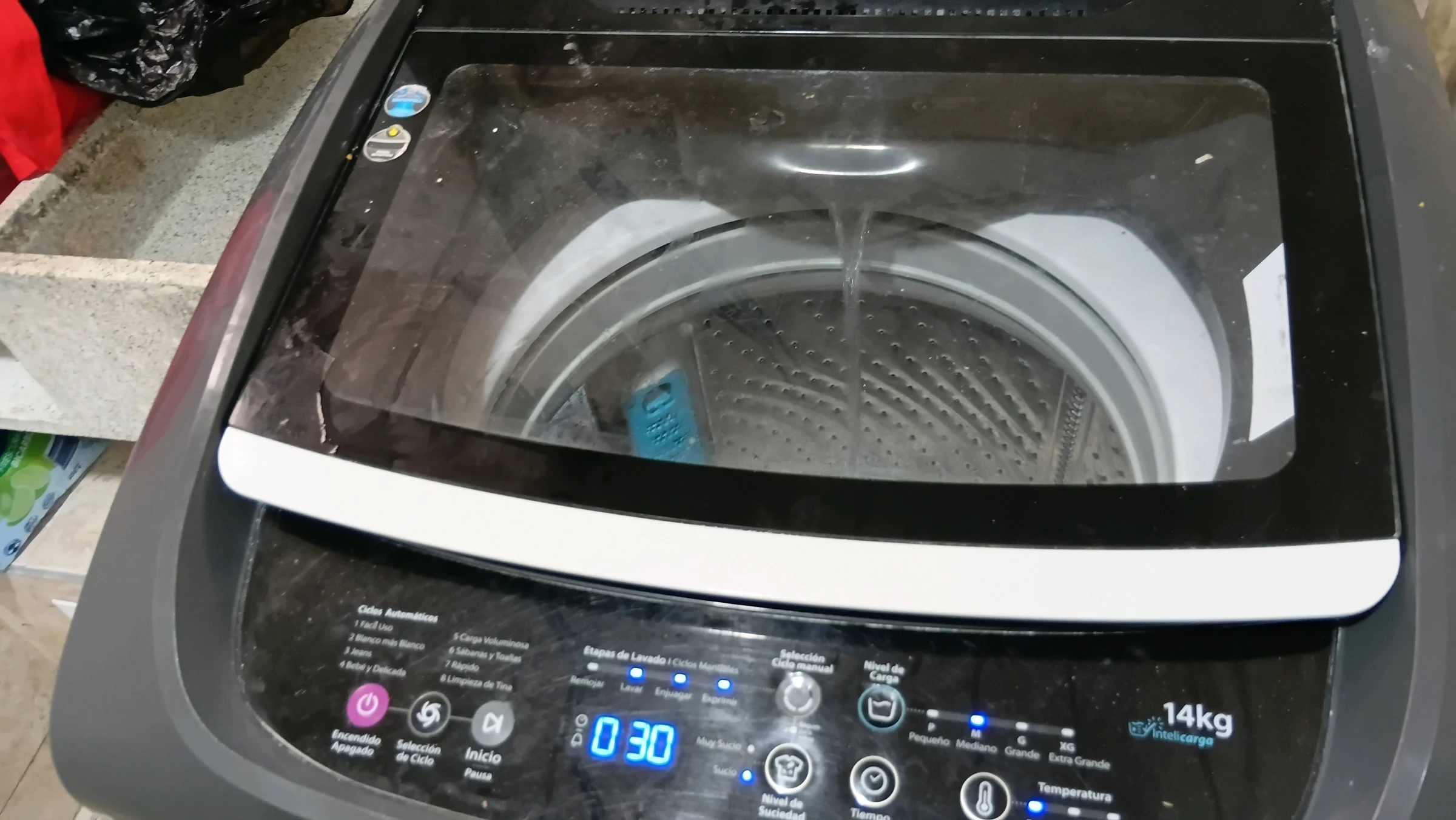

Comments
Loading comments...
Checking sign-in status...